PC Financial Mobile
- 1.25K
- 4.9
- Installs
- 820.00M
- Version
- Varies with device

Screenshots


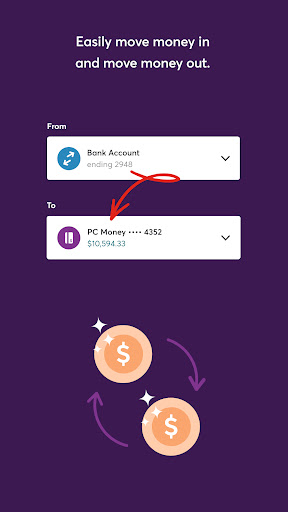


The PC Financial Mobile app is a convenient online baking tool. Users can manage their credit cards, bank accounts and transaction records in this app anywhere and anytime. Users can also gain personalized insights into their spending and set custom alerts with just a few taps.
Sign in easily with a fingerprint or facial recognition. Download the PC Financial app now and manage your PC Financial Mastercard information and your PC Money Account.
Features:
- Convenience: This app is an all-in-one solution for users to manage their credit cards, account balance and transaction records.
- Personalized service: This app allows users to customize the notifications of spending, refund and due dates.
- App not working in iOS: Many users report that they cannot open the app after the last update.
I received a replacement card, do I need to activate my card again?
If you need to replace your card because it is expiring soon or was lost, you need to confirm or update your PIN. Please go to 'Accounts'. Select the card you would like to activate. Then confirm or change your PIN.
How do I pay the bill?
Please log in to your PC Financial mobile app. Select Move Money. Click Pay bills. Then select the payee you wish to pay. Select the amount, date and frequency with which you would like the payment to be made. Finally, confirm your payment.


