Smart Printer
- 1.34K
- 4.3
- Installs
- 260.00M
- Version
- Varies with device

Screenshots

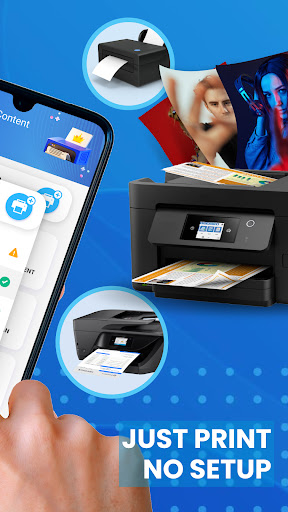
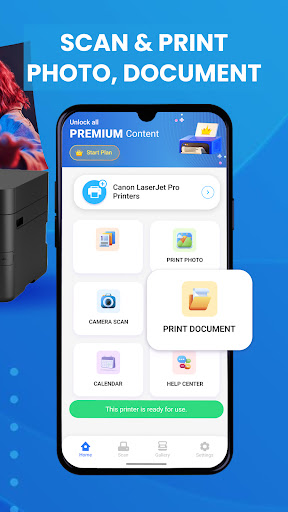
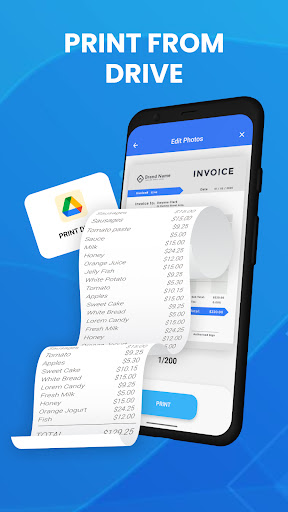
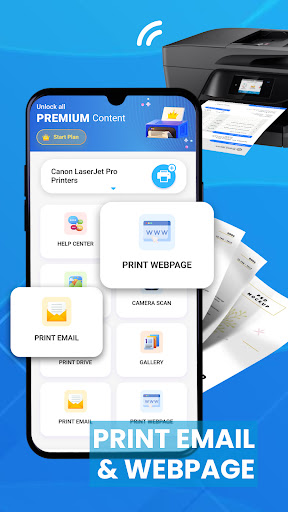
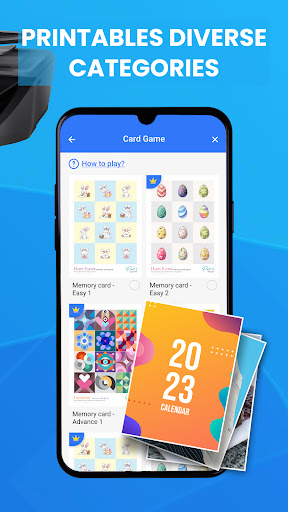
Introduction to Smart Print for HP Printer App
In the era of digital transformation, the need for seamless printing solutions has never been more critical. The Smart Print for HP Printer App emerges as a robust tool designed to simplify printing tasks directly from your mobile device. Whether you're at home, in the office, or on the go, this app promises to make printing as effortless as a few taps on your smartphone.
Key Features of Smart Print for HP Printer App
The Smart Print for HP Printer App is packed with features that cater to both casual users and professionals. Here are some of the standout functionalities:
- Wireless Printing: Print documents, photos, and web pages directly from your smartphone or tablet without the need for cables.
- Cloud Integration: Access and print files stored in cloud services like Google Drive, Dropbox, and OneDrive.
- Mobile Scanning: Use your device's camera to scan documents and send them directly to your HP printer.
- Printer Management: Monitor ink levels, check printer status, and receive notifications for maintenance needs.
- User-Friendly Interface: The app boasts an intuitive design that makes navigation and operation straightforward for users of all tech levels.
How Smart Print for HP Printer App Stands Out
What sets the Smart Print for HP Printer App apart from other printing apps is its seamless integration with HP's ecosystem. The app is specifically optimized for HP printers, ensuring a smooth and reliable printing experience. Additionally, the app's ability to handle a variety of file formats and its cloud integration capabilities make it a versatile tool for both personal and professional use.
User Experience and Performance
Users have praised the Smart Print for HP Printer App for its reliability and ease of use. The app's performance is consistently smooth, with minimal lag or crashes reported. The wireless printing feature is particularly appreciated for its convenience, allowing users to print from virtually anywhere within their network range. The mobile scanning feature also receives high marks for its accuracy and ease of use, making it a valuable tool for digitizing documents on the fly.
Pros and Cons
Like any app, the Smart Print for HP Printer App has its strengths and areas for improvement. Here's a quick rundown:
- Pros:
- Seamless wireless printing
- Comprehensive cloud integration
- User-friendly interface
- Reliable performance
- Cons:
- Limited to HP printers
- Some advanced features may require a learning curve for new users
Conclusion
The Smart Print for HP Printer App is a powerful tool that brings convenience and efficiency to your printing tasks. Its robust features, user-friendly design, and reliable performance make it a must-have for anyone with an HP printer. Whether you're printing documents for work, photos for personal use, or scanning important papers, this app ensures that you can do it all with ease and confidence.
In summary, if you own an HP printer and are looking for a reliable, feature-rich printing app, the Smart Print for HP Printer App is an excellent choice. Its seamless integration with HP's ecosystem and versatile functionalities make it a standout option in the crowded market of printing apps.


