SmartCut
- 2.40K
- 4.3
- Installs
- 250.00M
- Version
- Varies with device

Screenshots








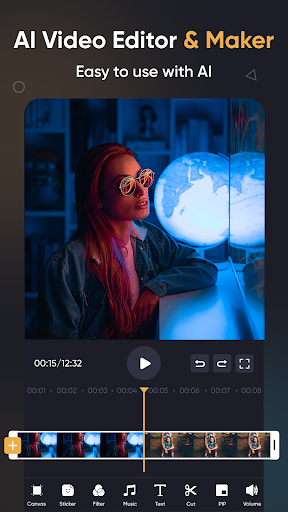

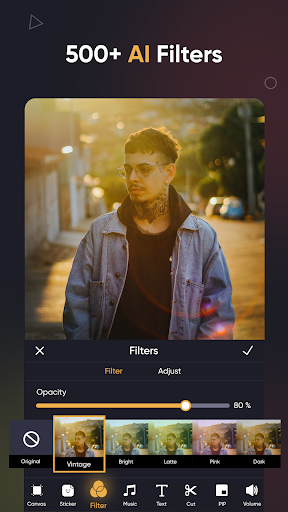

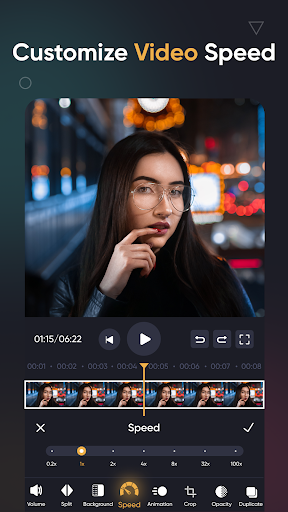
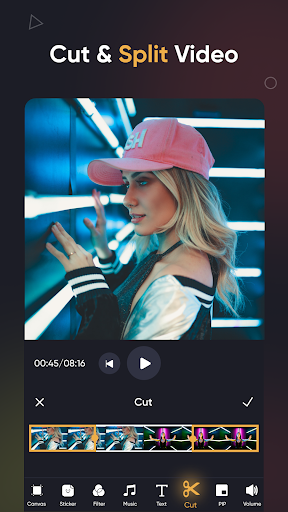

Pro
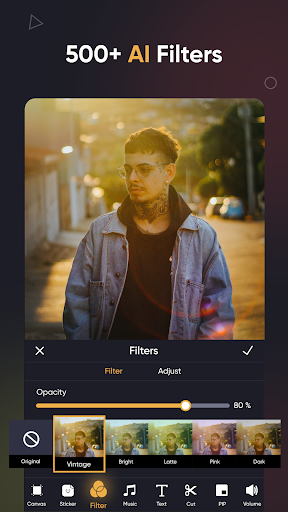
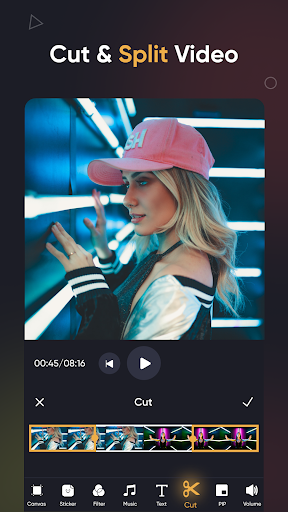
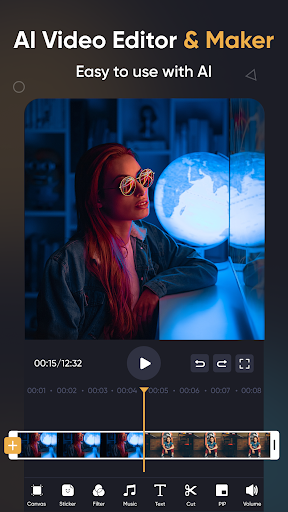
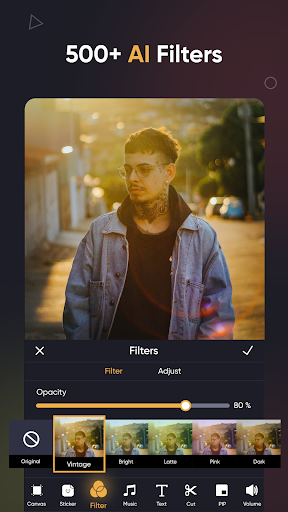
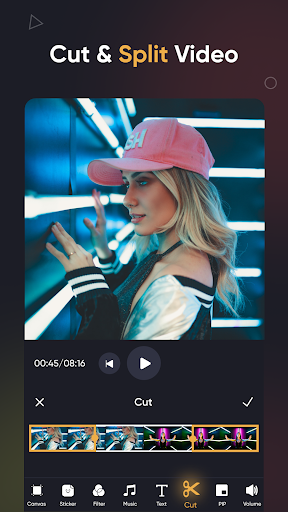
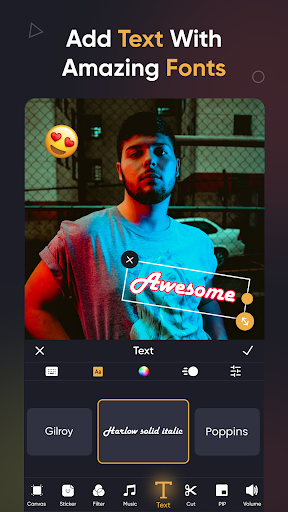
1. Automated Editing: SmartCut uses AI to automatically detect and cut out unimportant scenes, streamlining the video editing process.
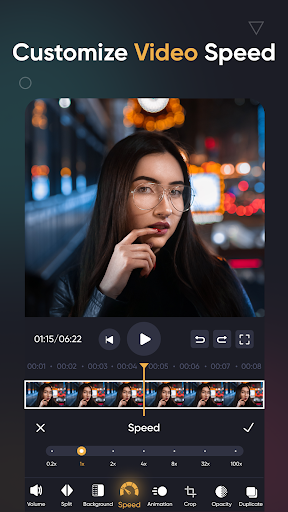
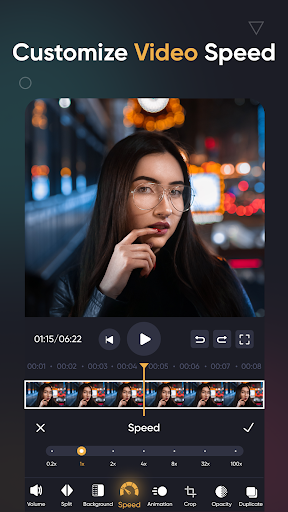
2. Enhanced Precision: The application offers frame-by-frame editing capabilities, allowing users to make highly accurate adjustments to their videos.
3. User-Friendly Interface: Designed for both beginners and professionals, SmartCut features an intuitive interface that simplifies complex editing tasks.
Con
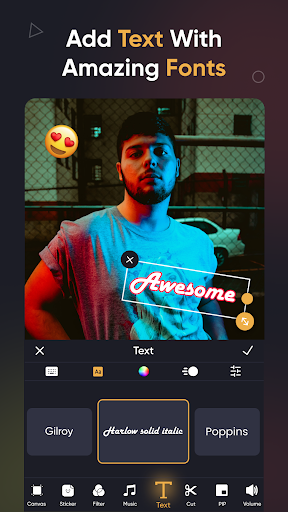
1. Limited Customization: SmartCut's AI-driven edits may lack the precision and individuality that manual editing provides, limiting creative control.
2. High Resource Usage: The application can be resource-intensive, potentially slowing down your device or requiring high-end hardware.
3. Subscription Fees: While offering advanced features, SmartCut may come with costly subscription fees, making it less accessible for casual users.


