Wifi Password
- 1.02K
- 4.8
- Installs
- 250.00M
- Version
- Varies with device

Screenshots



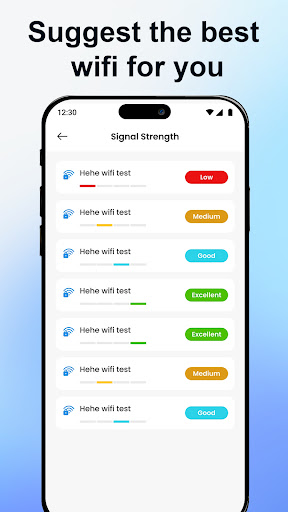
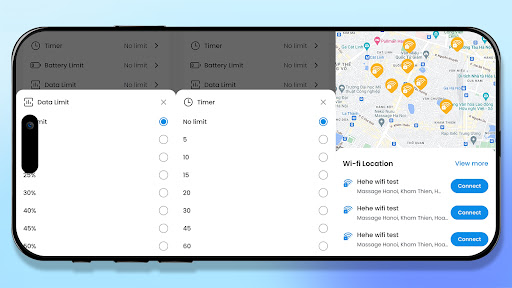


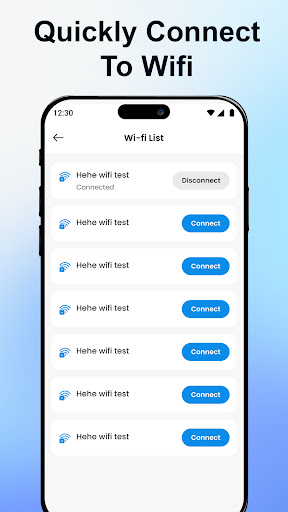
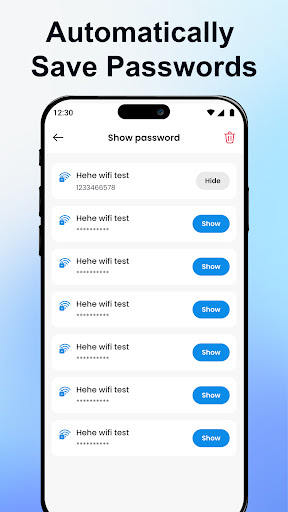






Pro
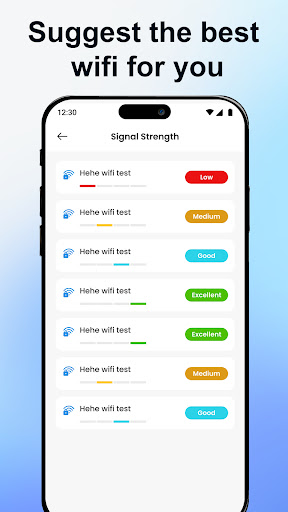
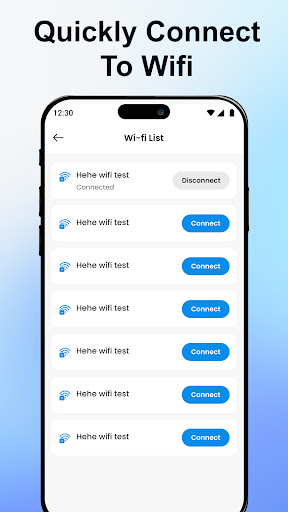
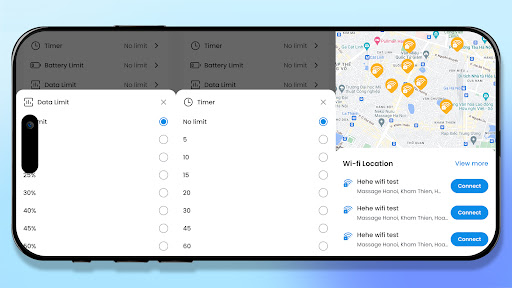
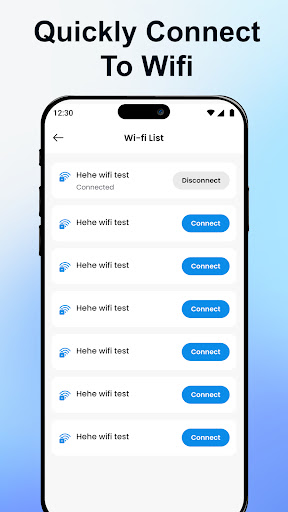
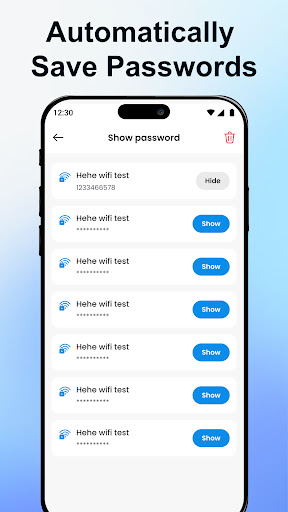
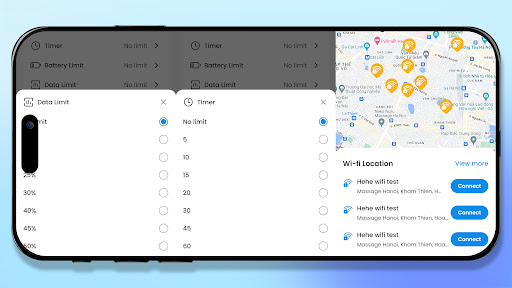
1. Convenience: Wifi Password: Auto Connect stores multiple network credentials, allowing automatic connection to known Wi-Fi networks without re-entering passwords, saving time and effort for users frequently moving between locations.
2. Easy Sharing: The app enables users to share network credentials with friends or guests quickly, through QR codes or directly within the app, streamlining the process and enhancing user experience.
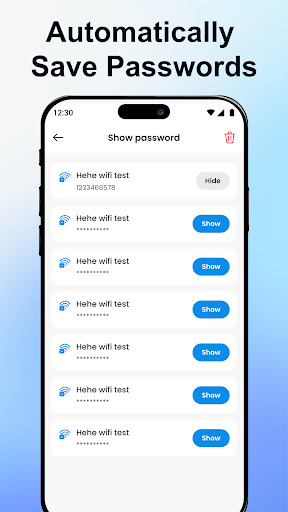
3. Security: By securing stored Wi-Fi passwords in the app, it reduces the risk of unauthorized access to networks, as passwords are not openly displayed or easily retrievable by others using the device.
Con
1. Security Risks: Wifi Password: Auto Connect stores and automatically inputs Wi-Fi passwords, which could be a potential security vulnerability. If the app is compromised, malicious individuals could gain access to users' Wi-Fi networks and intercept sensitive data.
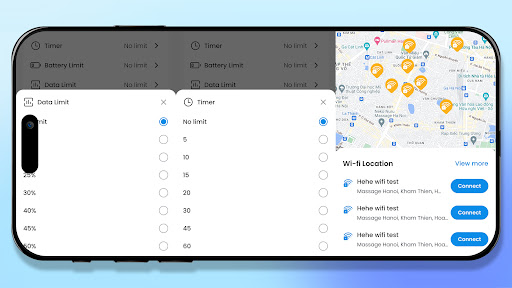
2. Battery Drain: Automated processes like searching for and connecting to Wi-Fi networks can lead to increased battery usage. Consistent background activity may reduce the overall battery life of the device.
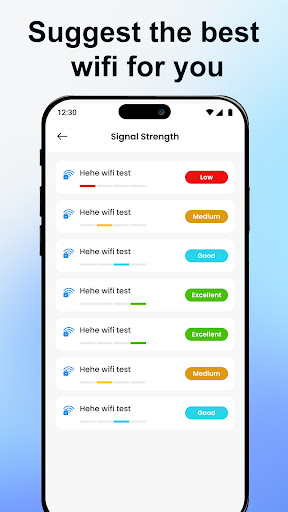
3. Limited Control: Users may experience a lack of control over their Wi-Fi connections since the app automates the connection process. This might lead to unwanted connections to insecure or suboptimal networks without the user's immediate knowledge.


