ApowerMirror
- 1.09K
- 4.6
- Installs
- 880.00M
- Version
- Varies with device

Screenshots
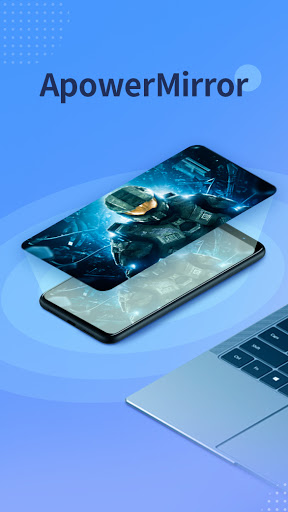
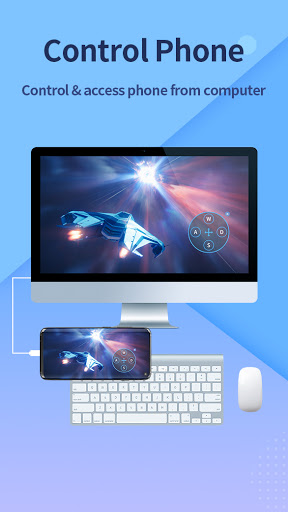
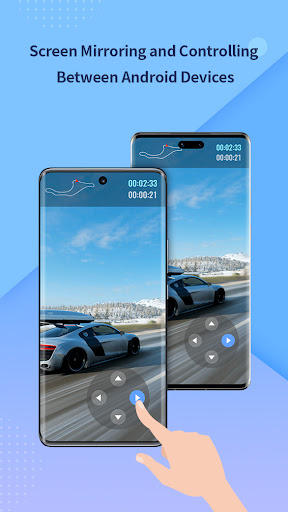
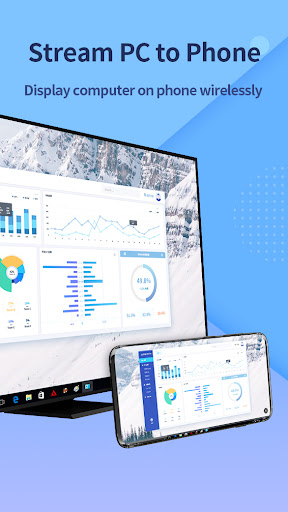
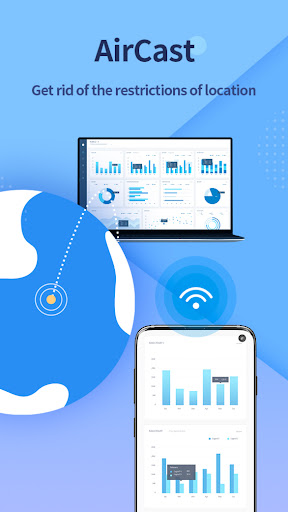
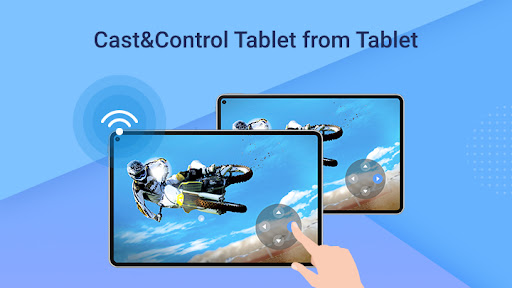
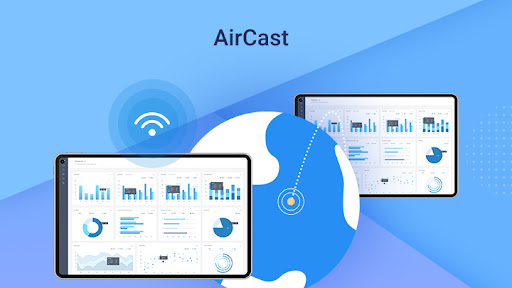
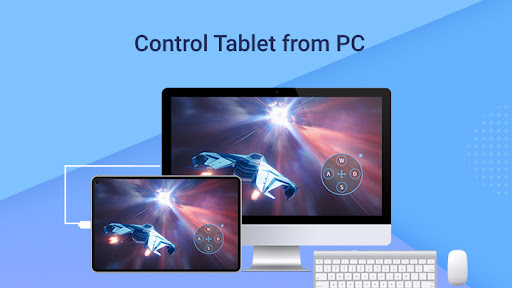
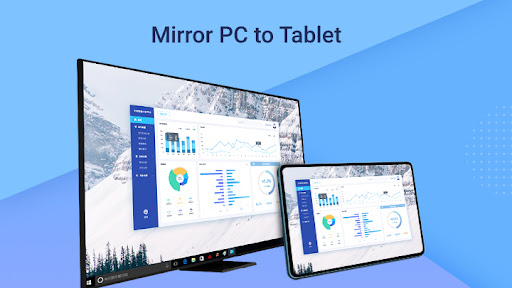
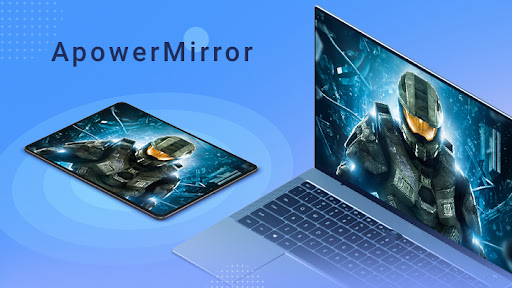
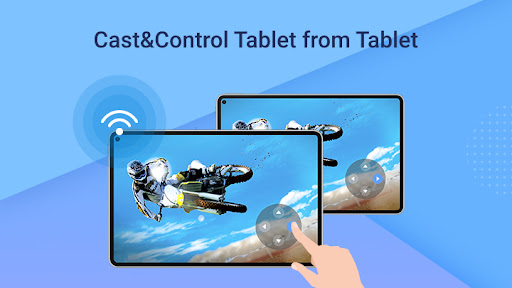
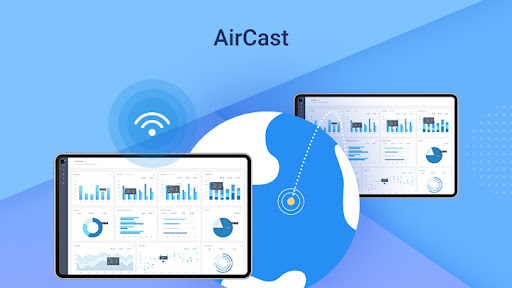
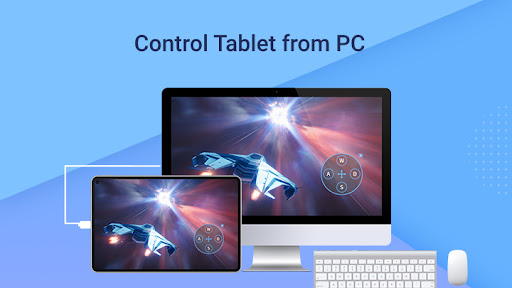
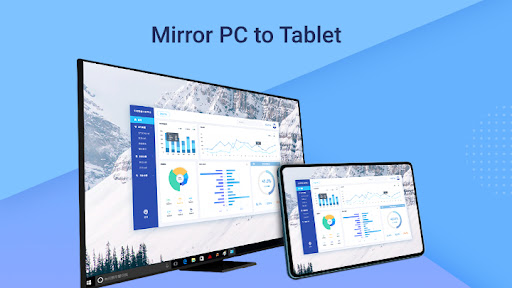
ApowerMirror is a powerful screen mirroring application to stream Android & iOS screen to Windows computer or Mac. Moreover, it allows you to remotely control Android devices on the computer using mouse and keyboard.
Mirror & Control Android screen
This app can display Android device screen on the computer or the projector. Besides, you can take full control of the screen with mouse and keyboard. Therefore, you are able to share PPT to your colleagues, enjoy movies on a bigger screen or play phone games such as Clash of Clans, Clash Royale, and Hearth Stone on PC
Record & capture phone screen
This tool enables you to record all the activities on your phone screen seamlessly. Whether you want to record how a newly-published app works, or a splendid battle you experienced in the game, it is all you need. Nevertheless, it is capable of taking screenshots with one click anytime you want.
Send messages using keyboard
If you want to send SMS, Facebook, Twitter, Snapchat or any other messages, this application offers you the convenience of typing in words and send messages utilizing the computer keyboard. And you can change the input method on PC directly.
Show Android notifications on PC
Once a new notification arrives on your phone, for example, a coming call, a new message, or a business email, it will be displayed on PC simultaneously. You won’t miss any important notifications when you are working on a computer.
Connect via USB & WiFi
You can freely choose to connect your Android to PC via USB cable or through a wireless network. Using USB cable provides a stable user experience while using WiFi allows you to control Android remotely.


