App Lock
- 1.41K
- 4.9
- Installs
- 130.00M
- Version
- Varies with device

Screenshots
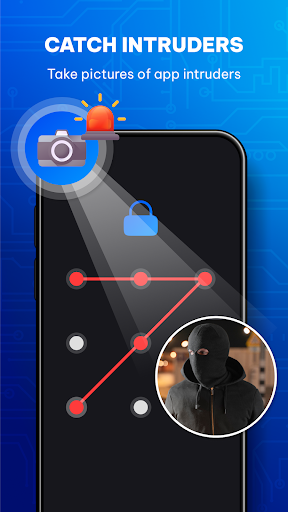
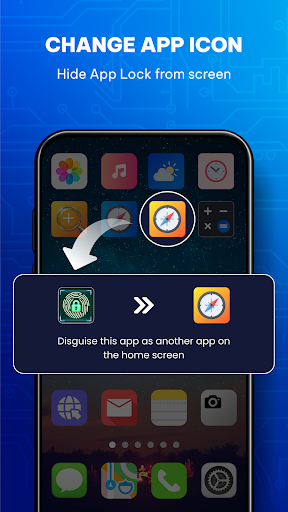
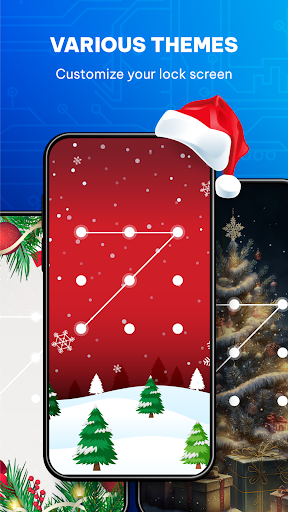
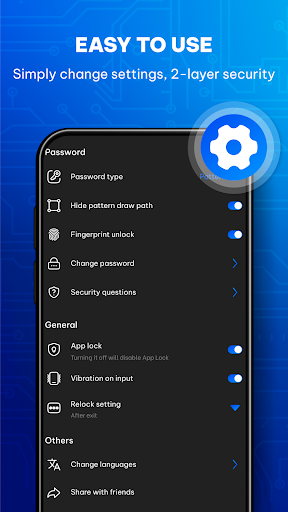
Pro
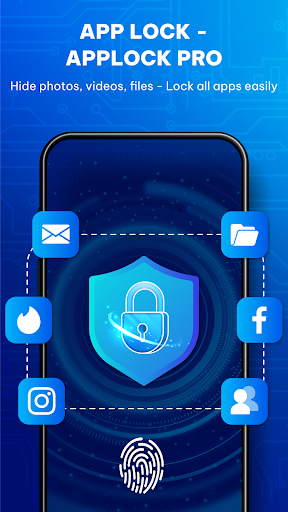
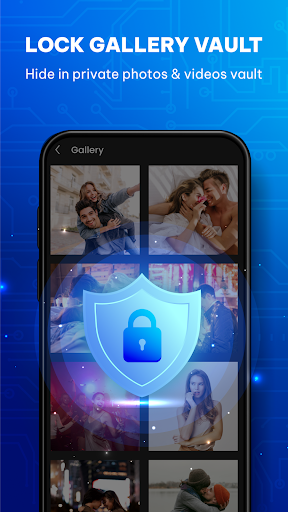
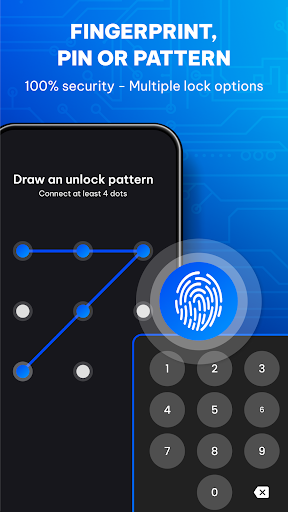
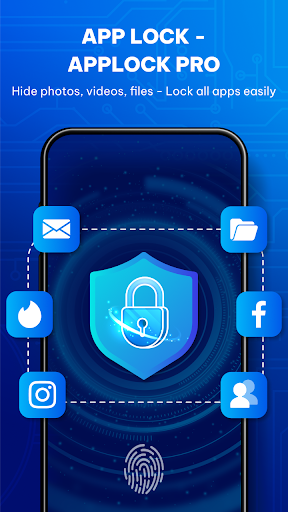
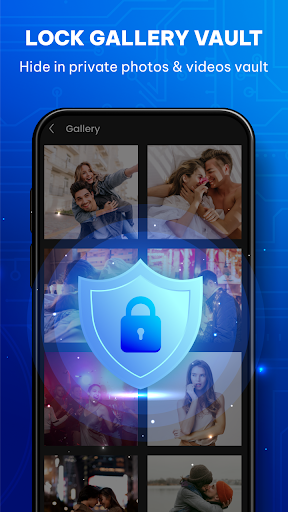
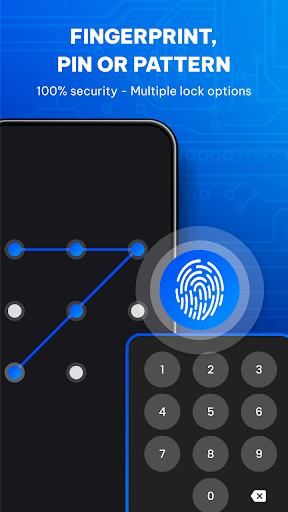
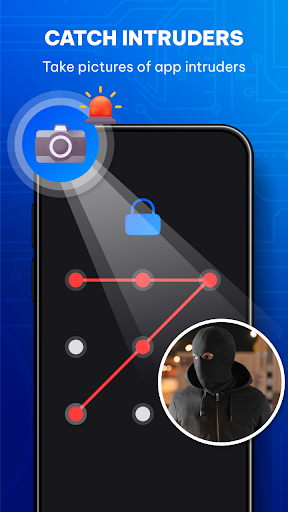
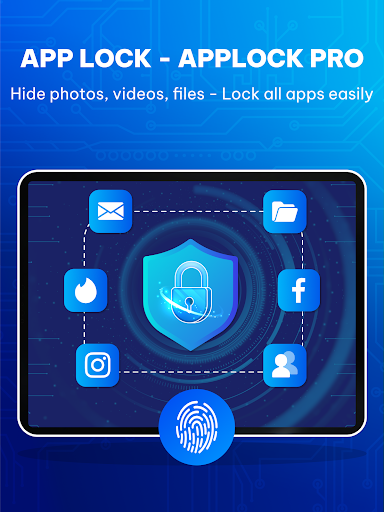
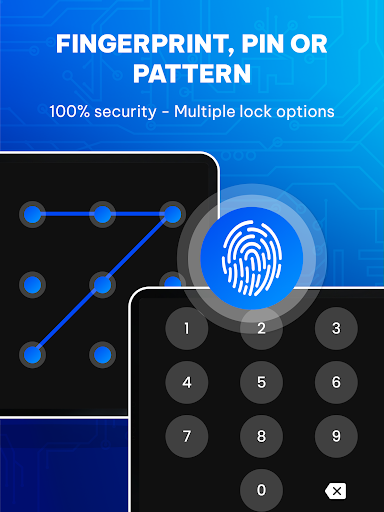
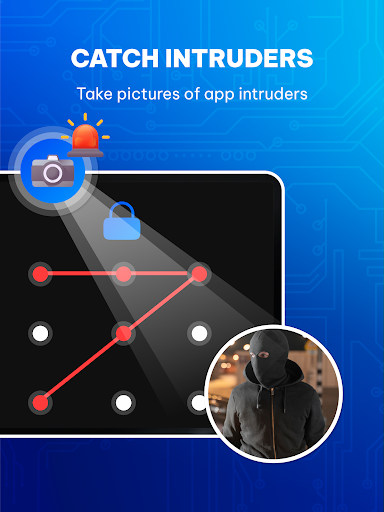
1. Enhanced Security: App Lock utilizes biometric fingerprint recognition or PIN codes to secure individual apps, ensuring that sensitive information remains private and preventing unauthorized access.
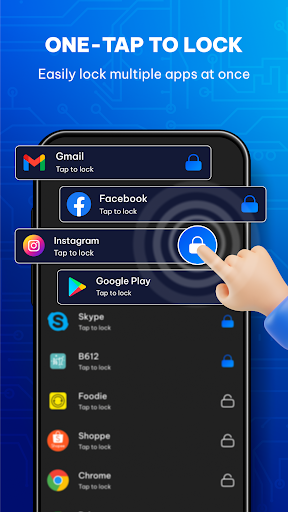
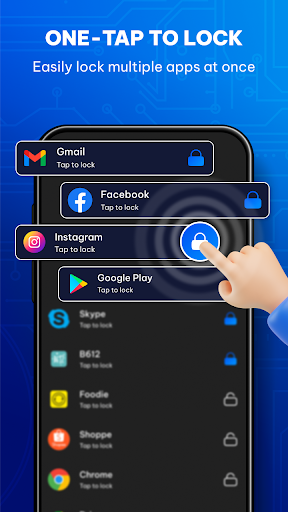
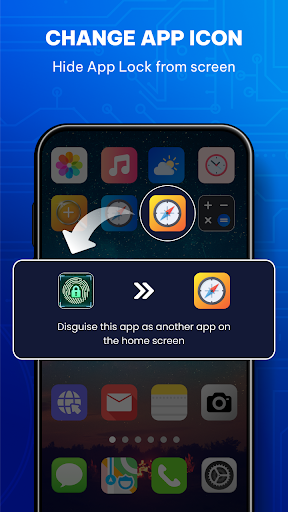
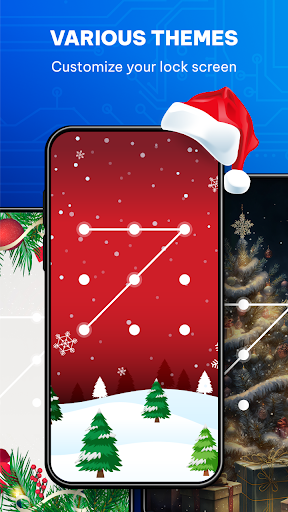
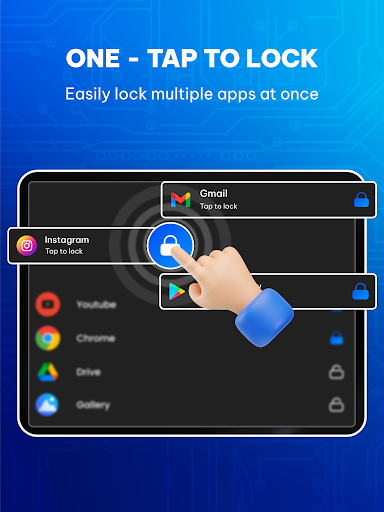
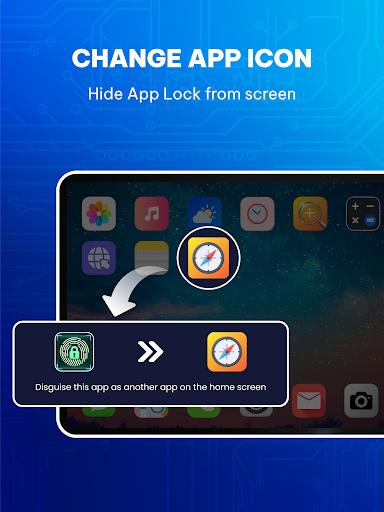
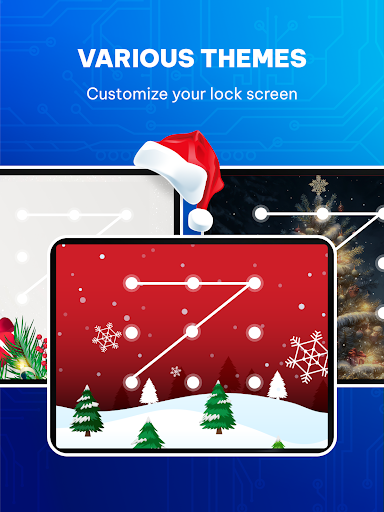
2. Customization: Users can select which apps to lock, tailoring the security measures to their specific needs and preferences.
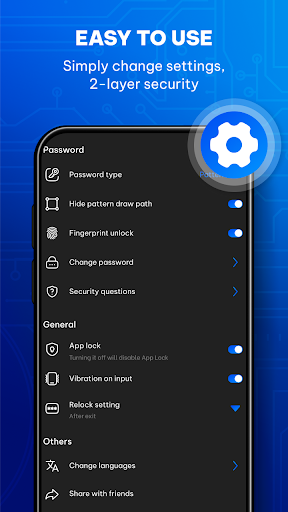
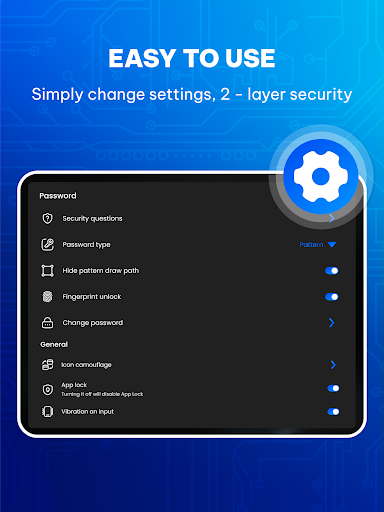
3. Ease of Use: The application is user-friendly, offering a straightforward setup process and quick access to locked apps for the authenticated user, without unnecessary complications.
Con
1. Limited Security: App Lock relies on device sensors which can be less secure than complex passwords, potentially allowing bypass through sensor spoofing or guessing simple pins.
2. Battery Drain: Continuous sensor use for unlocking apps can lead to increased battery consumption, reducing overall device uptime.
3. Inconvenience: Users may find it tedious to repeatedly authenticate access to frequently used apps, disrupting the user experience and workflow efficiency.


