Connect the phone to TV
- 1.98K
- 4.4
- Installs
- 610.00M
- Version
- Varies with device

Screenshots




Pro
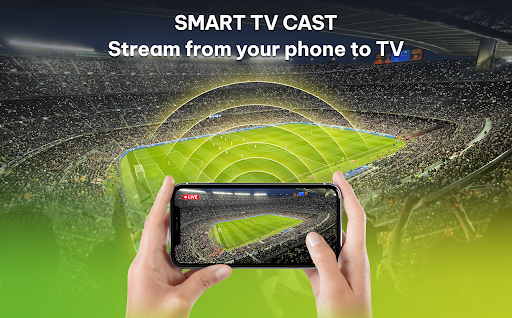
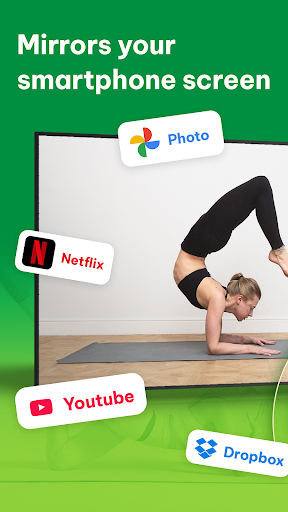
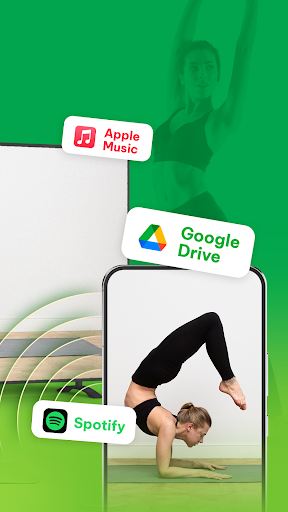
1. Screen Mirroring: Allows you to display your phone’s content on a larger screen, enhancing the viewing experience for videos, photos, games, and presentations.
2. Streamlined Connectivity: Enables quick and easy connection to your TV without the need for additional cables or hardware, facilitating a clutter-free setup.
3. Multi-Functional Use: Supports a variety of applications, ranging from streaming services to social media, offering a versatile platform for entertainment and communication on a big screen.
Con
1. Limited Compatibility: Some apps don't support screen mirroring, preventing content from being shared onto the TV. This is especially true for subscription-based streaming services that employ DRM (Digital Rights Management).
2. Latency Issues: Wireless connections can have lag, which might lead to synchronization problems between the audio and video. This can be particularly disruptive during gameplay or when watching fast-paced videos.
3. Resolution Constraints: The phone's output resolution might not match the TV's native resolution, potentially leading to a lower-quality display. This can degrade the viewing experience, especially on larger screens or TVs with higher resolution capabilities.


