Remote for Roku
- 1.17K
- 4.7
- Installs
- 120.00M
- Version
- Varies with device

Screenshots
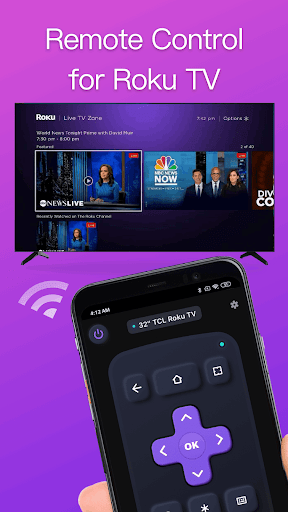
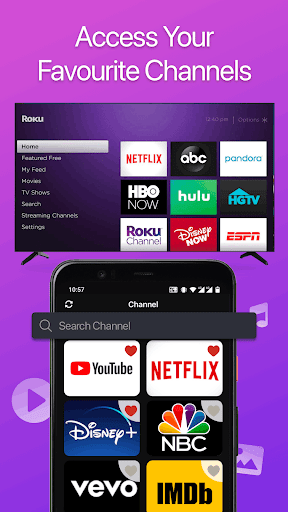
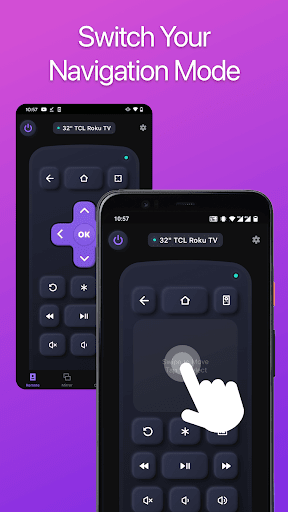
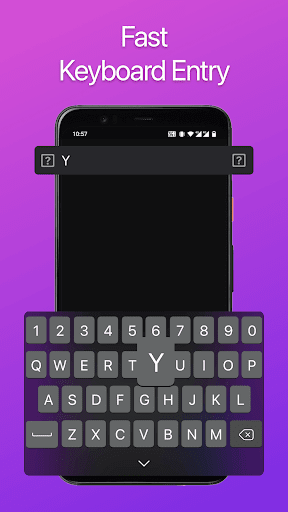
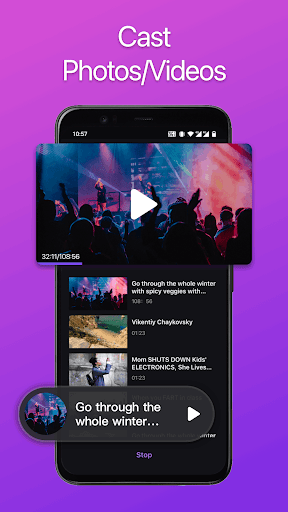

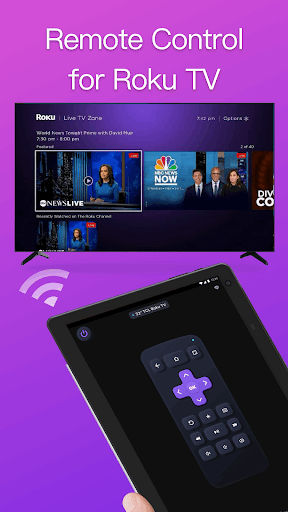
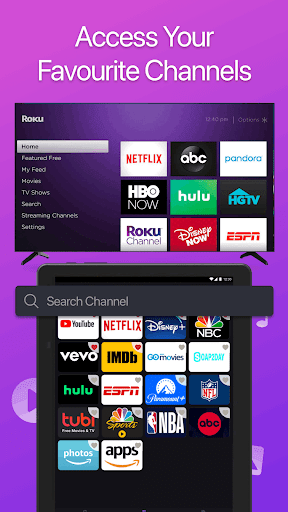

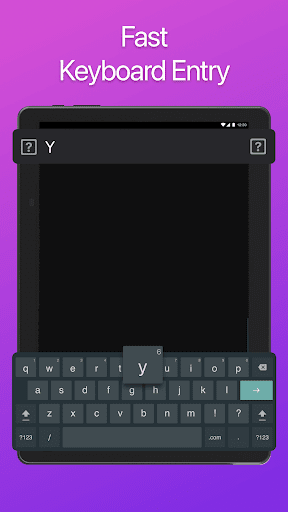
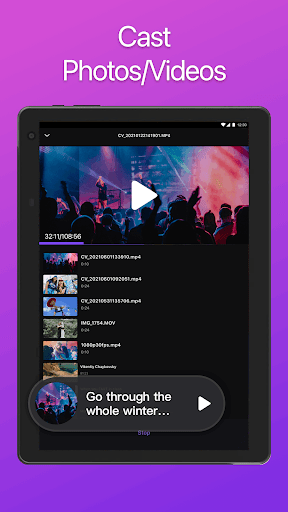
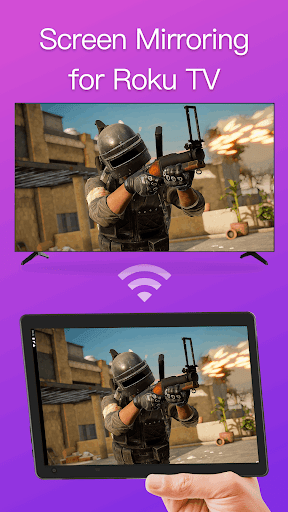
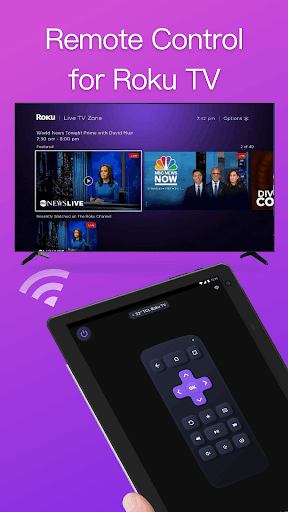
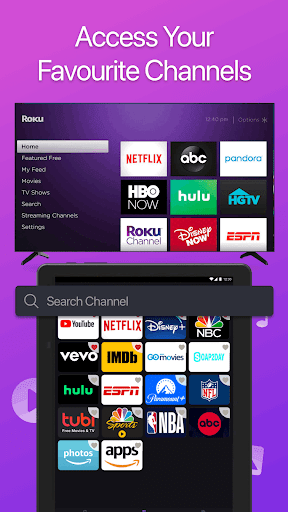
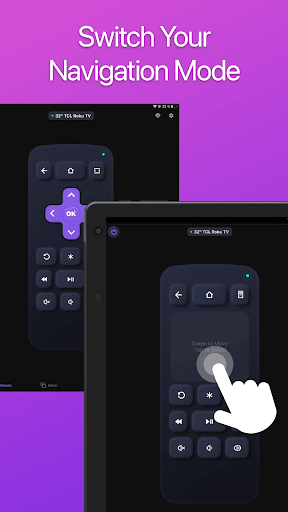
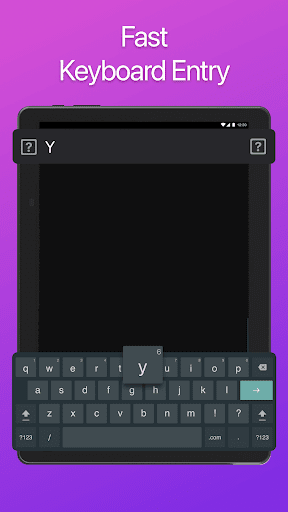
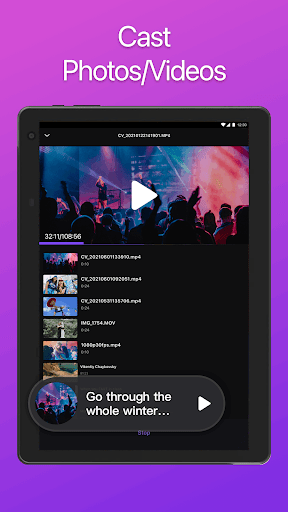
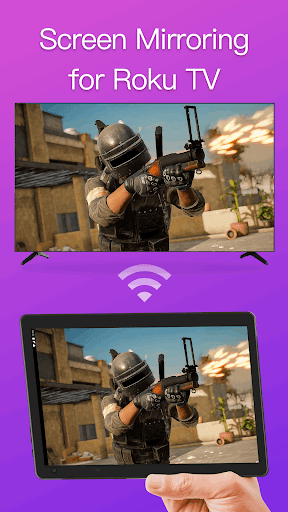
Remote for Roku TV is a full-featured TV remote control app that allows you to easily control your Roku Streaming Players and Roku TVs from your smartphone. After a simple pairing procedure, you are able to use this smart control app to manage TV channels & apps, control volume, enter text, and mirror screen or cast videos to Roku TV in a simple way.
This app is compatible with almost all Roku TVs and Roku Streaming Players. Just make sure your phone and your TV are connected to the same Wi-Fi network, and you can control your Roku devices with this easy-to-use, convenient and fully functional Roku remote control app.
Key Features:
• No setup is required. This app automatically scans your local network to find your TV.
• Keyboard feature helps you to enter text and search on your Roku device more easily.
• Touch Pad Navigation allows you easily navigate like a real remote stick.
• Manage TV channels and apps with this app, easily launch channels with one tap.
• Mirror your phone/tablet screen to TV with low latency or with sound.
• Cast local photos or videos from smartphone gallery to a TV screen.
How to connect to TV:
1. Your TV must be connected to your home's wifi network.
2. Your Android phone's WiFi must be turned on and connected to the same network as the TV.
3. Launch this app and tap to select the target device to connect. Once connected, you can control your Roku devices as you wish.
Compatibility:
Supported Roku TVs: TCL, Hisense, Philips, Element, Hitachi, RCA, Insignia, Sharp, Westinghouse Roku TV.
Supported Roku Streaming Players: Roku Stick, Roku Express, Roku Premiere, Roku Ultra, Roku 1-4 and legacy models.
Troubleshoot:
• This app can only connect if you are on the same wifi network as your TV device.
• For cases of could not connect to TV, reinstall this app and reboot TV can fix most of the bugs.
NOTE: BoostVision is not an affiliated entity of Roku, Inc, and this application is not an official product of Roku, Inc.


