Brother Print Service Plugin
- 1.40K
- 4.3
- Installs
- 20.00M
- Version
- Varies with device

Screenshots
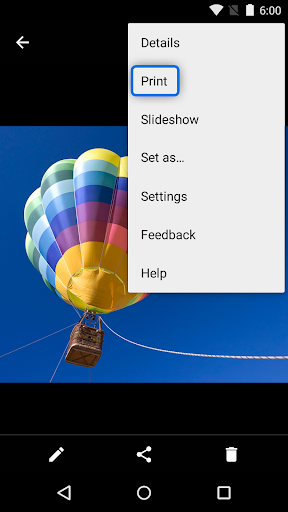
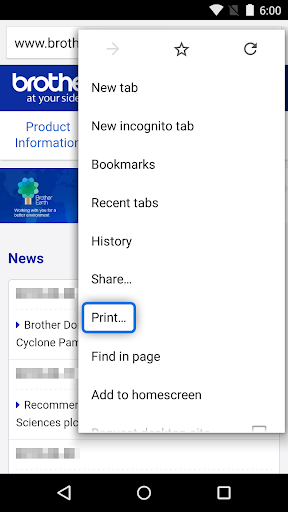
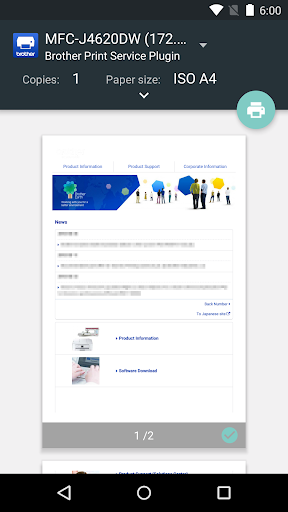
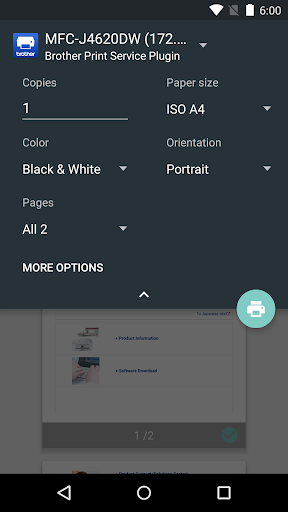
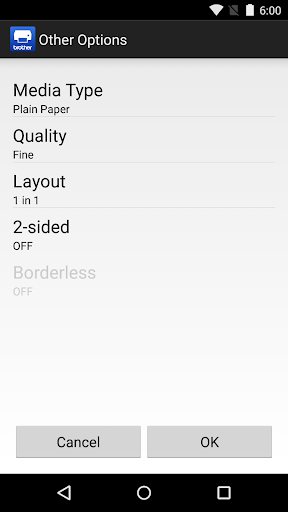
The Brother Print Service Plugin enables you to print directly from your Android devices (Android 5.0 or later), to your Brother printer through a Wi-Fi network. As this is a plugin application, you can print using the "Print" option of supported Android apps. Please see below for supported applications (as of March 2015):
- Chrome Browser
- Gmail
- Photos
- Google Sheets
- Google Slides
- Google Docs
- Google Drive
The following print options are available (compatible options will depend on the selected device):
- Copies
- Paper Size
- Color/Mono
- Orientation
- Media Type
- Quality
- Layout
- 2-sided
- Borderless
After installing this application, you must activate it in one of the following ways:
- Tap the icon displayed in the notification area immediately after installation, and enable it in the displayed screen.
- Tap "Settings" on your Android device and tap "Printing", then select "Brother Print Service Plugin". Enable it in the displayed screen.
Please visit your local Brother website for supported models.
*Please note the email address [email protected] is for feedback only. Unfortunately we cannot reply to inquiries sent to this address.


