Canva
- 1.28K
- 4.5
- Installs
- 910.00M
- Version
- Varies with device

Screenshots
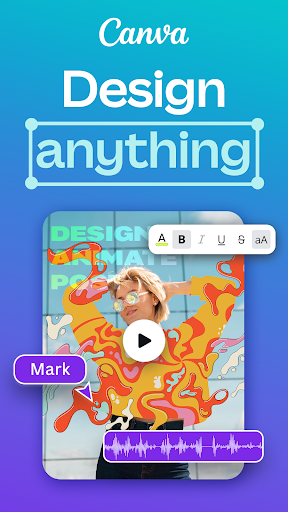
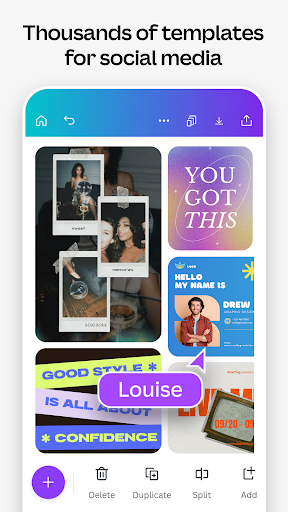
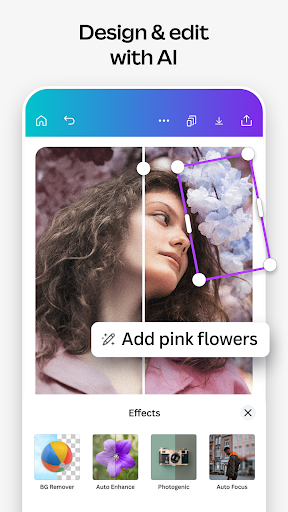
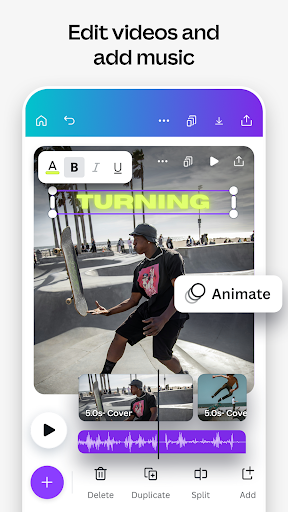
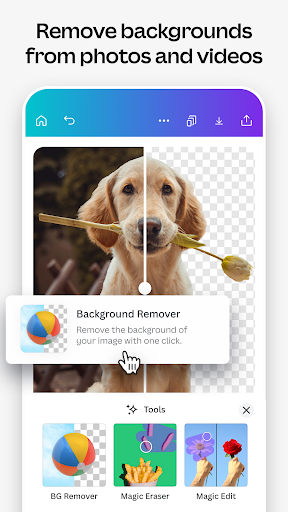
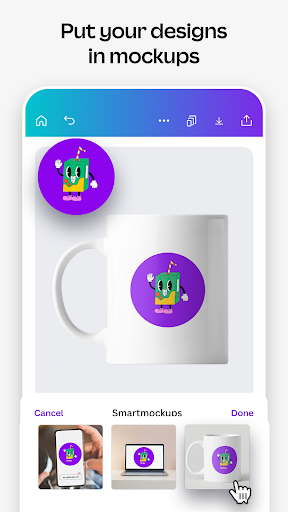
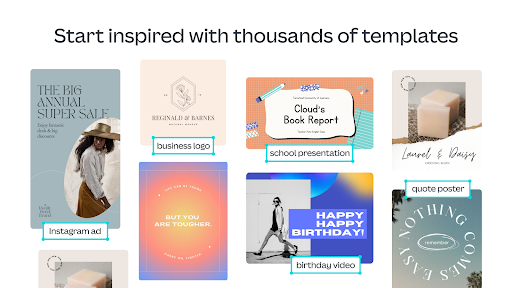

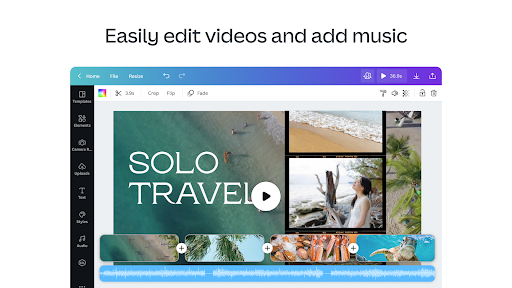
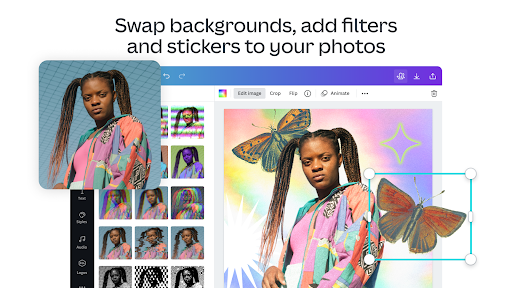

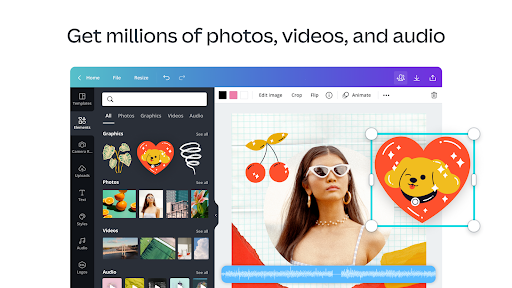
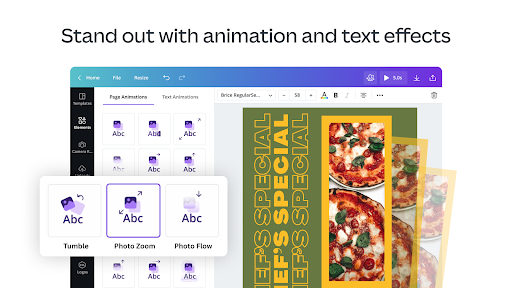
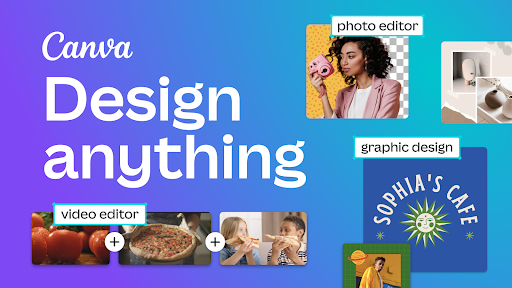

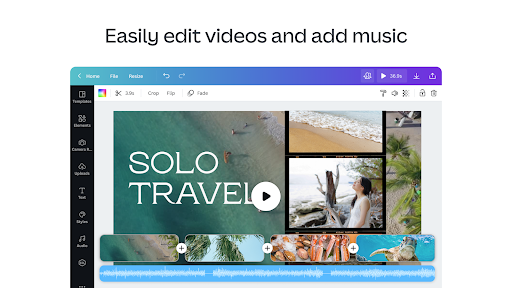
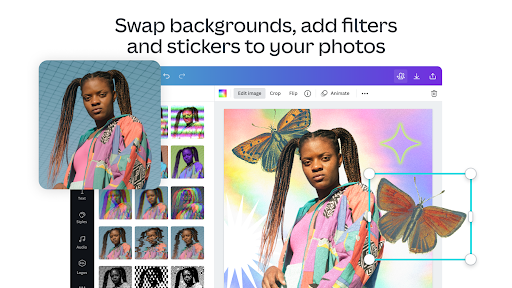

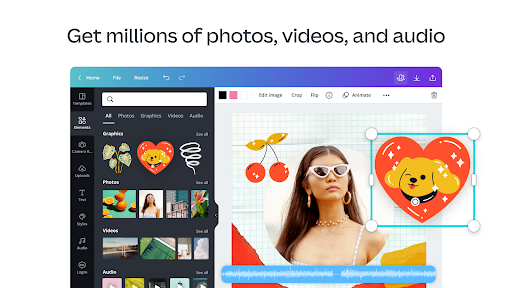
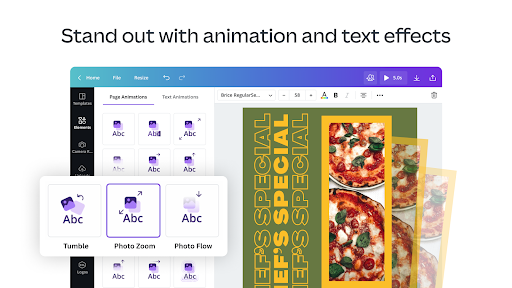
Canva app is an online visual design platform. It supports document, presentation, photo, video and logo editing. Utilize the numerous free templates to create your content.
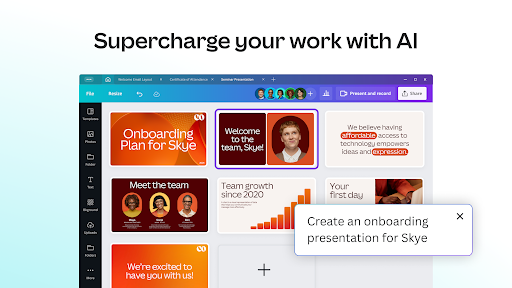
Use powerful Canva AI to achieve higher efficiency. Purchase Canva Pro for more useful functions.
Latest Update: New AI Tools
DeckBird.ai and Leonardo.ai tools are now available on the Canva platform. New AI tools will help you create pictures and videos more freely. Find the tool you want in the Magic Media area.
Features:
- Easy to use: This app helps users create pictures, presentations and logos more easily. It has simple UI and comprehensive functions.
- Limited material: Many templates and pictures are only open to Canva Pro users.
- App crash: The app version is not as stable as webpage version.
How can I remove unwanted objects from my photo?
You can erase or retouch unwanted objects with Magic Eraser. Click the Effects tab, and you will see the Tools tab. Select Magic Eraser and click any object on the photo. Click Erase and wait for the photo to be processed.
How can I get more useful templates?
Canva provides numerous free template for your choice. You can buy Canva Pro to use the exclusive templates for our Pro members. You can also join a Canva team and share your resources with your partners.


