Messages
- 2.30K
- 4.4
- Installs
- 660.00M
- Version
- Varies with device

Screenshots

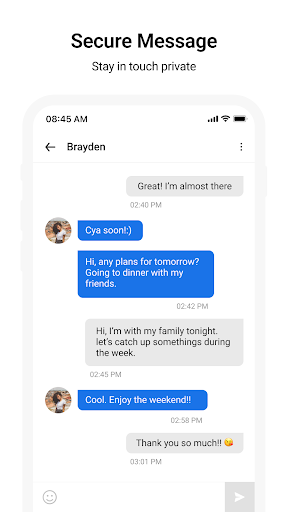

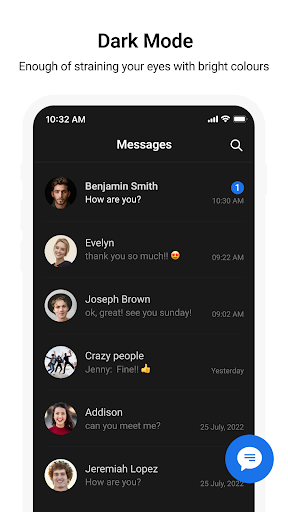
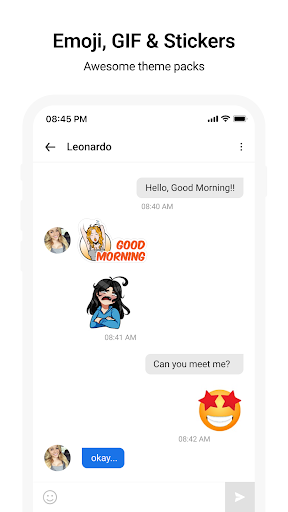
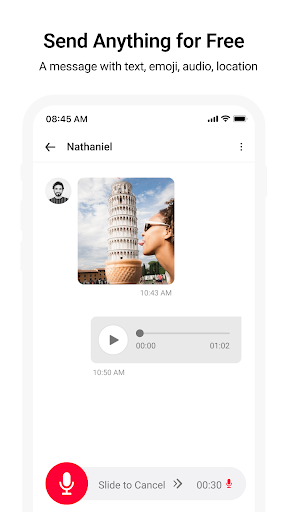
Pro
1. Cross-platform syncing allows users to seamlessly continue conversations across Apple devices, ensuring accessibility and convenience no matter the device in use.
2. End-to-end encryption enhances privacy and security, safeguarding user messages from being intercepted or read by unauthorized entities.
3. Integration with Apple's ecosystem enables features like iMessage apps, Digital Touch, and Animoji, enriching the messaging experience with interactive and personalized content.
Con
1. Limited cross-platform functionality: iMessage is exclusive to Apple devices, which means messaging features like read receipts and high-quality media sharing aren't available when communicating with non-Apple users.
2. No message scheduling: Unlike some messaging apps, Messages doesn't offer a way to schedule texts to be sent at a later time, reducing flexibility in message management.
3. Privacy concerns: While iMessage offers end-to-end encryption, iCloud backups can store messages in a readable format, potentially compromising privacy if the backup is accessed by unauthorized parties.


