Cleaner Toolbox
- 1.43K
- 4.5
- Installs
- 360.00M
- Version
- Varies with device

Screenshots


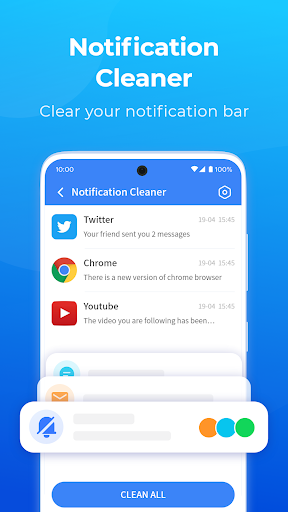
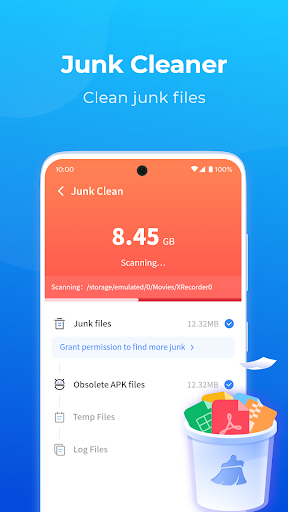
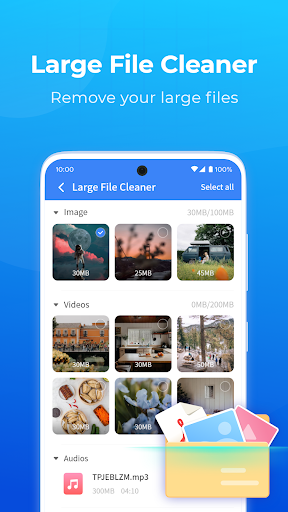
Pro
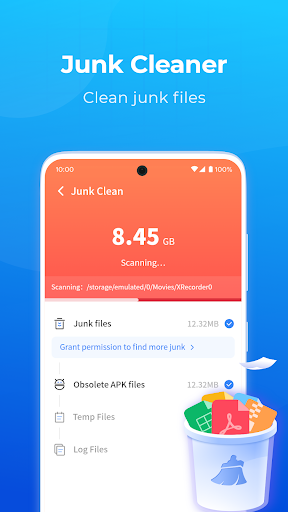
1. Enhanced System Performance: Cleaner Toolbox optimizes your device by removing junk files, temporary files, and unused applications, freeing up system resources and improving overall speed and responsiveness.
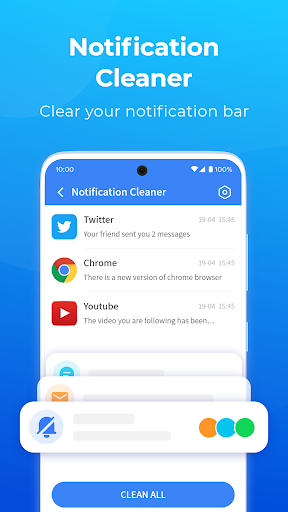
2. Privacy Protection: The application helps protect your privacy by clearing browsing history, cookies, and cache, ensuring that your personal information is not vulnerable to tracking or unauthorized access.
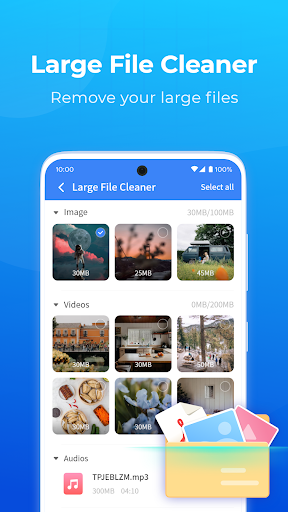
3. Customizable Cleaning Options: Cleaner Toolbox provides a variety of cleaning options and settings that allow users to tailor the cleaning process to their specific needs, targeting areas of concern and avoiding important files or programs.
Con
1. Limited Feature Set: Cleaner Toolbox may not offer as comprehensive a set of cleaning and optimization tools as other more established system utilities, potentially leaving some areas of system performance unaddressed.
2. Potential for Data Loss: Aggressive cleaning settings can inadvertently remove important files or settings, leading to data loss if not properly configured or if the user lacks technical expertise.
3. Compatibility Issues: Cleaner Toolbox may not be fully compatible with all operating systems or hardware configurations, leading to suboptimal performance or even system instability on some machines.


