FileSweep
- 2.16K
- 4.3
- Installs
- 850.00M
- Version
- Varies with device

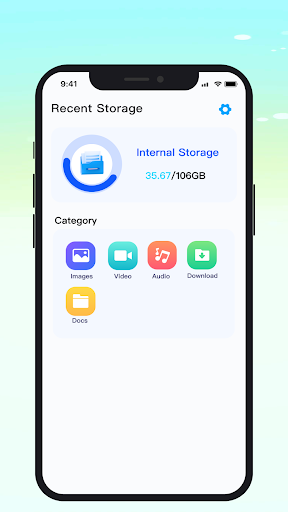
Screenshots


Pro
1. Efficient File Management: FileSweep streamlines the organization of documents, allowing users to quickly sort, search, and manage files, enhancing productivity by minimizing time spent navigating cluttered file systems.
2. Customizable Filters: The application offers powerful filtering capabilities, enabling users to create and save custom search parameters, ensuring they can retrieve files based on specific criteria swiftly.
3. Automation of Routine Tasks: FileSweep automates repetitive file management tasks like archiving, deleting, or moving files based on predefined rules, reducing manual effort and the likelihood of human error.
Con
1. Limited Compatibility: FileSweep may not support all file formats or operating systems, restricting its utility across different devices and user needs.
2. No Advanced Features: It might lack advanced features such as cloud synchronization, version control, or collaboration tools that are essential for some users.
3. Potentially Slow Performance: With large volumes of data, FileSweep could suffer from slow scan and processing times, impacting user productivity.


