CPU-Z
- 1.67K
- 4.8
- Installs
- 980.00M
- Version
- Varies with device

Screenshots
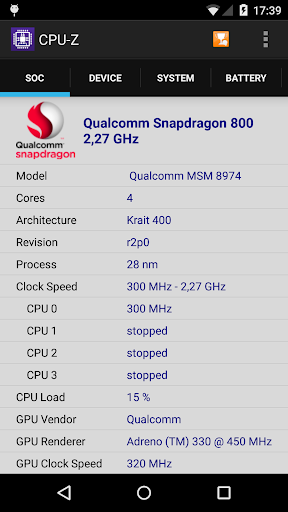
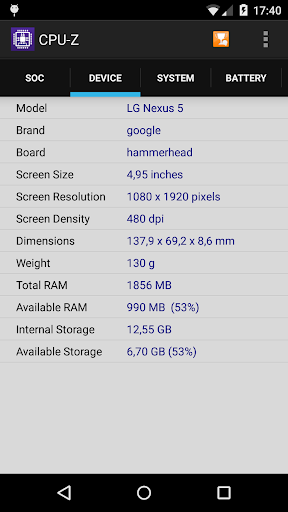
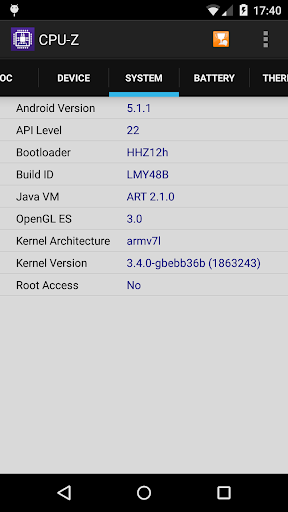
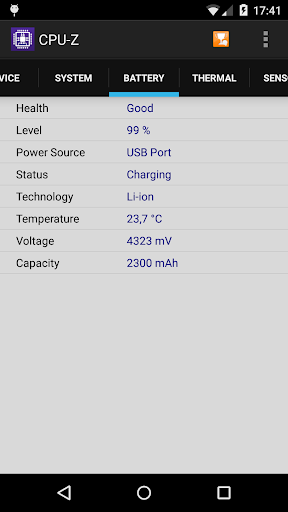
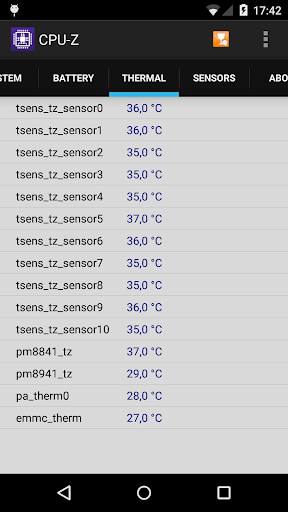
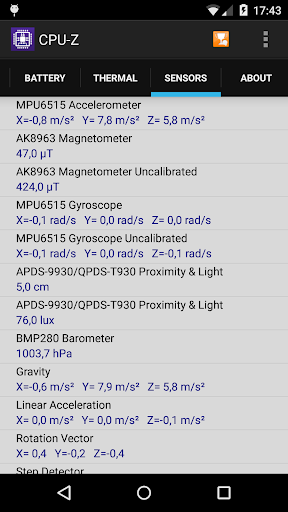
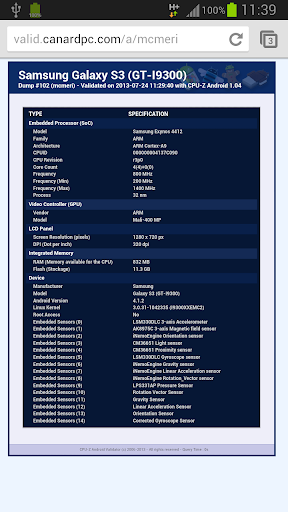

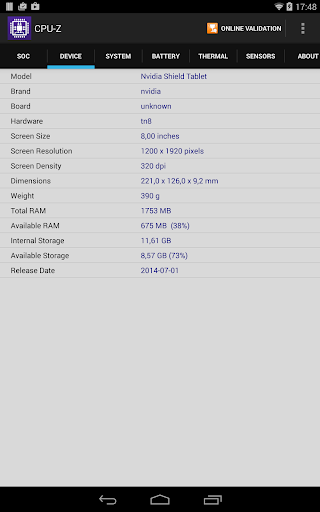
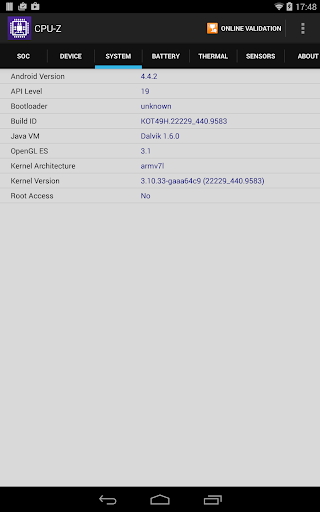
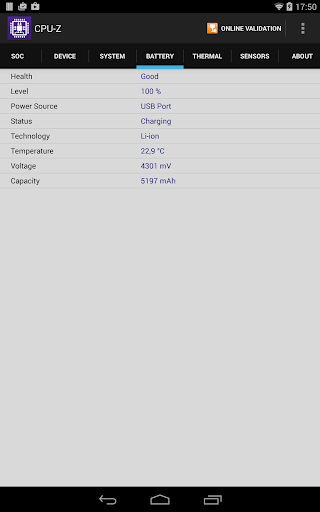
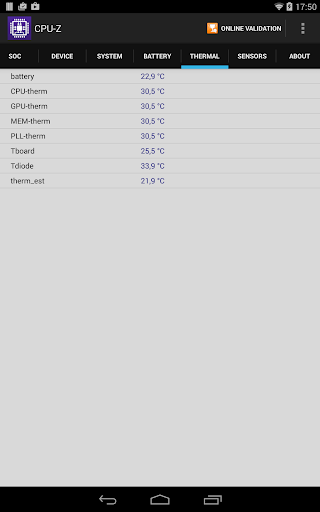

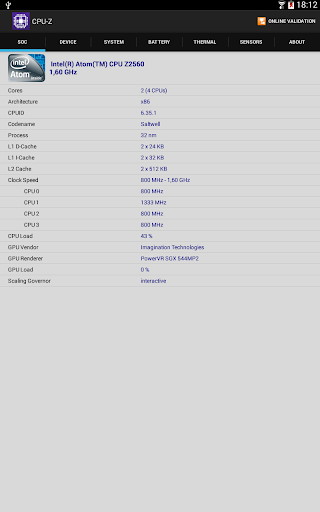



Android version of the popular CPU identification tool for PC, CPU-Z is a free application that reports information about your device.
- SoC (System On Chip) name, architecture, clock speed for each core ;
- System information : device brand & model, screen resolution, RAM, storage.;
- Battery information : level, status, temperature, capacity ;
- Sensors.
Requirements :
- Android 2.2 and above (version 1.03 and +)
Permissions :
- INTERNET permission is required for the online validation (see notes below for more détails about the validation process)
- ACCESS_NETWORK_STATE for statistics.
Notes :
Online Validation (version 1.04 and +)
The validation allows to store the hardware specification of your Android device in a database. After the validation, the program opens your validation URL into your current internet browser. If you enter your e-mail address (optional), an e-mail with your validation link will be sent to you as a reminder.
Settings screen and debug (version 1.03 and +)
If CPU-Z closes abnormally (in case of bug), the settings screen will appear at the next run. You can use that screen to remove the main detection features of the application, and make it run.
Bug report
In case of bug, please open the application menu and choose "Send Debug Infos" to send a report by email


