PDF Reader
- 1.98K
- 4.1
- Installs
- 310.00M
- Version
- Varies with device

Screenshots
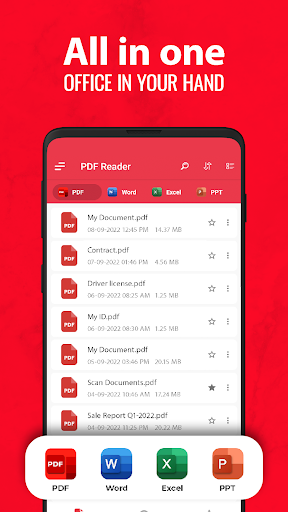
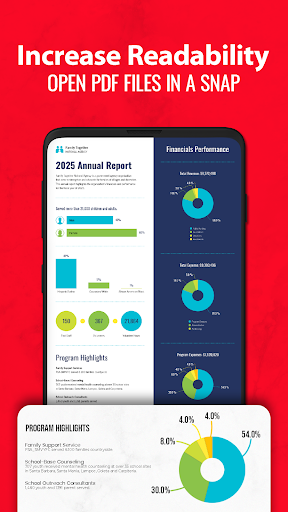
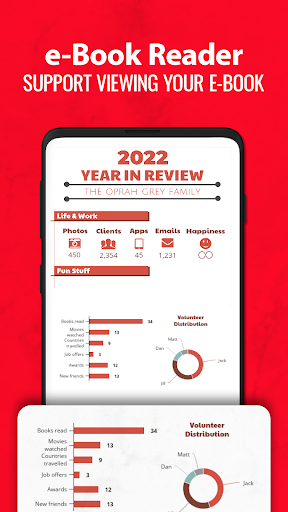

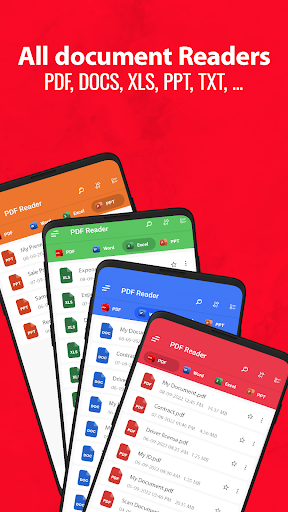
PDF Reader – PDF Viewer is the light weight office app that you can use to read all documents, read PDF files stored locally in your device, the app supports all pdf files even the one with password protection.
PDF Viewer
- Quick display: PDF Reader Plus uses the most advanced technology available today to speed the loading and display of PDF files quickly even with large PDF files
- Display mode: Choose single page, two page, book mode or full-screen reading mode to view PDF
- PDF orientation: Vertical and horizontal views provide the most convenient experience for you
- Quick page moving: Go to a specific page number, fast page navigation return, lector PDF
- Bookmarks: Make Bookmarks when it comes to intuitive navigation through PDF files
- Theme color: Customize themes by choosing darktheme or light theme
PDF Converter & Scanner
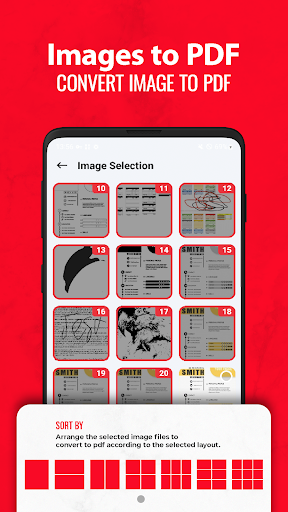
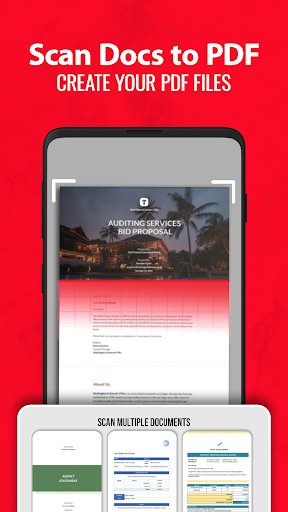
- Image to PDF: Use free PDF scanner to turn images, receipts, notes and more into PDFs
- PDF to JPG: Convert PDF to images with annotations for better sharing
- PDF Creator: Create a PDF file from multiple images (PNG, JPG, TIFF, GIF).
PDF Reader – PDF Viewer is a very fast and simple to use app that helps you open large PDF files;
It supports reading PDFs of more than 300MB size faster than ever. PDF Reader – PDF Viewer is simple and easy to manage and view PDF files.
Enjoy all features you need in a PDF Reader - PDF viewer.


