Recover Files
- 2.46K
- 4.5
- Installs
- 270.00M
- Version
- Varies with device

Screenshots



Pro
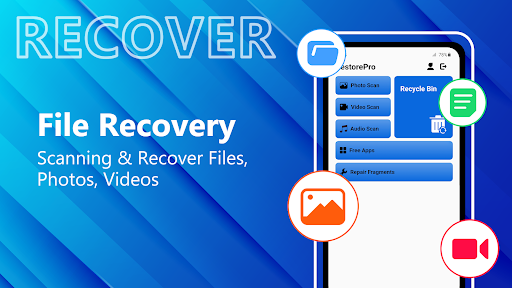
1. Comprehensive Scanning: Recover Files - Restore All provides deep scan algorithms, enabling the retrieval of files that have been lost or deleted, even from formatted or damaged storage.
2. User-Friendly Interface: The application features a straightforward and intuitive interface, which makes the file recovery process accessible for users regardless of their technical expertise.
3. Versatile Recovery Options: It supports a wide range of file formats and storage devices, ensuring a high probability of successfully restoring lost data from various sources like hard drives, memory cards, and USB sticks.
Con
1. Compatibility Issues: The Recover Files - Restore All application may not support all file types or devices, limiting its usefulness for diverse data recovery needs.
2. Performance and Speed: Depending on the size of data and the device's performance, the app may run slowly, leading to prolonged recovery times for the users.
3. Data Security Concerns: The app could potentially pose a data security risk if it lacks robust encryption and protection features, making recovered data vulnerable to breaches or unauthorized access.


