Google Text-to-Speech
- 1.82K
- 4.1
- Installs
- 460.00M
- Version
- Varies with device

Screenshots

Google Text-to-speech powers applications to read the text on your screen aloud.
For example, it can be used by:
• Google Play Books to “Read Aloud” your favorite book
• Google Translate to speak translations aloud so you can hear the pronunciation of a word
• TalkBack and accessibility applications for spoken feedback across your device
• ... and many other applications in Play Store
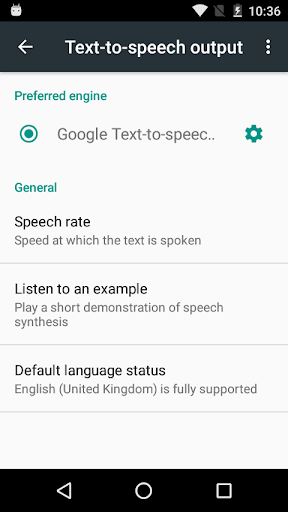
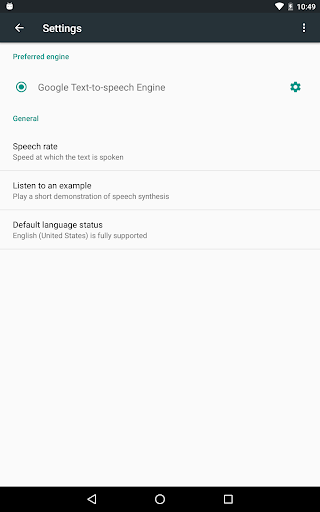
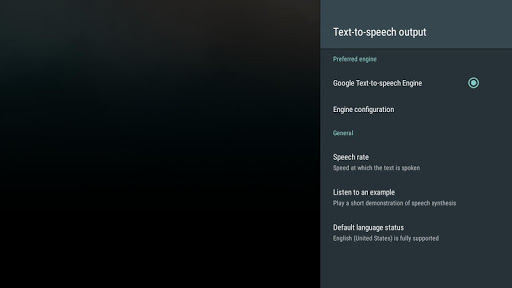
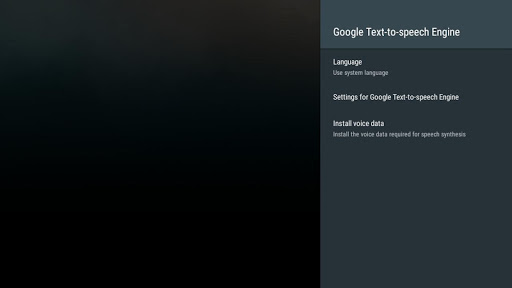
To use Google Text-to-speech on your Android device, go to Settings > Language & Input > Text-to-speech output. Select Google Text-to-speech Engine as your preferred engine.
Note, on many Android devices, Google Text-to-speech is already turned on, but you can update to the latest version here.


