PrivacyLock
- 2.22K
- 4.2
- Installs
- 1.00B
- Version
- Varies with device

Screenshots

Pro
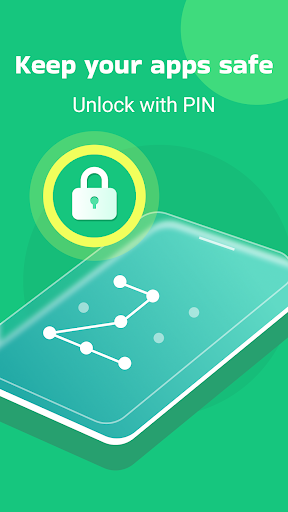
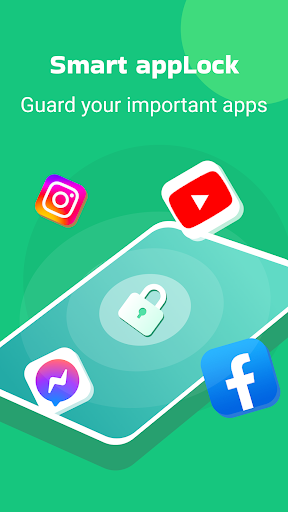
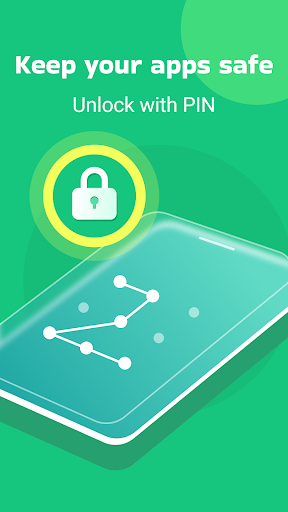
1. Enhanced Privacy Protection: PrivacyLock provides robust app-locking capabilities, securing your selected apps with a PIN, pattern, or fingerprint, preventing unauthorized access and maintaining the confidentiality of sensitive information.
2. Cleaner Feature: The application includes a cleaning function to remove junk files and cache, freeing up storage space, improving device performance, and keeping your system running smoothly.
3. User-Friendly Interface: PrivacyLock offers an intuitive and easy-to-navigate interface, making it simple for users to set up and customize their privacy settings without a steep learning curve or technical expertise.
Con
1. Limited Customization: PrivacyLock may offer fewer customization options for locking mechanisms and themes compared to other app locker applications, potentially restricting users from tailoring the app to their preferences.
2. Performance Impact: Running PrivacyLock continuously in the background to lock apps and clean the device might lead to increased battery consumption and slower device performance.
3. Intrusive Ads: The free version of PrivacyLock might display frequent advertisements, which can be distracting and intrusive for users, negatively impacting the user experience.


