Microsoft Edge
- 1.48K
- 4.6
- Installs
- 520.00M
- Version
- Varies with device

Screenshots


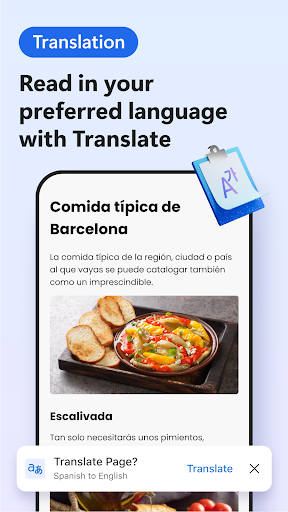
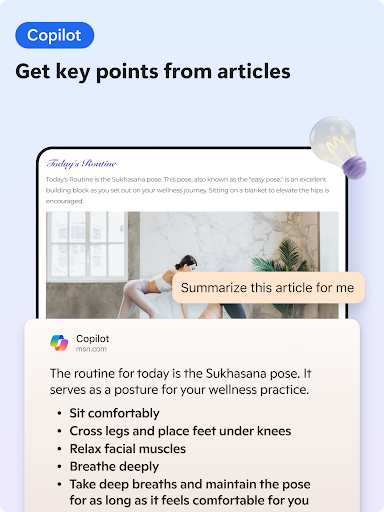
Microsoft Edge is the fast, safe web browser that gives you one continuous browsing experience from your Android phone to your Windows 10 device.
The secure web browser lets you search the web, block ads, and view pages with a reading view. Personalize your browsing experience with favorites, reading lists and saved passwords to get the browsing experience you like best.
Latest Update: Microsoft Has Released The Second Update To Edge 104
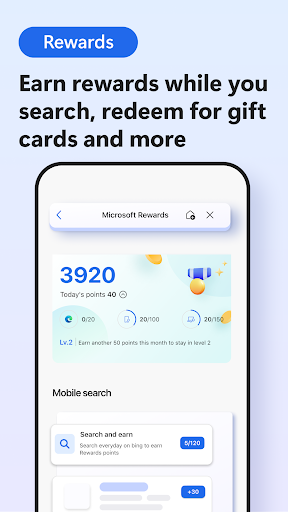
New features include the display of notifications when Microsoft Rewards points increase, new option to provide translation information with feedback for Android, and a new policy to manage mini menu settings.
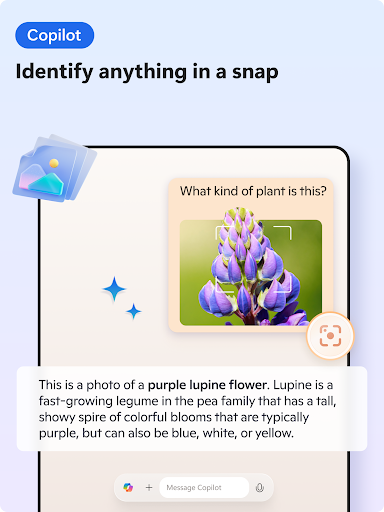
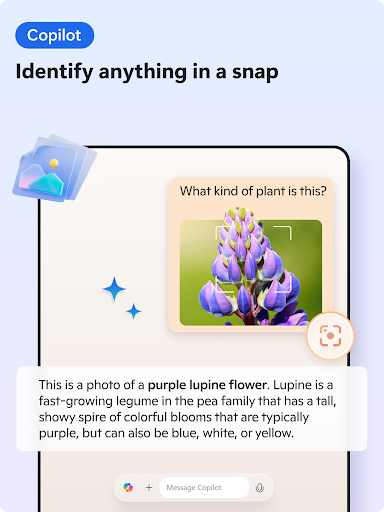
Use voice search to search the web just by speaking to your phone. With image search, you can search the web for results based on a photo or image.
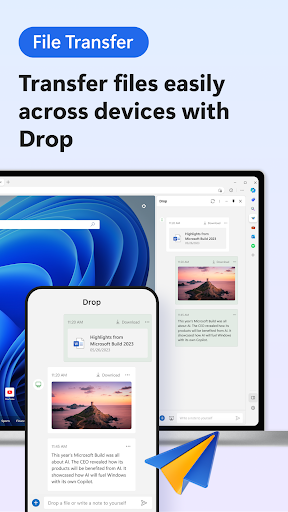
Continue on your PC to pick up where you left off. Link your phone and seamlessly send web pages to your Windows 10 PC (requires Windows 10 Fall Creator’s Update or later).
Personalize Microsoft Edge for safe and fast web browsing
Private Browsing
Your favorites, reading list and passwords are safely and securely synced across your devices, for a personalized browsing experience.
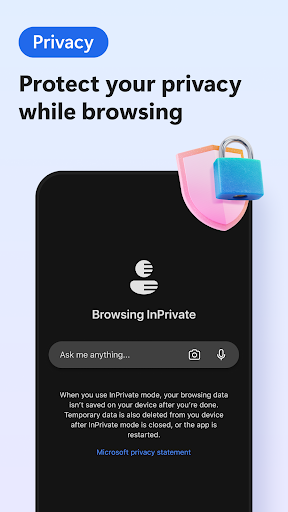
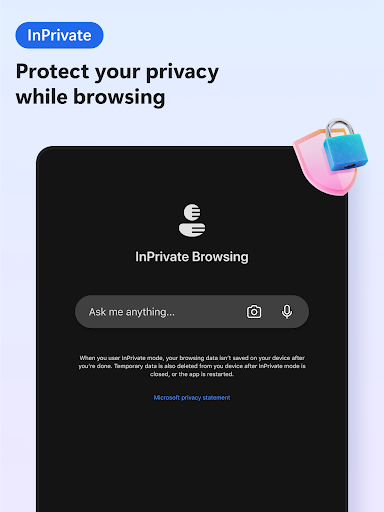
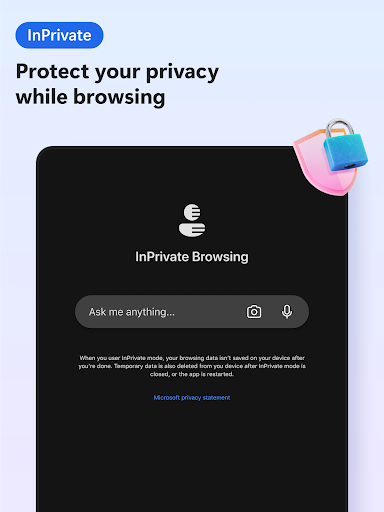
Incognito Browser: when you use InPrivate tabs, your browsing data (like cookies, history, autofill information, or temporary files) isn't saved on your device after you close all your InPrivate tabs.
Block Ads
AdBlock Plus helps block unwanted ads.
Turn ad blocker on by visiting Settings > Content blockers.
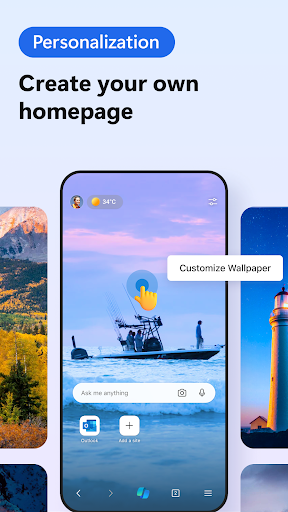
Personalize Your Browser
With Reading view you can reorganize content on a webpage to make it easier to focus.
Personalize, find and manage your content with Favorites.
Your Reading list, and History are all in one place.


