File Explorer
- 1.10K
- 4.5
- Installs
- 680.00M
- Version
- Varies with device

Screenshots


Pro
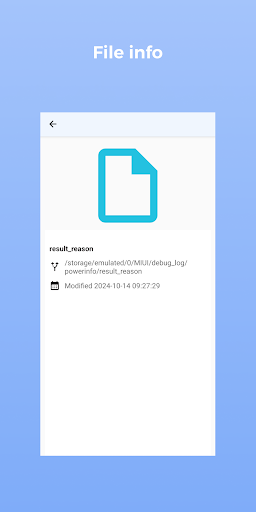
1. User-Friendly Interface: File Explorer offers an intuitive and easy-to-navigate interface, allowing users to quickly access, manage, and organize files and folders efficiently.
2. Integrated Search Functionality: It features a powerful search bar that enables users to locate files and folders rapidly, saving time and increasing productivity.
3. File Management Capabilities: File Explorer supports a range of file management tasks, including copying, moving, deleting, and renaming files, as well as viewing file properties and changing file attributes.
Con
1. Limited Advanced Functionality: File Explorer lacks advanced file management features like bulk renaming, file tagging, and multi-tab browsing, which reduces efficiency for power users.
2. Performance Issues: With large directories, File Explorer can become slow and unresponsive, impacting productivity.
3. Inefficient Search: The built-in search functionality can be slow and often fails to find files or folders accurately, leading to frustration.


