PDF Note Reader
- 1.10K
- 4.2
- Installs
- 910.00M
- Version
- Varies with device

Screenshots
Pro
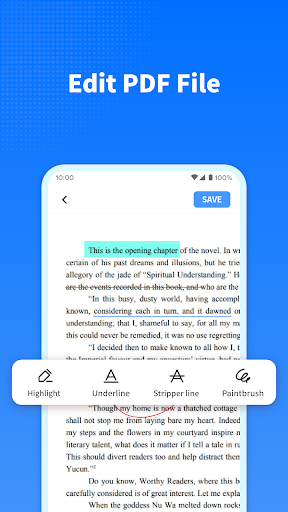
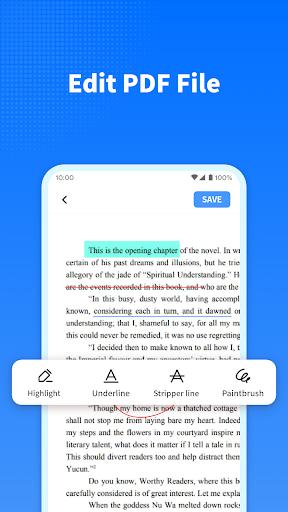
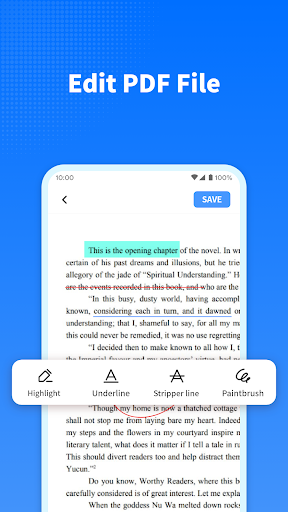
1. Enhanced Annotation Tools: PDF Note Reader offers a comprehensive set of annotation tools, allowing users to highlight, underline, and add notes seamlessly, enhancing document review and study processes.
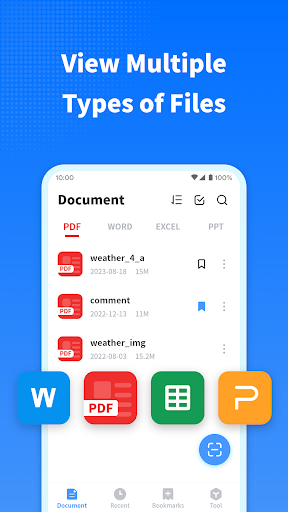
2. Cross-Platform Accessibility: This application supports multiple operating systems, ensuring users can access and edit their PDFs on various devices, including smartphones, tablets, and desktops.
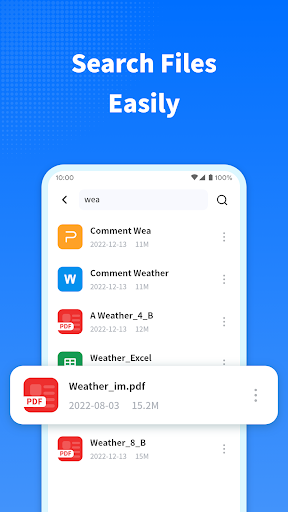
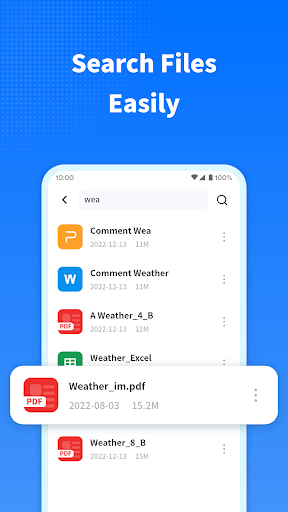
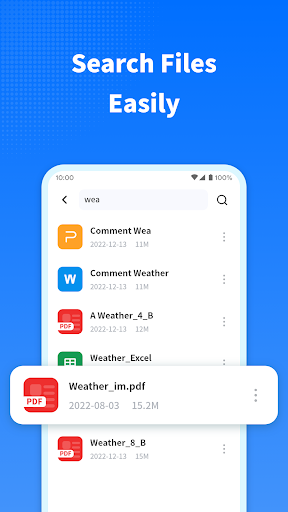
3. Search Functionality: The robust search feature allows users to quickly find specific text or notes within large documents, significantly improving productivity and efficiency in locating information.
Con
1. Limited editing capabilities: The PDF Note Reader application offers basic annotation tools but lacks advanced editing features, which can be restrictive for users needing more comprehensive editing options.
2. Compatibility issues: The app may not support all PDF file formats or integrate smoothly with other software, limiting its usability across different devices and platforms.
3. Resource-intensive: The application can be resource-heavy, leading to slower performance on older devices or those with limited processing power, impacting overall user experience.


