PDF View Finder
- 2.47K
- 4.7
- Installs
- 120.00M
- Version
- Varies with device

Screenshots


Pro
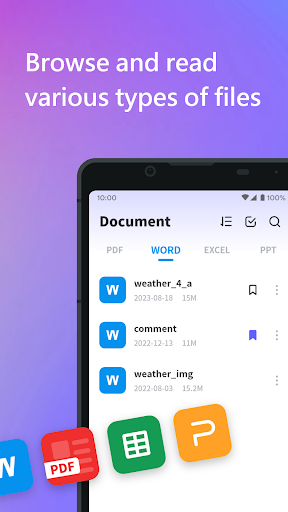
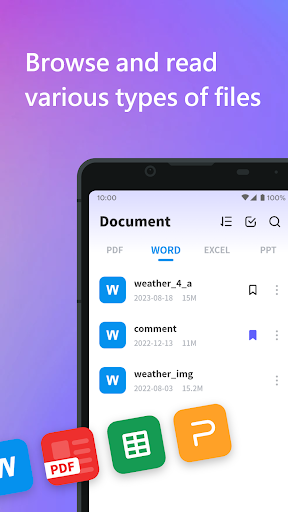
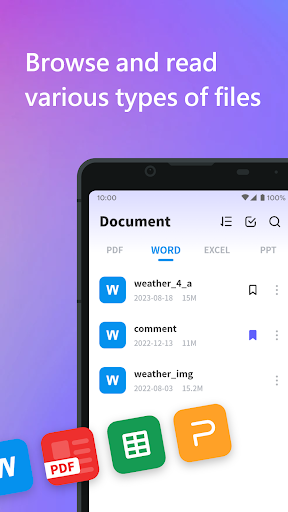
1. User-Friendly Interface: PDF View Finder offers a simple and intuitive interface, making it easy for users of all skill levels to navigate and locate specific information within documents quickly.
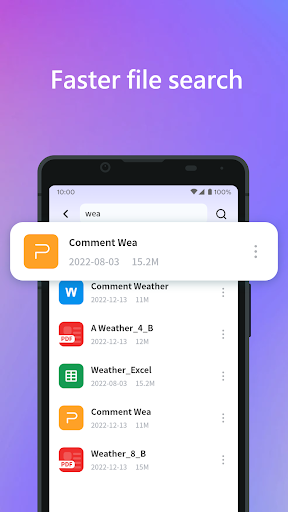
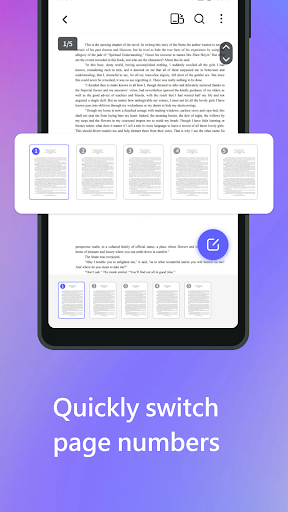
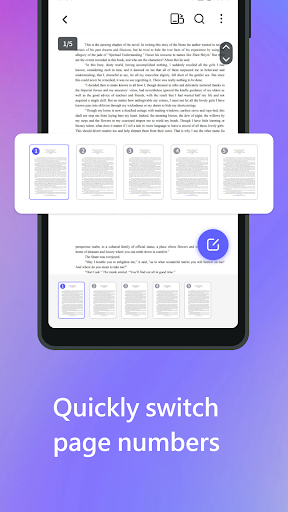
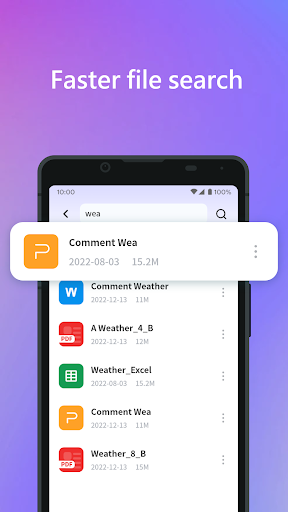
2. Advanced Search Functionality: It provides powerful search tools that allow users to find text, keywords, or phrases efficiently, even within large or password-protected PDFs.
3. Cross-Platform Compatibility: The application supports multiple operating systems, including Windows, macOS, and mobile platforms, ensuring seamless access and functionality across different devices.
Con
1. Limited editing capabilities: PDF View Finder primarily focuses on viewing and lacks robust tools for editing or annotating PDF documents.
2. Poor compatibility with large files: The application struggles with managing and rendering large PDF files, leading to slow performance and occasional crashes.
3. Infrequent updates: PDF View Finder is rarely updated, resulting in outdated features and limited support for newer PDF standards or user-requested improvements.


