Screen Mirroring
- 2.03K
- 4.7
- Installs
- 920.00M
- Version
- Varies with device

Screenshots

Pro
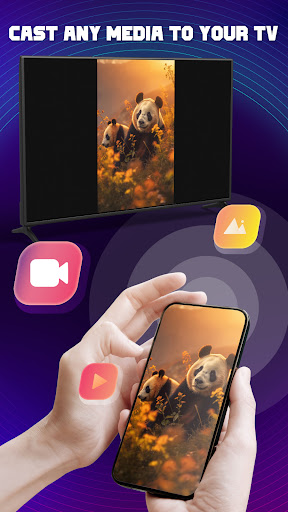
1. Compatibility: Screen Mirroring - TV Miracast supports a wide range of devices and TVs, ensuring seamless connectivity for most users without requiring additional hardware.
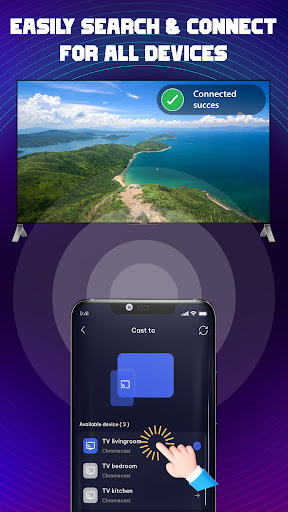
2. User-friendly Interface: The application offers an intuitive and straightforward interface, allowing users to easily connect and mirror their screens with minimal setup.
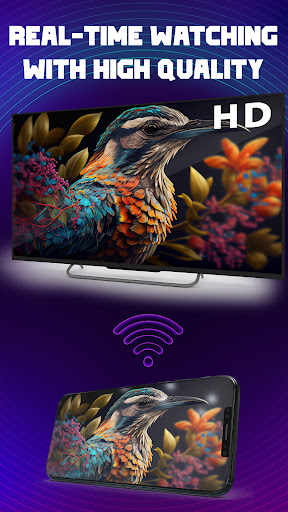
3. High-Quality Streaming: It provides high-resolution streaming of your mobile device's screen, ensuring that the mirrored content is clear and crisp on your TV or external display.
Con
1. Compatibility Issues: Screen Mirroring - TV Miracast may not be compatible with all devices or TVs, leading to connectivity problems or an inability to mirror the screen altogether for certain users.
2. Latency: Users might experience noticeable lag between actions performed on the mobile device and their reflection on the TV screen, affecting the smoothness of videos and games.
3. Quality Loss: The mirrored content could suffer from a reduction in video or audio quality, particularly over poor wireless connections, resulting in subpar streaming experience compared to direct HDMI connections.


