PDF Converter
- 2.35K
- 4.4
- Installs
- 280.00M
- Version
- Varies with device

Screenshots
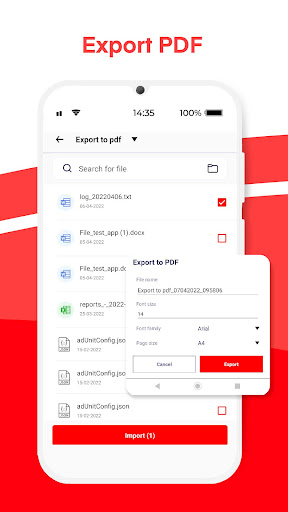
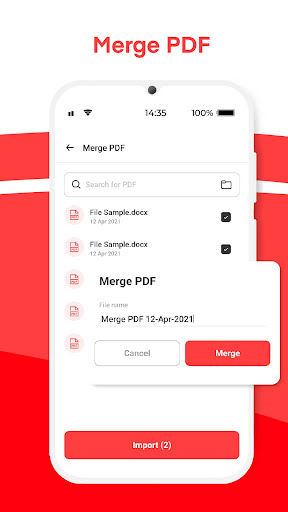
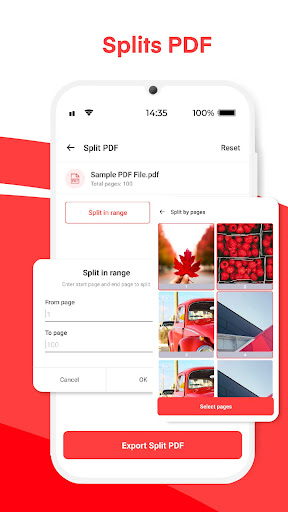
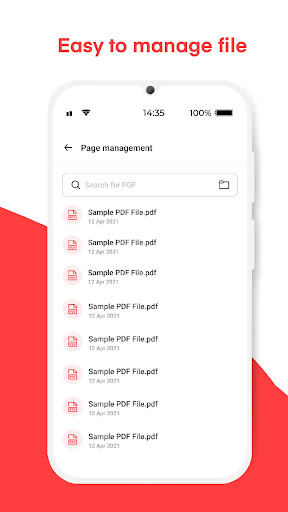
Pro
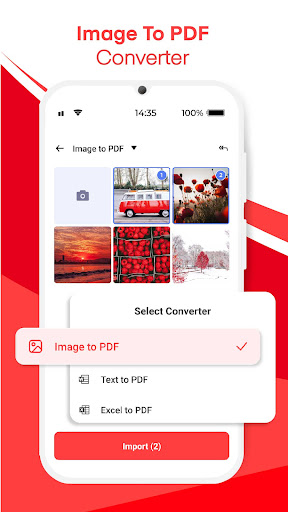
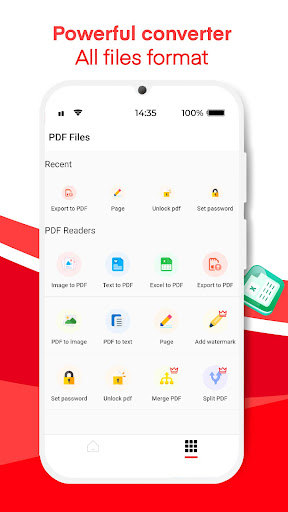
1. Versatility: The app converts various image formats (JPG, PNG, BMP, etc.) directly to PDF, allowing for easy consolidation and sharing of visual documents in a widely accepted format.
2. Convenience: With batch conversion features, users can transform multiple images into a single PDF file, streamlining workflow and saving time.
3. Quality Preservation: The conversion process maintains the original image quality, ensuring the resulting PDF accurately reflects the source images without degradation.
Con
1. Limited Editing Options: Image to PDF: PDF Converter primarily focuses on conversion, offering minimal features for editing images or PDFs. Users cannot annotate, add text, or modify images within the app.
2. In-app Purchases: Some key features might require payment, potentially increasing the overall cost for users who need advanced functionalities like batch conversions or watermark removal.
3. Compatibility Issues: The application may not support all image formats, leading to inconvenience if users attempt to convert less common or proprietary image files to PDF. Compatibility with the latest operating systems may also vary.


