Cast to TV & Screen Mirroring
- 1.19K
- 4.5
- Installs
- 230.00M
- Version
- Varies with device

Screenshots


Pro
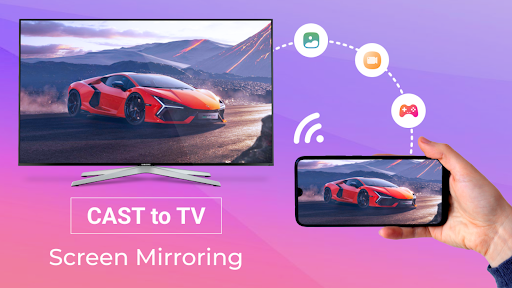
1. Compatibility: The Cast to TV & Screen Mirroring app supports a wide range of devices, including Smart TVs, Roku, Xbox, and other DLNA receivers, ensuring users can easily connect to numerous devices for seamless streaming.
2. User-Friendly Interface: The app's straightforward layout simplifies the process of connecting and streaming content, making it accessible for users of all technical skill levels to quickly cast photos, videos, and music to their TV.
3. No Additional Hardware Required: Unlike traditional casting methods, this app eliminates the need for additional hardware like cables or dongles, providing a cost-effective and clutter-free solution to stream content wirelessly from your smartphone or tablet to your TV.
Con
1. Compatibility Issues: The application may not support all TV brands or models, leading to connection failures or suboptimal streaming performance, causing frustration for users with incompatible devices.
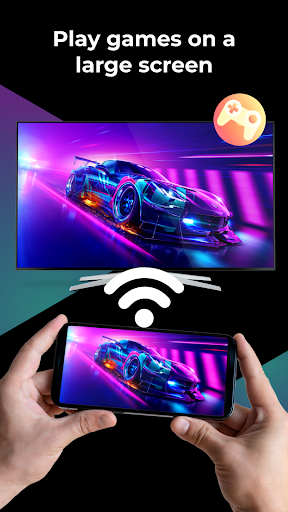
2. Latency: Users may experience a delay between actions on their device and the response on the TV screen, which can disrupt gameplay, video playback, and overall user experience.
3. Ads and In-App Purchases: The app may contain intrusive ads that disrupt the viewing experience, and essential features might be locked behind a paywall, requiring users to make in-app purchases for full functionality.


