Roku Remote
- 1.64K
- 4.7
- Installs
- 190.00M
- Version
- Varies with device

Screenshots


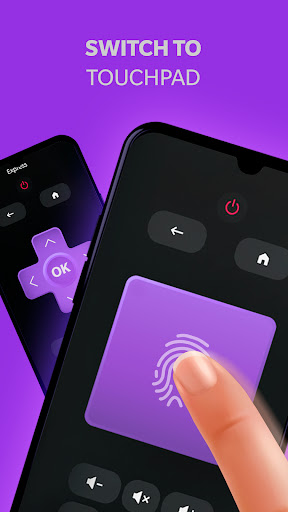


Roku Remote is one of the best remote control units for Roku Stick, Roku Box and Roku TV. With the app, users can control all kinds of Roku devices from their Android phone. Users can enjoy the high quality of remote control and super simple setup for their Android gadget.
All they need is to connect their Android device and Roku to the same Wi-Fi network. Except for all kinds of Roku devices, the app also supports a variety of other devices, including ASTV, Samsung, Vizio, Hisense, Sanyo, TCL, Sharp, Onn, Element, Philips, JVC, RCA, Insignia and more.
Features:
- Adjust volume of your Roku TV.
- Add or launch channels directly from the application.
- Enter text on your Roku device with your keyboard.
- Use the touchpad for convenient menu and content navigation
- Search for YouTube videos and stream to Roku from Android
- Easy to use: No setup is required. Roku Remote automatically scans your network to find your Roku.
How to set up my virtual remote on the phone?
It just takes a few steps to make your remote control work. First of all, make sure that your smartphone and the right TV are connected to the same Internet network. In this process, do not use VPN and other proxies, VLANS and subnets because both devices must be on the same wave of the Internet and with the same address.Then, turn on the TV and open the app on your phone, and the Roku Remote will automatically scan your network to find your Roku.
You can download this app from Google Play Store or Apple Store. For Android users, you can download the apk we offer to you and finish the installation.


