Auto Click
- 2.36K
- 4.2
- Installs
- 800.00M
- Version
- Varies with device

Screenshots












Pro
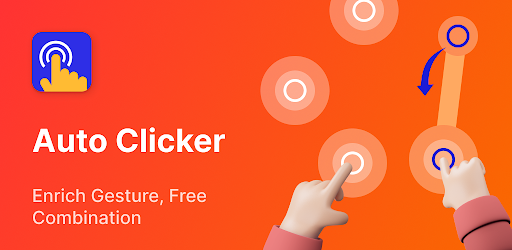
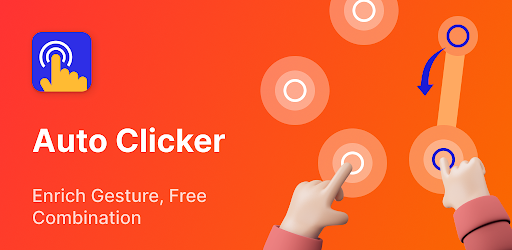
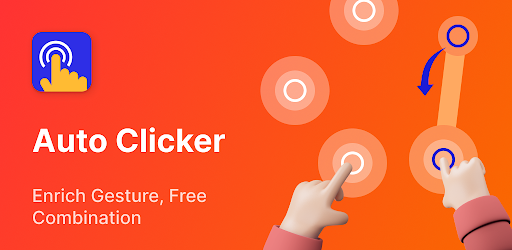
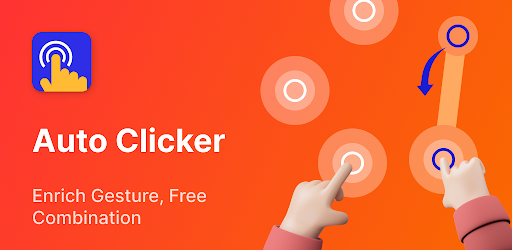
1. Time-Saving: Auto Click - Automatic Clicker automates repetitive clicking tasks, saving you time and effort in processes like gaming or data entry, where constant clicking is necessary.
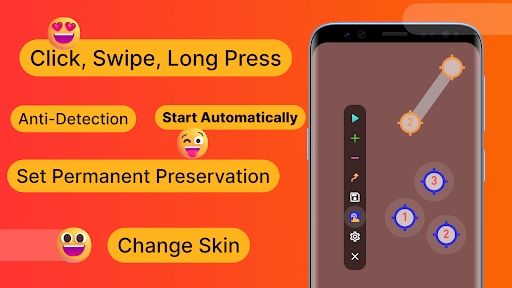
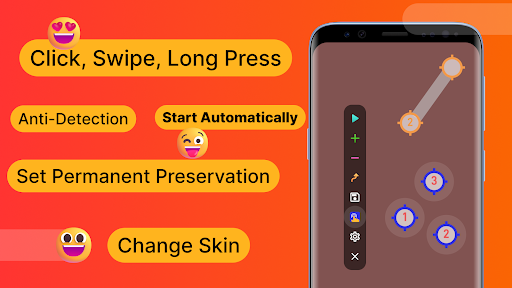
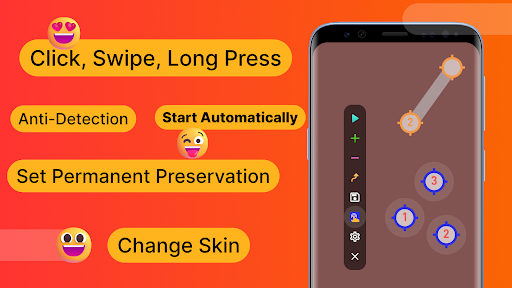
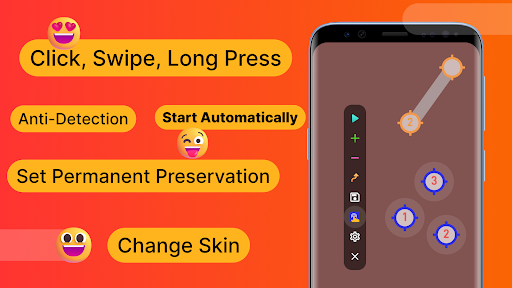
2. Customization: The app offers customizable settings for click intervals, duration, and location, allowing users to tailor the tool to their specific needs and tasks.
3. Ease of Use: The application's user-friendly interface ensures a smooth experience for users of all skill levels, making it accessible for anyone needing automated clicking without the need for complex setup or technical knowledge.
Con
1. Battery Drain: Auto Click - Automatic Clicker can consume a significant amount of battery when running for prolonged periods due to continuous screen interaction, which can be inconvenient for users without frequent access to a charger.
2. Potential for Abuse: Users could misuse the app for cheating in games or manipulating online activities, which can lead to account bans or violations of service terms for certain applications or platforms.
3. Accessibility Issues: The app may present a steep learning curve or be less intuitive for people who are not tech-savvy. Some users might struggle to configure the settings correctly, leading to frustration or ineffective use of the auto-clicking features.


