WiFi Analyzer
- 1.38K
- 4.2
- Installs
- 970.00M
- Version
- Varies with device

Screenshots


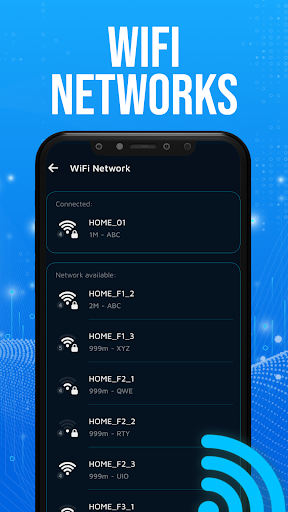
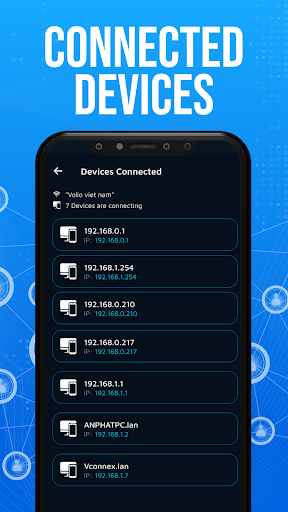
Pro
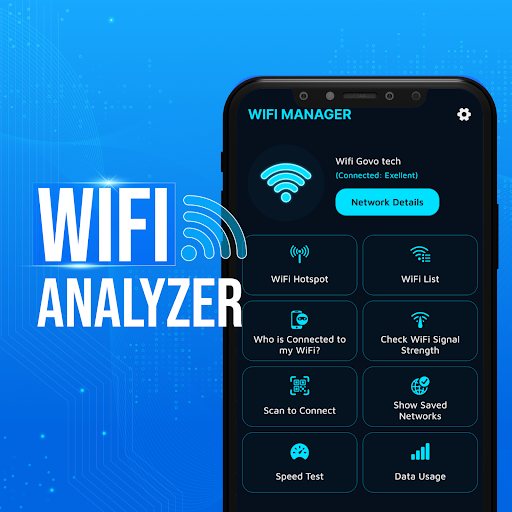
1. Network Optimization: WiFi Analyzer identifies crowded channels, enabling users to adjust their settings for optimal connection quality and reduced interference.
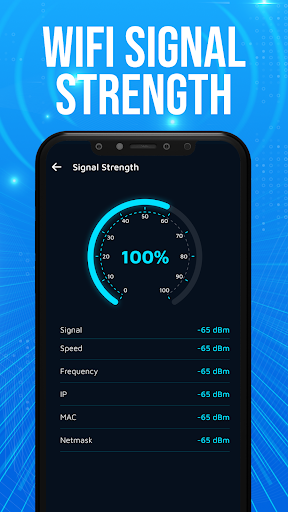
2. Signal Strength Visualization: Provides a clear graphical representation of signal strength across different areas, aiding in the placement of routers for improved coverage.
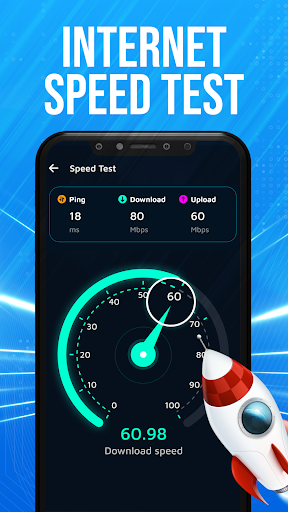
3. Speed Testing Functionality: With built-in speed test tools, users can quickly assess their WiFi connection's upload and download speeds, facilitating troubleshooting and performance verification.
Con
1. Limited Features for Free Users: The WiFi Analyzer app may have restricted functionalities in the free version, requiring payment for full feature access.
2. Complexity for Novices: The interface and data presented might be overwhelming for users with little technical knowledge, making it less user-friendly for beginners.
3. Intrusive Ads: In the free version of the app, users might experience frequent and intrusive advertisements that can disrupt the analysis process and negatively affect the user experience.


