The Home Depot Canada
- 2.20K
- 4.9
- Installs
- 770.00M
- Version
- Varies with device

Screenshots




By clicking “Install”, you acknowledge having read and understood this description and consent to the installation of this app (“app”) and to future updates and upgrades on your mobile device. You also consent to the communication of commercial electronic messages to you or other users of your device via this app. You can withdraw your consent at any time. The functions and purposes of this app are set out below.
GENERAL
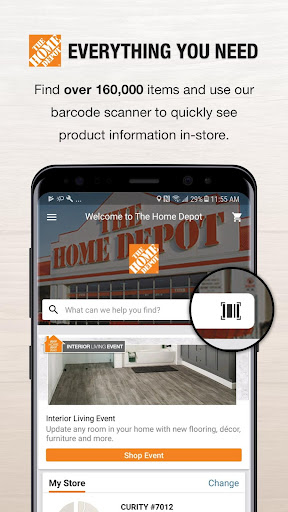
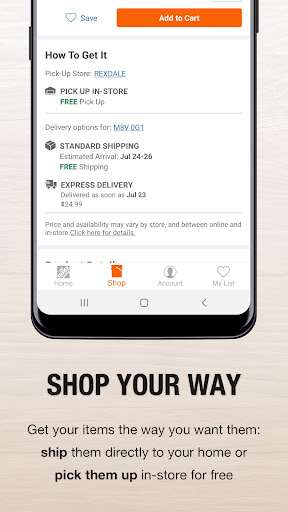
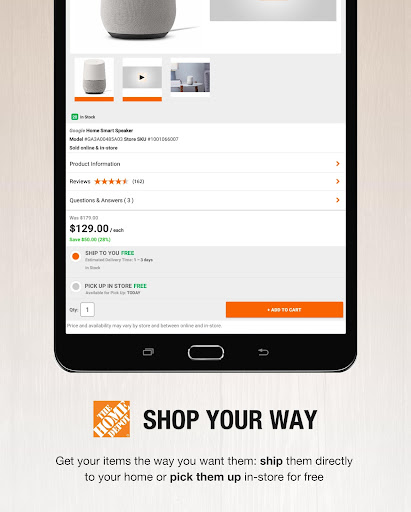
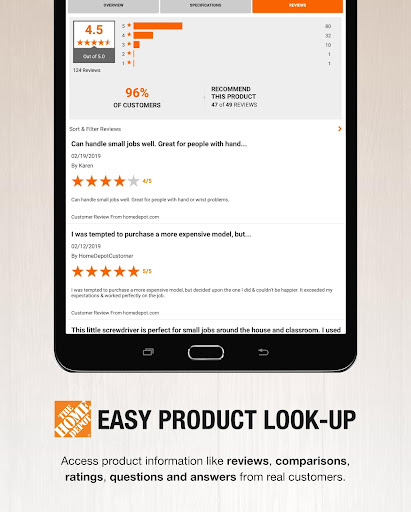
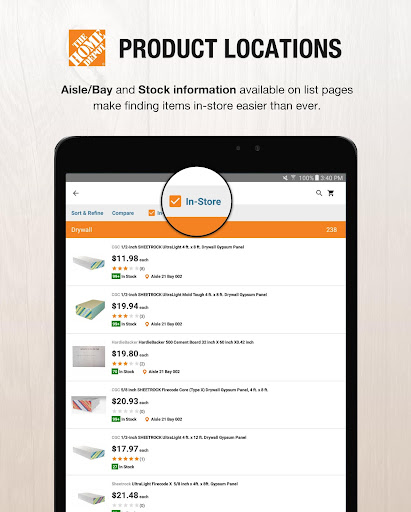
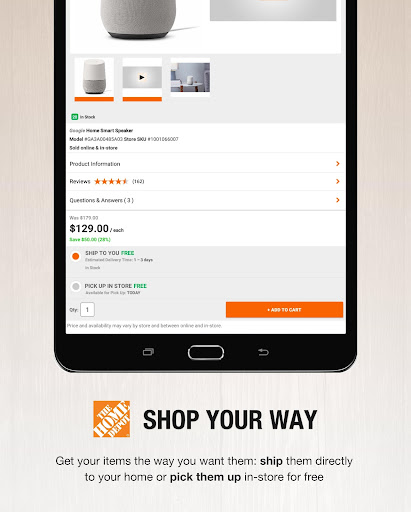
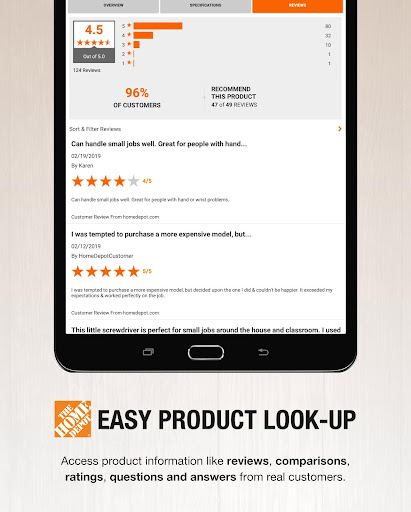
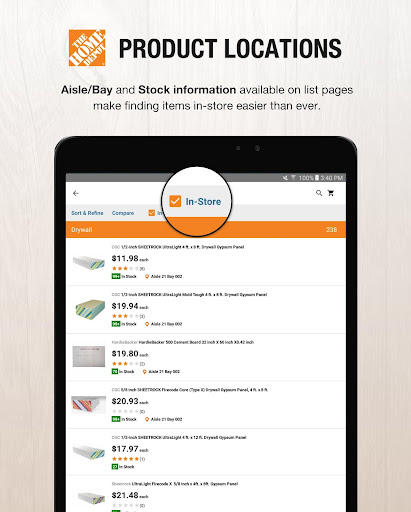
The Home Depot Android app (“app”) lets you research and purchase tens of thousands of products directly from the app, with access to in-store product availability and ratings & reviews. Want even more information at your fingertips? Check out our How-To content, Buying Guides and more.
SHOP ON THE GO FROM YOUR ANDROID DEVICE
The Home Depot Android app combines the best of an Android app and our main homedepot.ca website to deliver an in-hand shopping experience. Shop on the go, from anywhere – anytime!
All connections to our website are secure.
ACCOUNT INFORMATION
Access your account information directly from the app. If you have an account with us – you can sign in through the app and access all of your information, including purchase & order information, account details & preferences. You can also sign up for a Home Depot account using the app.
BARCODE SCANNER
Check prices and inventory from anywhere to make shopping at Home Depot even easier. Scan a UPC barcode, from product packaging or an in-store shelf tag to find store inventory and price details on any product carried in our stores. You’ll need to provide access to your camera for the Barcode Scanner to work properly
MOBILE TOOLBOX:
The app includes four tools to help you get any job done. Measure and calculate what you need on site, or save your measurements and reference them while shopping in-store to ensure you pick up exactly what you need.
LOCATION SERVICES
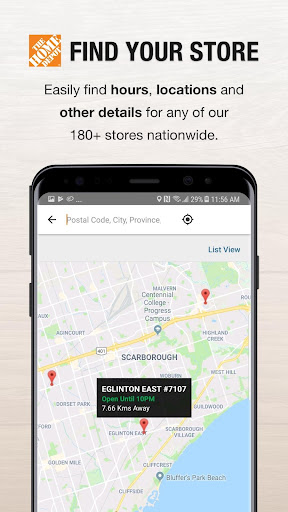
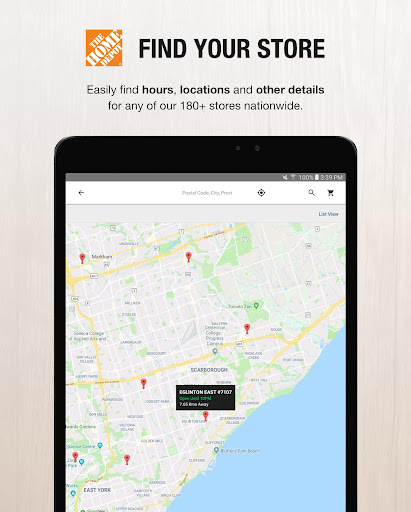
No matter where you are, you can always find a Home Depot store nearby. Our app uses your Android device’s GPS and Wi-Fi functionalities to locate your closest Home Depot store – complete with directions, phone numbers and hours of operation. You can also find Home Depot stores using city names or postal codes. The location functionality is also used to provide pricing and available inventory based on your preferred store, to help display the right Home Depot eflyer, and to help Home Depot better understand how to provide products and services to you. You can disable this functionality by going to “Settings” on your Android device, selecting “Apps” and then “Home Depot” and clicking “Clear Data”. Disabling this functionality may compromise the usefulness of the app.
HOW -TO PROJECT & PRODUCT VIDEOS
Whether you’re installing a new toilet or just want to learn about a project like painting your walls, access DIY projects, buying guides and videos from the palm of your hands.
UNINSTALLING THE MOBILE APP
You can uninstall the app at any time by following the steps found here: https://support.google.com/googleplay/answer/2521768?hl=en. Taking these steps will also permit you to unsubscribe from receiving commercial electronic messages via the app.
For more information, please visit us at www.homedepot.ca or contact http://www.homedepot.ca/content/customer-support/contact-us.
HOME DEPOT OF CANADA INC.
900-1 Concorde Gate, Toronto, Ontario M3C 4H9
1-800-628-0525


