Remote Control for TV , All TV
- 1.21K
- 4.3
- Installs
- 320.00M
- Version
- Varies with device

Screenshots






Pro
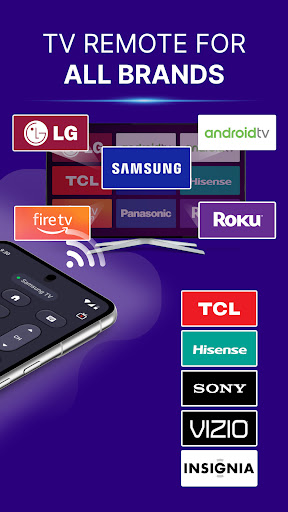
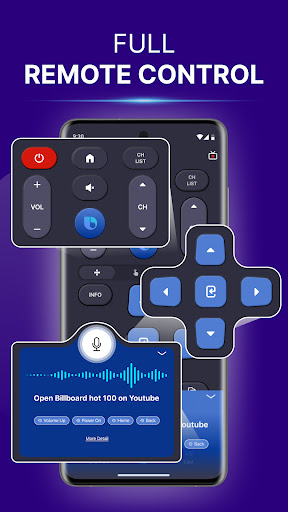
1. Convenience: The Remote Control for TV, All TV application allows users to control multiple TV brands from a single device, eliminating the need to switch between different remotes.
2. Ease of Use: The intuitive user interface makes navigation simple, ensuring even non-tech-savvy individuals can operate their TVs effortlessly.
3. Portability: With the application on your smartphone, you can control your TV from anywhere within range, providing flexibility and ease regardless of your location in the house.
Con
1. Compatibility Issues: The All TV remote control app may not be compatible with all television models, causing frustration for users with incompatible devices.
2. Dependence on Smart Devices: Requires a smartphone or tablet, which can be inconvenient if these devices are unavailable or have low battery.
3. Connectivity Problems: Relies on Wi-Fi or Bluetooth connections, which can be unreliable, causing delays or failure in controlling the TV.


