Padlet
- 1.63K
- 4.6
- Installs
- 1.00B
- Version
- Varies with device

Screenshots













Pro
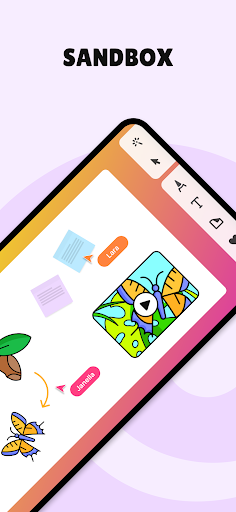
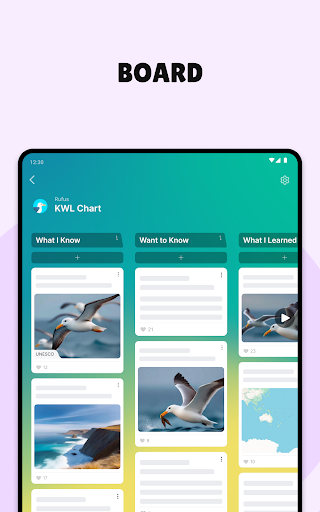
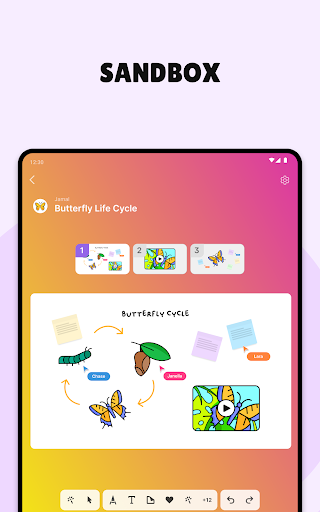
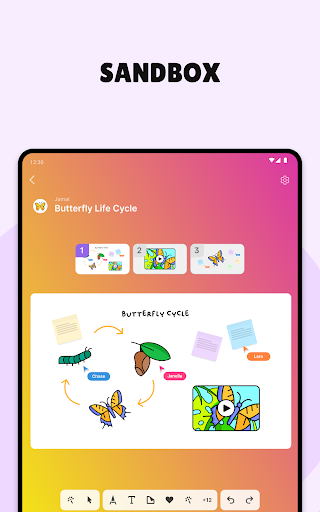
1. Collaborative Engagement: Padlet allows real-time collaboration where multiple users can contribute simultaneously, enhancing teamwork and idea exchange.
2. User-Friendly Interface: Its intuitive, visually appealing design makes it easy for users of all ages to navigate and use effectively.
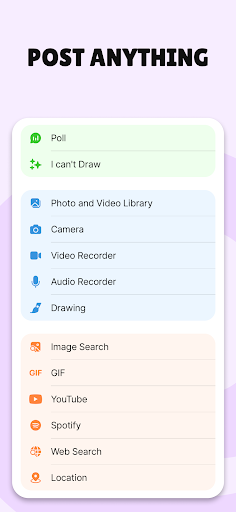
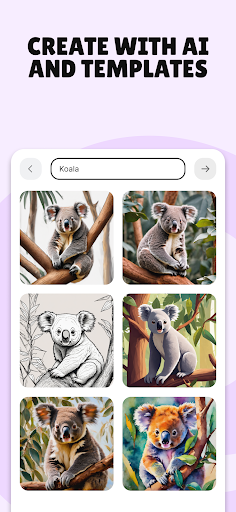
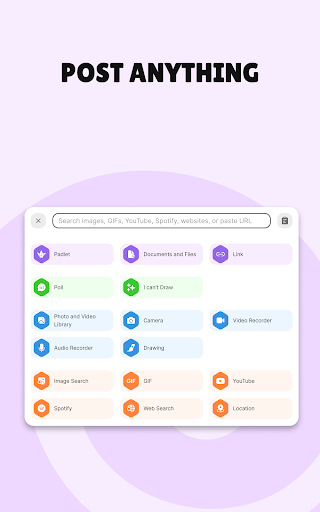
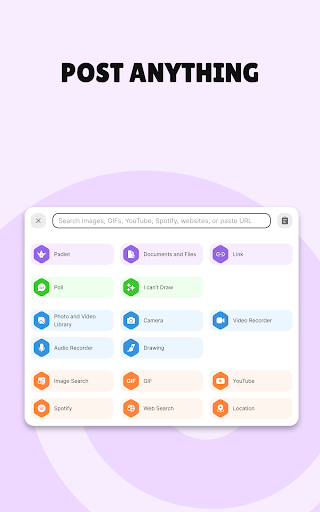
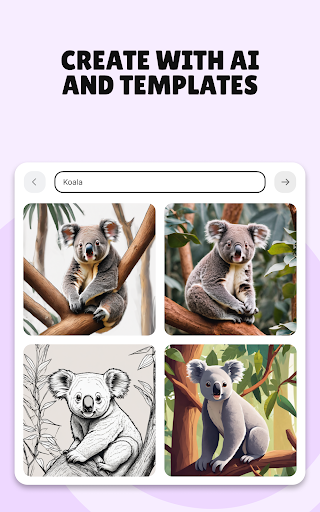
3. Versatile Content Formats: Padlet supports various content types, including text, images, videos, and links, allowing for diverse and dynamic presentations.
Con
1. Cost: The free version of Padlet offers limited features, and the cost of premium subscriptions can be prohibitive for some users, especially in large educational institutions or organizations.
2. Privacy: There are concerns about data privacy, as the content shared on Padlet can potentially be accessed by unauthorized users if not properly secured.
3. Usability Issues: While generally user-friendly, some users report that Padlet's interface can be confusing, especially for beginners, leading to a steep learning curve.


