AR Drawing
- 1.63K
- 4.9
- Installs
- 60.00M
- Version
- Varies with device

Screenshots
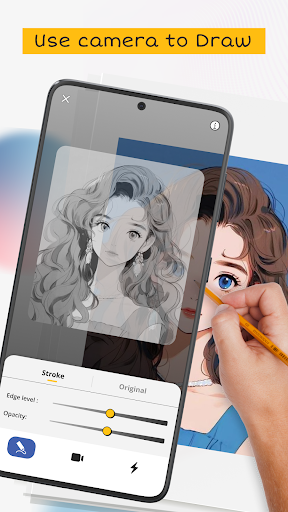


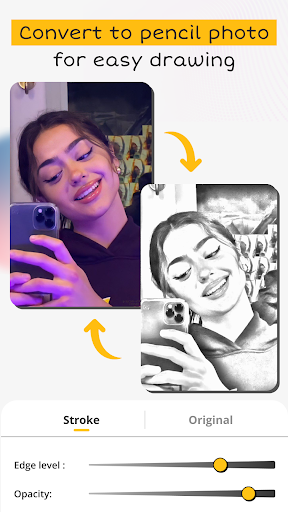
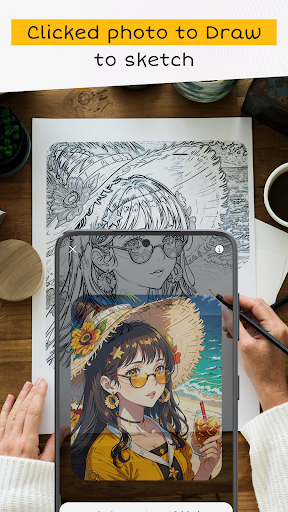

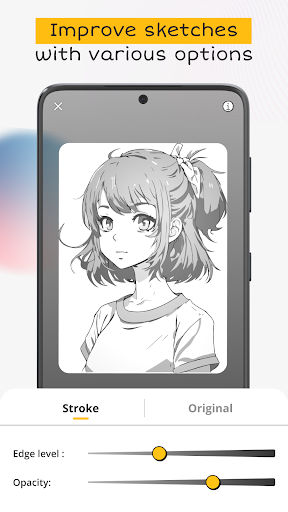
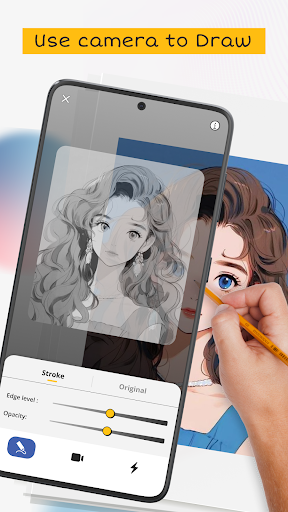
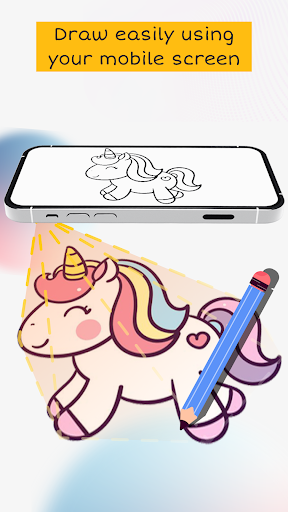

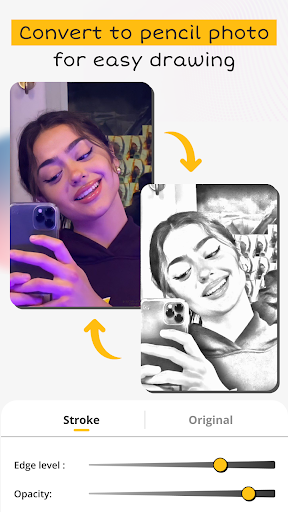
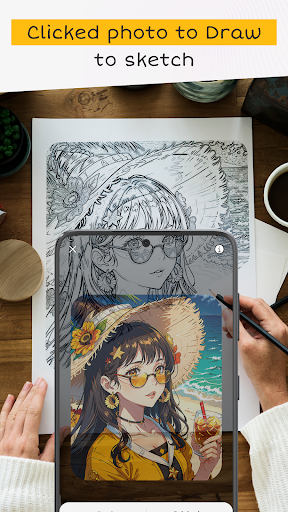
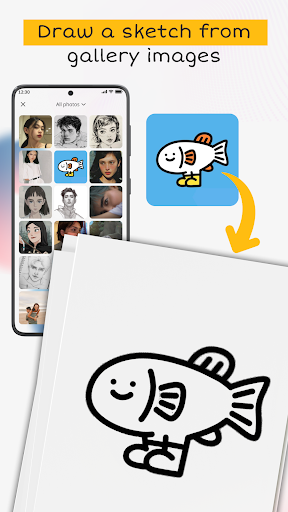
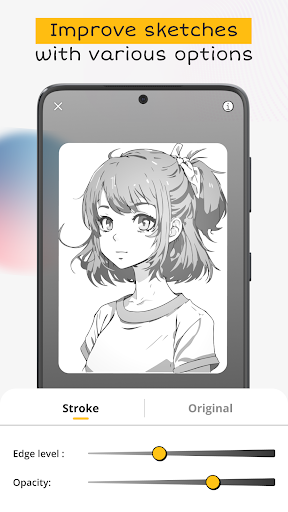
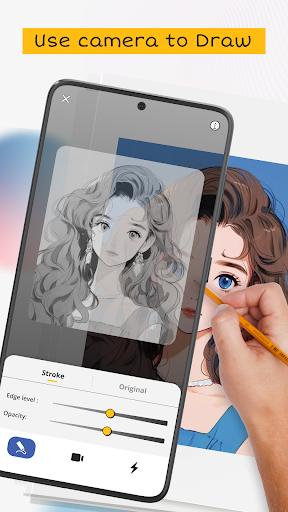
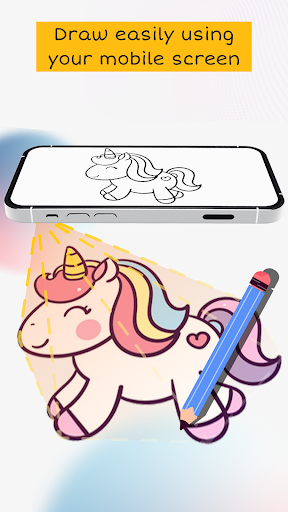

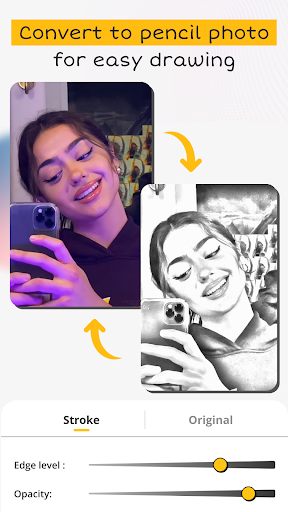
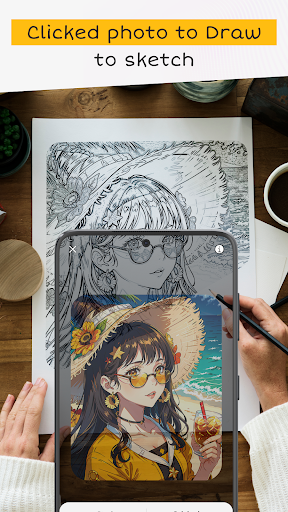
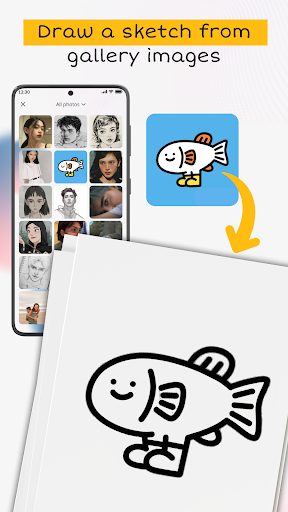
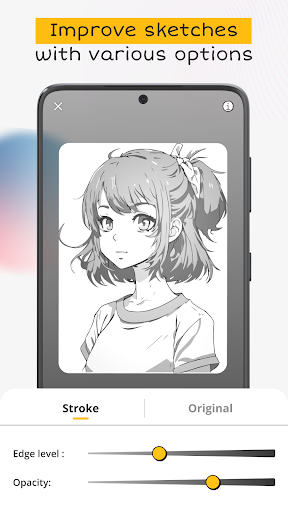
Pro
1. Immersive Creativity: AR Drawing: Paint & Sketch allows users to draw and paint in a three-dimensional space, offering an immersive experience that goes beyond traditional 2D surfaces, encouraging creative expression in real-world settings.
2. Real-Time Interaction: The app enables real-time interaction with AR artworks, letting users view and modify their creations from different angles, fostering a dynamic and engaging art-making process.
3. Easy Sharing: With AR Drawing: Paint & Sketch, users can easily share their augmented reality masterpieces with friends or on social media, showcasing their work in the context of their environment for others to appreciate and interact with.
Con
1. Limited Features: AR Drawing: Paint & Sketch app may fall short for advanced artists seeking sophisticated tools. Its feature set is tailored more for casual users, potentially lacking depth in brush options, layers, and professional editing capabilities.
2. AR Performance: The augmented reality experience can be inconsistent, with performance heavily dependent on the device's capabilities. Users with older or less powerful smartphones might encounter lag, imprecision, or difficulties in rendering the AR environment smoothly.
3. User Interface (UI): The app's user interface might not be intuitive for all users, leading to a steeper learning curve. Navigation and accessing various tools can be less straightforward, which could deter users who prefer a more seamless and user-friendly drawing experience.


