WiFi Password Show
- 1.38K
- 4.2
- Installs
- 550.00M
- Version
- Varies with device

Screenshots


Pro
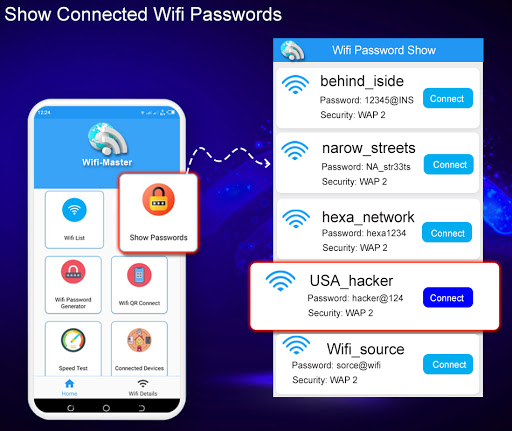
1. Ease of Access: WiFi Password Show-WiFi Master allows users to quickly and conveniently view saved WiFi passwords on their device, streamlining the process of connecting new devices to known networks or sharing credentials with friends.
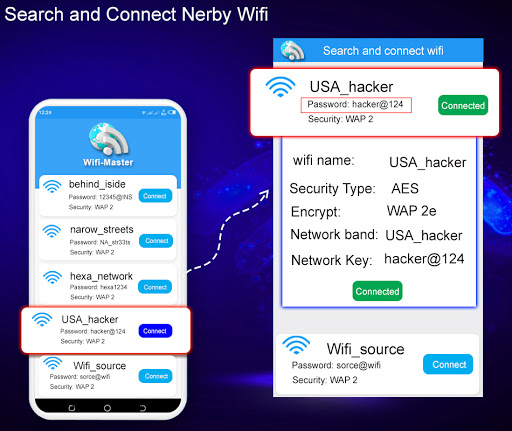
2. Network Management: The app provides a comprehensive overview of all network connections and details, enabling users to manage and troubleshoot WiFi settings efficiently.
3. User-friendly Interface: With straightforward and intuitive design features, users can navigate the app without technical expertise, making it accessible to a wide range of people regardless of their tech-savviness.
Con
1. Security Risks: The WiFi Password Show-WiFi Master application could potentially expose users to security vulnerabilities by displaying saved WiFi passwords, making it easier for unauthorized individuals to gain access to private networks if the device is compromised.
2. Privacy Concerns: The app requires various permissions that may lead to privacy issues, as it could access sensitive user data or browsing history which could be mishandled or shared without proper user consent.
3. Limited Compatibility: The application may not be compatible with all devices or operating systems, restricting some users from being able to use its features. Additionally, it might not work with newer WiFi security protocols, limiting its effectiveness.


