T2S
- 1.67K
- 4.8
- Installs
- 840.00M
- Version
- Varies with device

Screenshots




Features
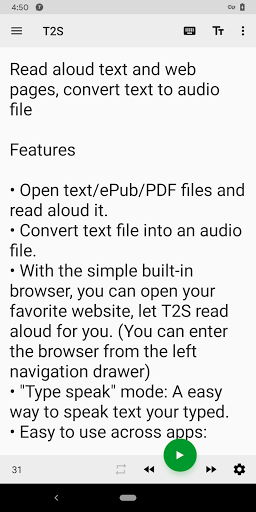
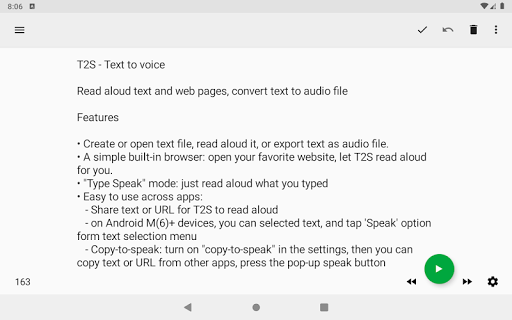
• Open text/ePub/PDF files and read aloud it.
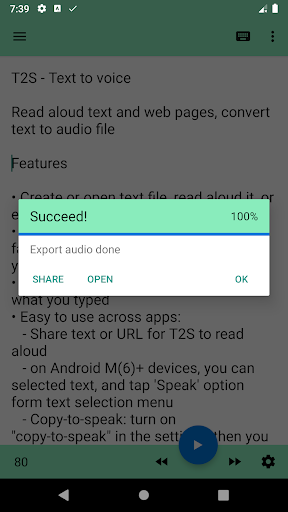
• Convert text file into an audio file.
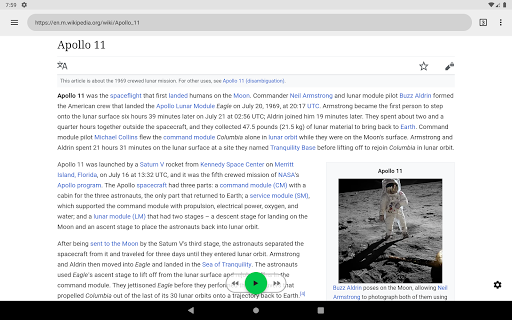
• With the simple built-in browser, you can open your favorite website, let T2S read aloud for you. (You can enter the browser from the left navigation drawer)
• "Type speak" mode: A easy way to speak text your typed.
• Easy to use across apps:
- Use share feature from other apps to send text or URL to T2S to speak. For URL, the app can load and extract the text of articles in web pages.
- On the Android 6+ devices, you can select text from other apps, then tap 'Speak' option from text selection menu to speak your selected text (* Require third-party apps to use standard system components).
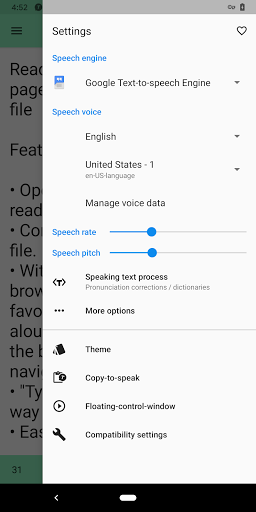
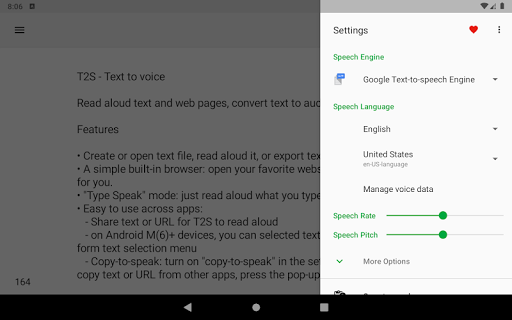
- Copy-to-speak: Copy text or URL from other apps, then tap T2S's Floating speak button to speak copied content. You can turn on this feature in the app's settings.
NOTE
• Highly recommend you install and use [Speech Services by Google] as the speech engine, it has best compatibility with this app.
• If the app frequently stops unexpectedly in the background, or it frequently displayed an error messages said: "Speech engine is not responding", you may need change battery saver settings to allow the app and speech engine app to running in the background.
more information about this:


