Menu Button
- 2.29K
- 4.7
- Installs
- 640.00M
- Version
- Varies with device

Screenshots
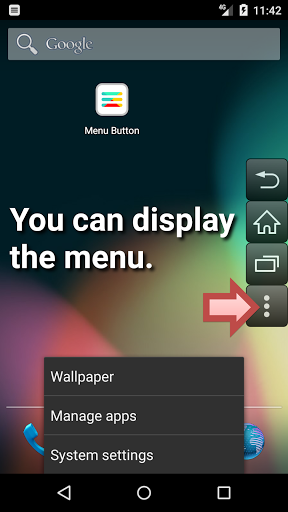

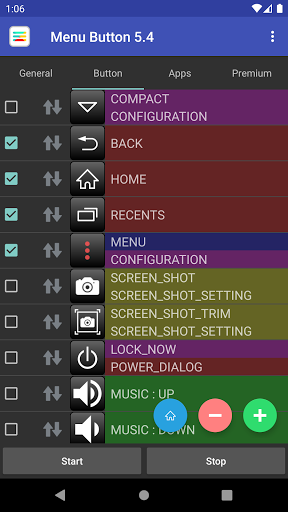

It revived the Android menu button. Root is not required.
Let's regain the menu display of the application.
There are also other buttons. (Home, back, power)
You can use as an alternative to the broken physical button.
Basic functions
- Display of the menu button
- Registration of the application to be used
- Customize the buttons to your liking
(Size, transparency, color, icon, position)
Feature
- Button can be added freely.
- You can customize the behavior of the tap and long press.
Other buttons
- Back button
- Home button
- Recent Apps button
- Power button
- Volume Up button
- Volume Down button
- Mute button
- Enter key button
- Space key button
- Arrow key buttons
- Tab-key button
- Page-up button
- Page-down button
Remarks
This app will add a keyboard.
- Because there is a technical problem, the execution of the menu key is required keyboard.
- Used to send the key when you press the button.
This app uses Accessibility services.
- To reflect the user settings when the app in the display has changed.
- Perform the following actions when the user presses the overlay button.
(Home, back, recent apps, power menu)


