Huji Cam
- 1.26K
- 4.5
- Installs
- 620.00M
- Version
- Varies with device

Screenshots
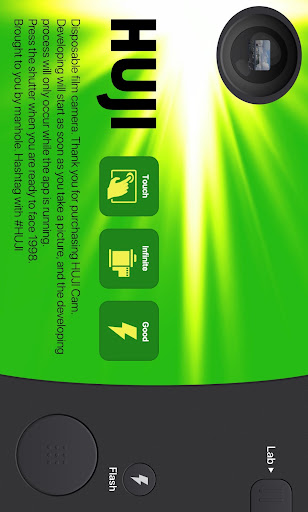
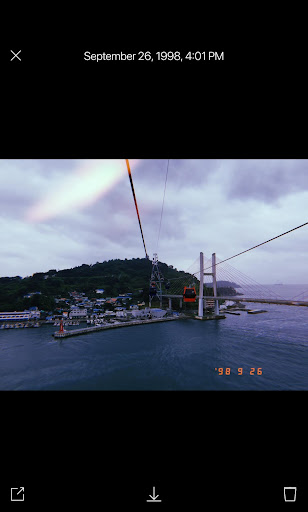
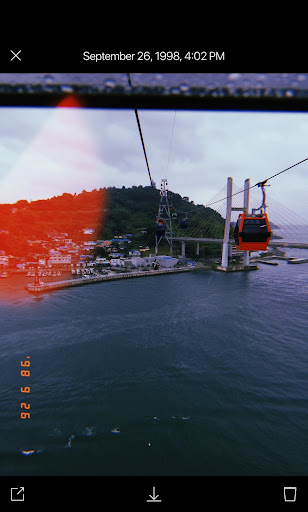
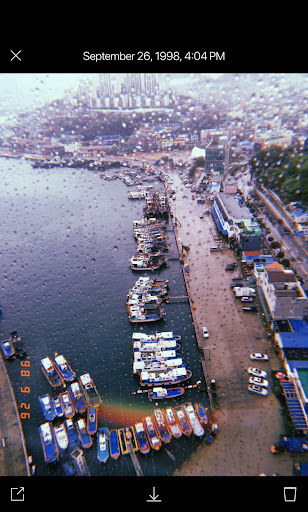
DISCLAIMER NOTICE: HUJI Cam IS PROVIDED AS MANHOLE'S OWN PRODUCT. THIS APP IS NOT THE OFFICIAL APP OF FUJIFILM OR ANY OTHERS. MANHOLE HAS MADE EVERY EFFORT TO ENSURE NOT TO INFRINGE OTHER'S COPYRIGHTS OR TRADEMARKS.
HUJI Cam makes your moments as precious as the feelings of analog film with old memories.
Camera makers of every era always tried to capture the best moments and such an effort continued back in 1998 as well, whereby our memories became clearer.
HUJI Cam has the effort of those days to leave precious moments as vivid and vibrant photographs.
- How to run through time on SNS : #HUJI
Take a picture having a feeling just like the year 1998 with HUJI Cam.
- How-To
Photo developing starts as soon as taken. Be aware that developing only occurs while the app is running in foreground. The results can be seen by tapping the Lab button.
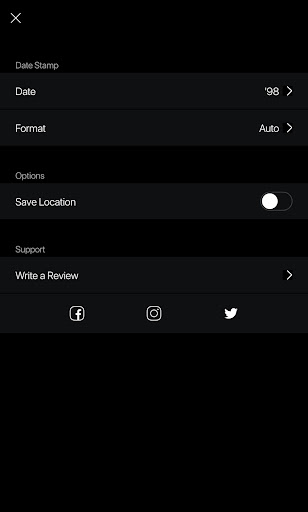
Go to the SNS of HUJI for details. You can visit via the Settings page in the app.
- When HUJI does not work
1. Open Settings app and tap Applications then tap HUJI.
2. Turn off the camera access in Permissions menu.
3. Open HUJI App again and tap the "Resolve Problems" button on the bottom of the camera permission notice.


