Security Service Mobile
- 2.08K
- 4.4
- Installs
- 130.00M
- Version
- Varies with device

Screenshots
What’s New
Thanks for using Security Service Mobile. We’re continuously improving our app to give you the best mobile banking experience, so turn on automatic updates to make sure you always have the latest version from SSFCU.
About the App
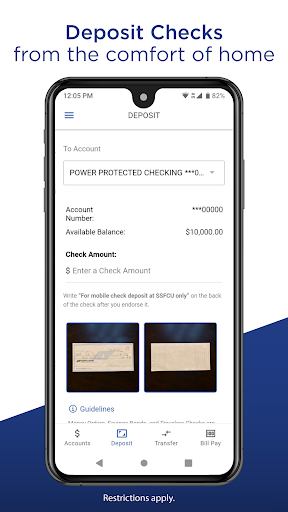
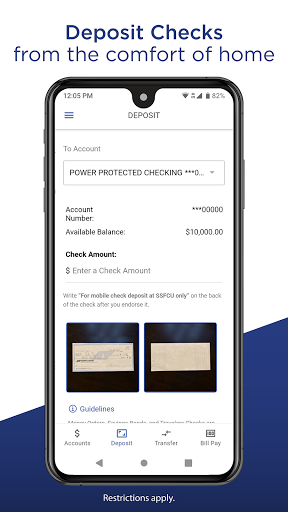
Bank anywhere with the Security Service Mobile banking app. View your balance, transfer money, deposit checks, and pay bills in a few simple steps. It’s the easy, secure way to manage your accounts at SSFCU.
Manage Your Accounts
• View balances and transactions
• Transfer money
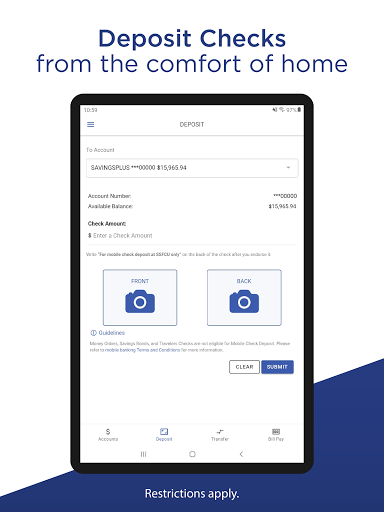
• Deposit checks
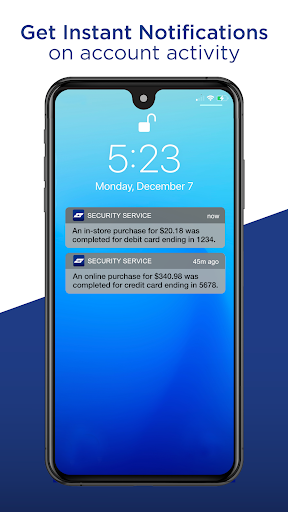
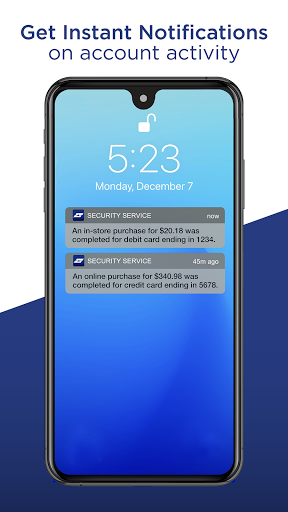
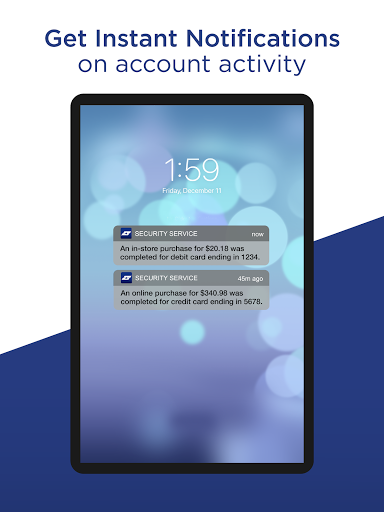
• Set up alerts
• Debit and credit card freeze/unfreeze
• Set up a travel notice
Make Payments & Transfers
• Schedule, edit, or cancel payments with Bill Pay
• Transfer money between your accounts
• Set up credit card autopay
Helpful Resources
• Branch and ATM locator
• Member Guide FAQs
• PowerPerks
• ID Monitoring access*
• Credit score access*
• Mobile phone claim access*
*Power Protected Checking account holders only.
Federally insured by NCUA. Standard data and text messaging rates may apply. Alerts are based upon the settings you establish. Mobile check deposit is subject to eligibility and qualification requirements. Most alerts are provided real-time, but some may not trigger an immediate alert. Security Service is not responsible for an alert not being sent or received.


