PDF Reader Pro
- 2.16K
- 4.7
- Installs
- 320.00M
- Version
- Varies with device

Screenshots

Pro
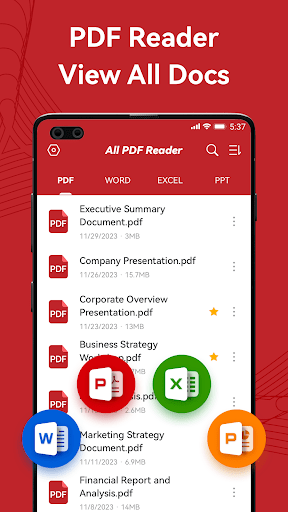
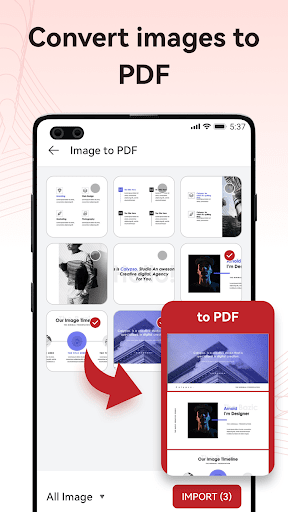
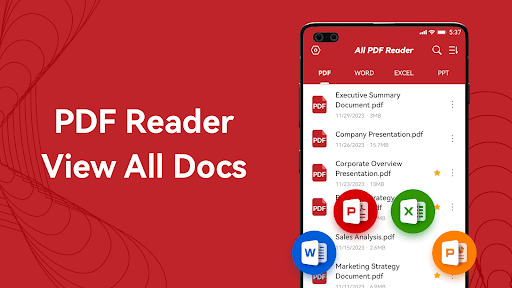
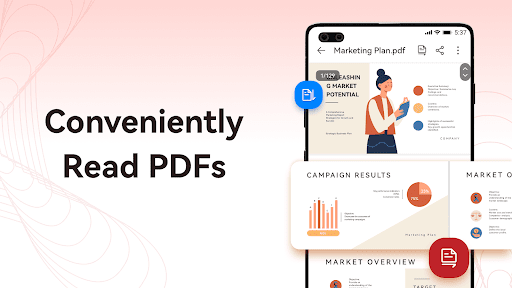
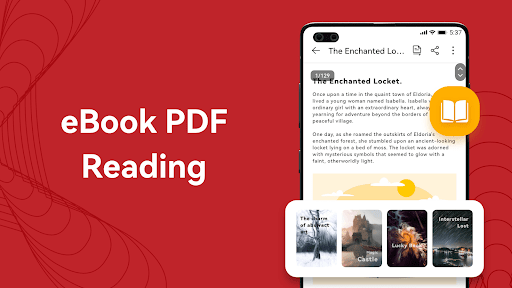
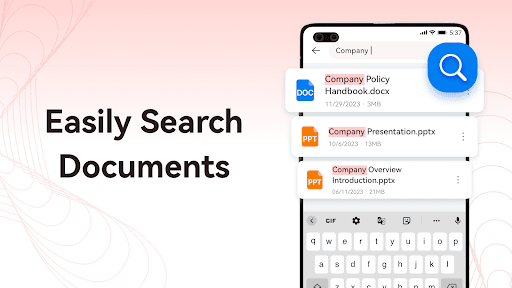
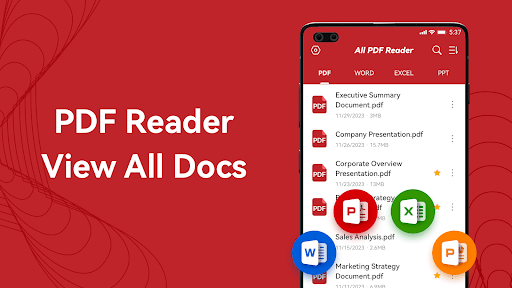
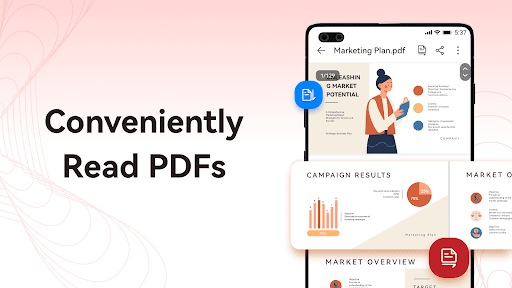
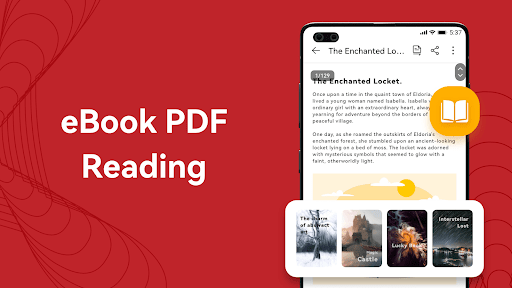
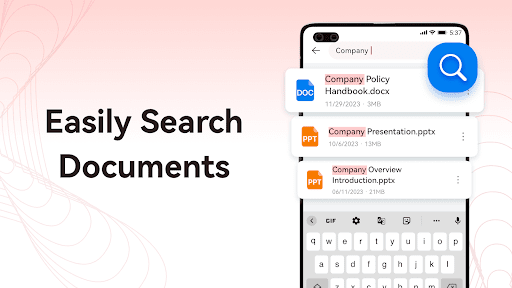
1. Versatility: PDF Reader Pro supports a variety of file formats beyond PDF, such as Word, Excel, and image files. This eliminates the need for multiple applications to view different file types.
2. Annotation Tools: The app comes with a comprehensive set of annotation tools. Users can highlight, underline, strikeout text, add shapes, and notes, making it ideal for studying or reviewing documents.
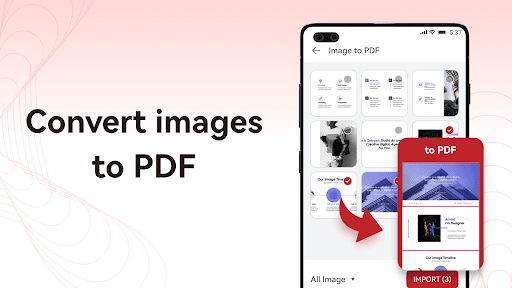
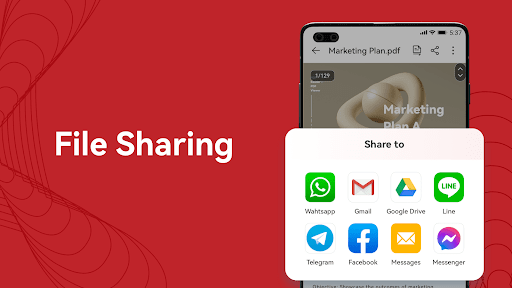
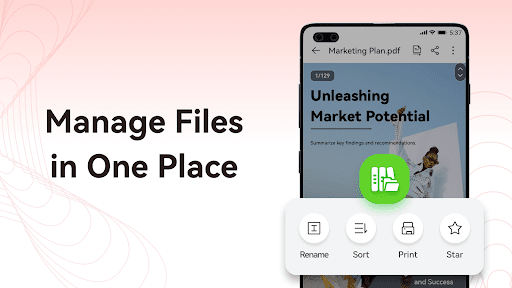
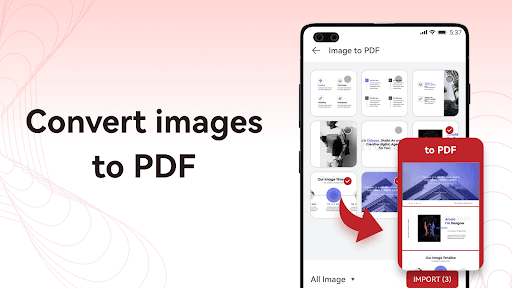
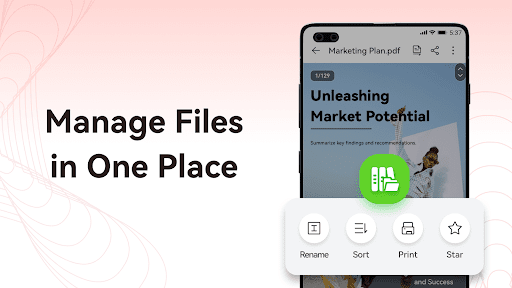
3. File Management: It offers robust file management features. Users can organize their PDFs into folders, merge documents, split pages, and even convert PDFs to other formats, thus making document handling more efficient.
Welcome to PDF Reader Pro and read all your documents in one place.
Con
1. Limited Free Features: PDF Reader Pro provides basic functionalities for free, but advanced features require purchasing the full version, which may not be ideal for users seeking a comprehensive free tool.
2. Performance Issues: Some users report the app can be slow or laggy when handling large PDF files or complex documents.
3. Compatibility Concerns: The app may not always display all elements of a PDF correctly, especially with files containing non-standard fonts or multimedia content, potentially leading to formatting issues.


