PDF Scanner APP
- 1.36K
- 4.7
- Installs
- 130.00M
- Version
- Varies with device

Screenshots






Pro
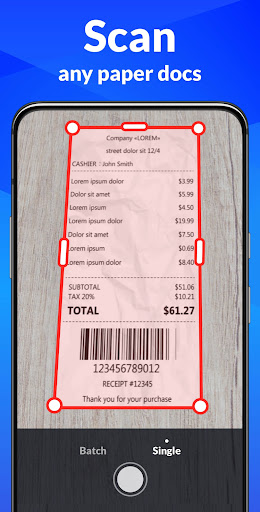
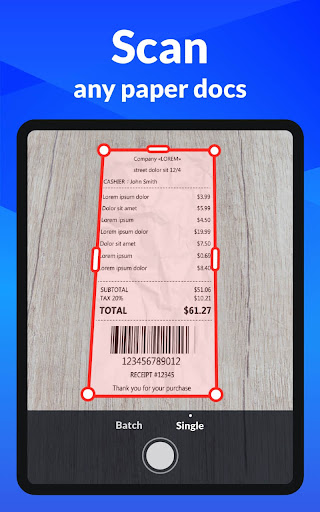
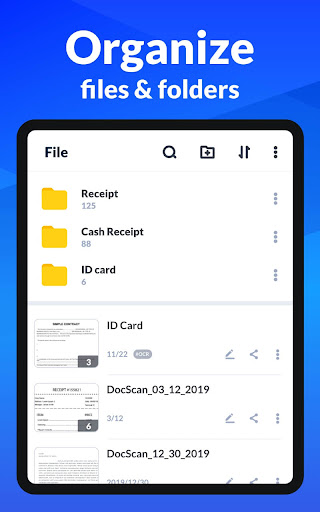
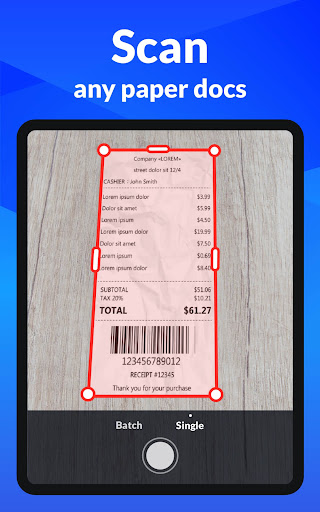
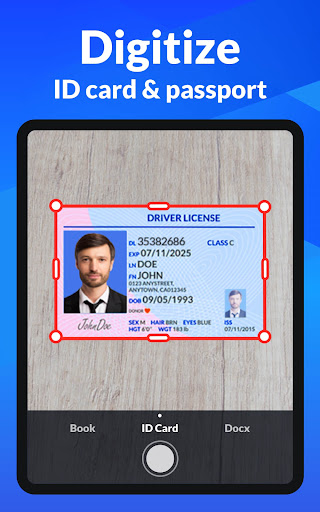
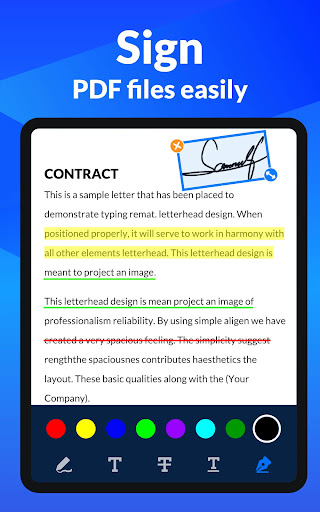
1. Convenience: PDF Scanner enables users to convert various documents into digital form quickly, using a mobile device, without needing a physical scanner, enhancing accessibility and ease of use.
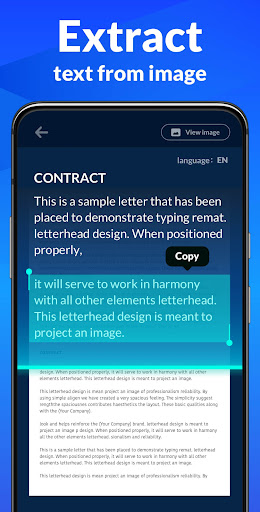
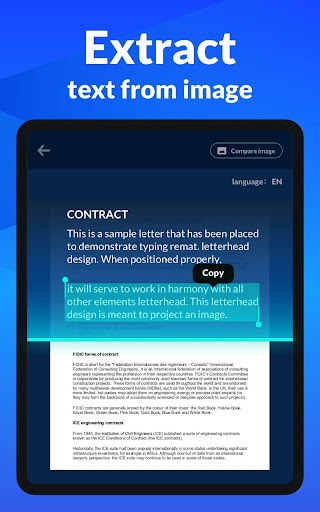
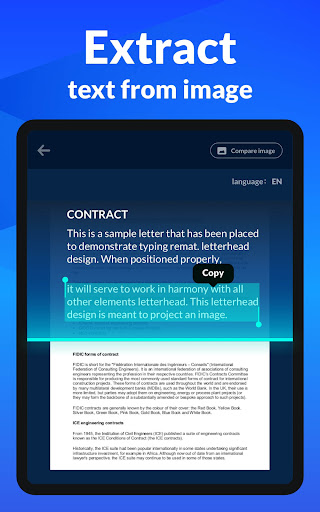
2. OCR Technology: The app incorporates Optical Character Recognition, allowing for the extraction and editing of text from scanned documents, making it ideal for archiving and searching content.
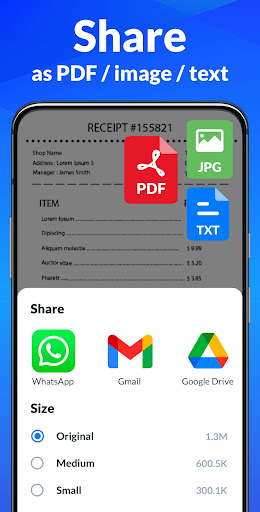
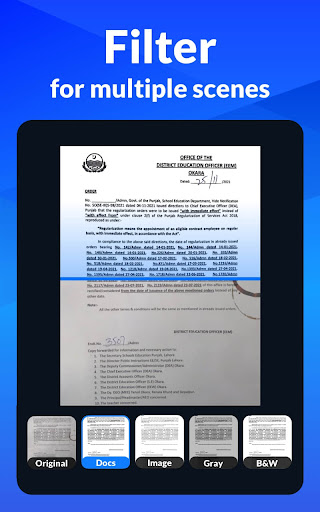
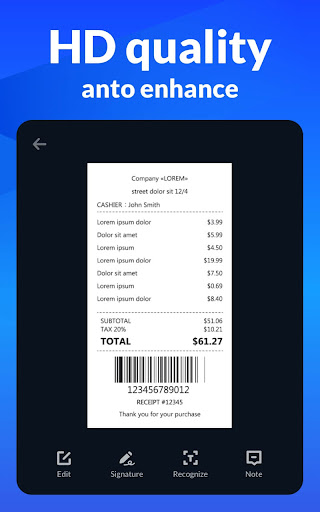
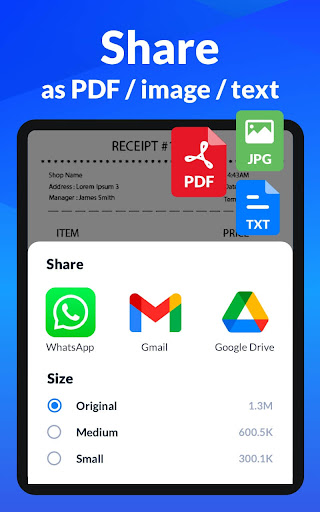
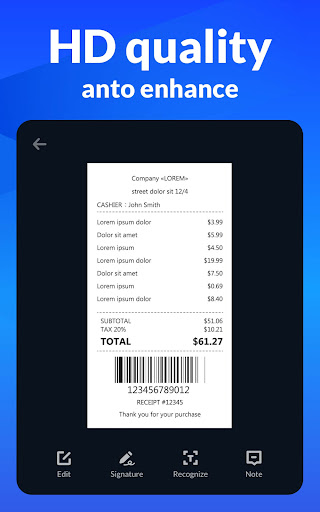
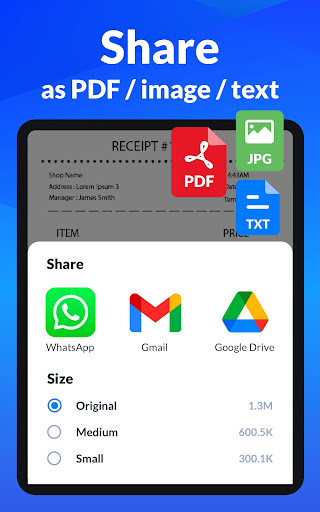
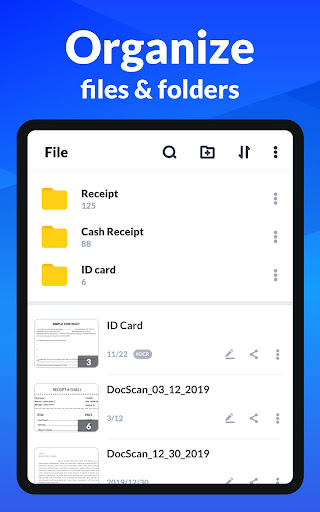
3. Versatility: It supports multiple file formats and offers features like batch scanning, image optimization, and secure file sharing, catering to diverse document management needs for both personal and professional use.
Con
1. Limited Editing Capabilities: PDF Scanner - Document Scanner mainly focuses on scanning and may offer only basic editing features, making it less suitable for users who need advanced editing and formatting options for their scanned documents.
2. Dependence on Image Quality: The app's scanning effectiveness highly relies on the camera quality of the device used, which can result in poor scans if the user's camera is suboptimal.
3. Ads and In-App Purchases: The free version of the app might display ads or restrict certain features, prompting users to make in-app purchases to unlock full functionality or eliminate interruptions, which can be inconvenient or add extra costs.


