PDF Scanner Document Scanner
- 1.56K
- 4.5
- Installs
- 550.00M
- Version
- Varies with device

Screenshots







Pro
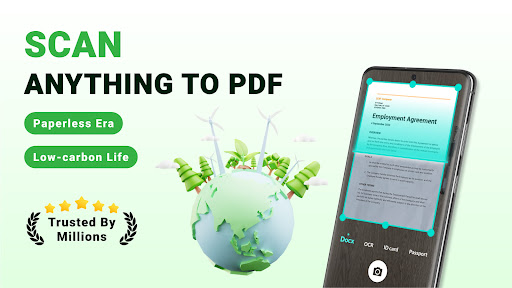
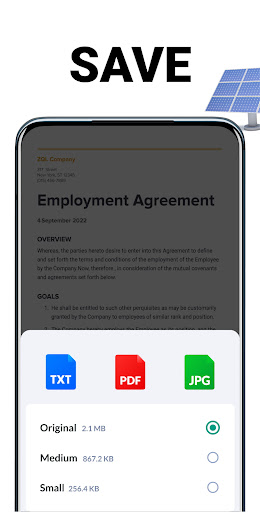
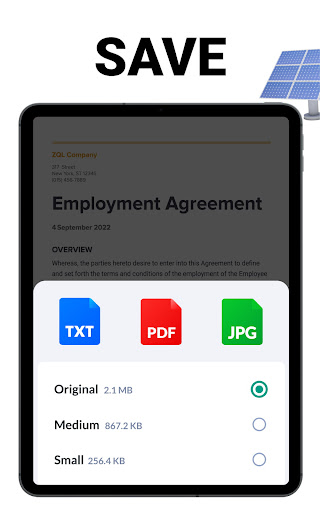
1. Portability and Accessibility: PDF Scanner converts physical documents into digital format, making them easily shareable and accessible from various devices. This enhances productivity as users can manage documents on-the-go and store them on cloud services for remote accessibility.
2. Image Enhancement: The app includes features to improve the clarity and readability of scanned documents. It can automatically adjust brightness, contrast, and can straighten skewed images, ensuring high-quality scans even from less-than-perfect originals.
3. Multi-page Document Support: Users can scan multiple pages seamlessly and create a single PDF file. This streamlines the scanning process for lengthy documents and maintains the organization of related pages within one accessible document, saving time and simplifying document management.
Con
1. Limited Editing Options: PDF Scanner - Document Scanner app often offers basic functionalities; thus, users may find its editing tools limited. Advanced editing like altering text within scanned documents or intricate image manipulation might require separate software, making the process less straightforward.
2. Image Quality Dependency: The app's output quality heavily relies on the captured image. Poor lighting or a low-quality camera can result in subpar scans, which can be problematic for important documents. Users may need to rescan documents for acceptable clarity, which can be time-consuming.
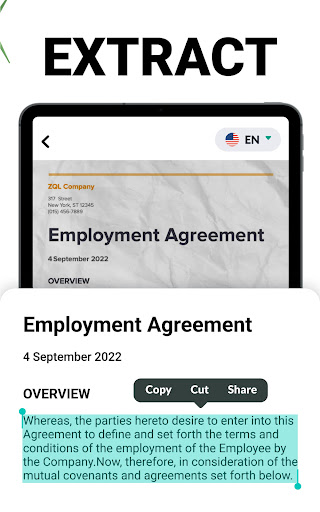
3. In-app Purchases: While the basic version may be free, access to premium features frequently necessitates in-app purchases. This can be a disadvantage for users looking for a one-stop, cost-effective solution without additional expenses for features like batch scanning, OCR (Optical Character Recognition), or cloud integration.


