Junk Cleaner
- 2.39K
- 4.4
- Installs
- 480.00M
- Version
- Varies with device

Screenshots

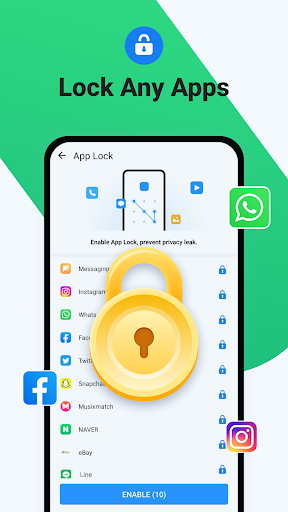
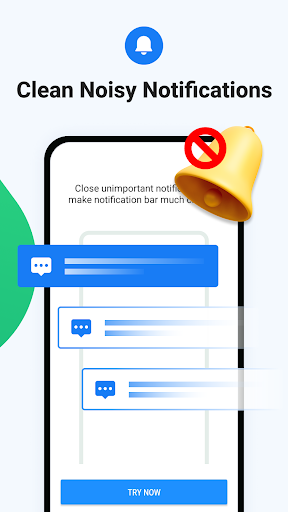
Pro
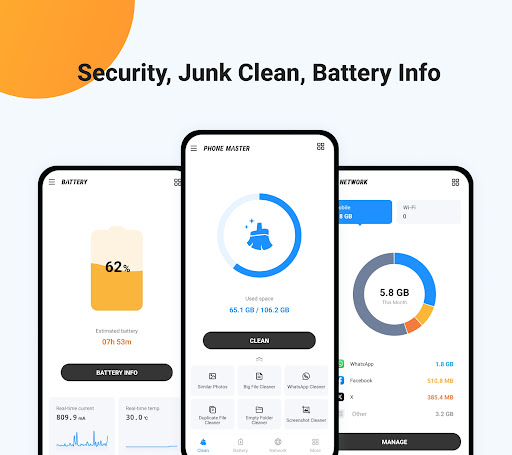
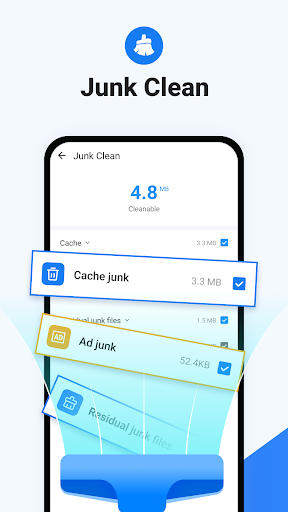
1. Enhanced Performance: The app efficiently removes junk files and cached data, freeing up storage space and improving device speed.
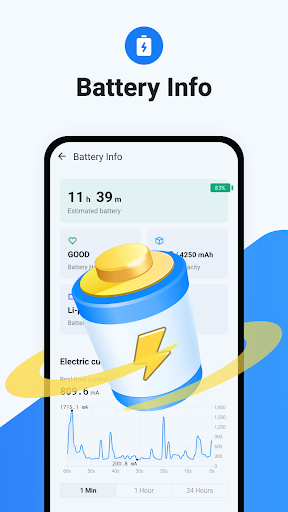
2. Battery Life Extension: By optimizing background processes and reducing unnecessary tasks, the app helps to conserve battery power and extend device usage time.
3. User-Friendly Interface: With an intuitive design, the app makes it easy for users to navigate and perform cleaning operations, catering to both tech-savvy and novice users.
Con
1. Limited Customization: Users report limited control over what gets cleaned, risking the unintentional removal of important files or data.
2. Aggressive Ads: The app has been criticized for displaying too many ads, which can be intrusive and disrupt the user experience.
3. Potential Privacy Concerns: As with many free cleaner apps, there might be issues related to data privacy and the collection of personal information without adequate transparency.


