FNB Banking App
- 2.44K
- 4.2
- Installs
- 810.00M
- Version
- Varies with device

Screenshots







Brief
Experience the future of helpful innovation!
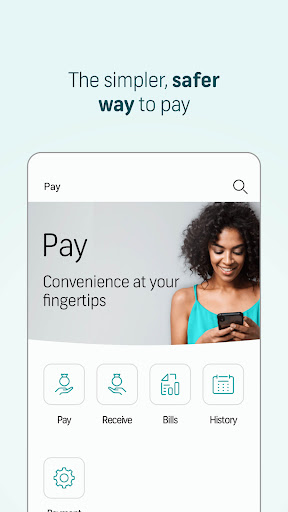
During COVID-19, FNB has made it possible for you to make cashless payments safely from home. FNB App has rolled out cardless payments to secure your transactions, with features like sending eWallet, scanning QR codes to pay, etc available.
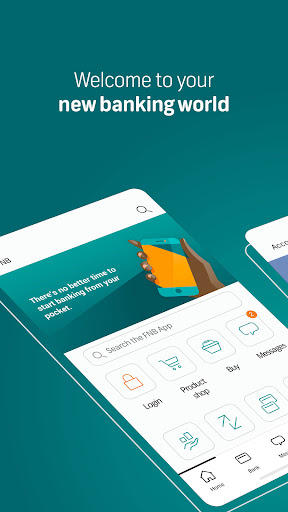
With FNB Banking App, you can bank wherever the app takes you with a brisk, simple, and accessible way to transact from the warmth of your home, or on the move. At your fingertips, you can always know what your money’s doing, stay balanced, and move your funds at one instant.
Key Features
- Earn up to 15% back in eBucks at Clicks
- COVID-19 Loan Scheme Phase 2 for business #RealHelp
- Get money in your pocket with the app in hand
- Helping people to help themselves
- FNB Pay: pay at stores that have Zapper or SnapScan
How to use FNB Pay
- Customers will find the QR payment system under the “Payments” tab, and go to “FNB Pay”, then select “scan to pay”.
- The second way is tapping your phone on the card machine and payment finished in one tap. Unlock your phone with preferable means (phones must be unlocked to use FNB Pay).
- Your phone will vibrate once for successful payment and you will receive a push notification. After reaching the limit amount, you will be asked to enter your PIN and proceed payment on the card machine.
- Open the banking app and select FNB Assist, here you can view video tutorials on all in-app functionality. Also see answers to frequently asked questions from Help under Information from the main menu.
By downloading or using the FNB Banking App for smartphones, you agree to be bound by the license agreement located at https://fnbtouch.fnbconnect.co.za/software_license.pdf . This agreement is incorporated into this notice for reference.
If you do not agree to the license agreement, do not download or use the application.
Terms & conditions apply.


