
draw.io Diagrams
for Windows- Name draw.io Diagrams
- Category Productivity
- Downloads 78,000,000+
- Developer JGraph Ltd
- Available on PC
- OS Windows 10 version 14316.0 or higher
- Architecture x64
- Keyboard Integrated Keyboard
- Mouse Integrated Mouse
Pros
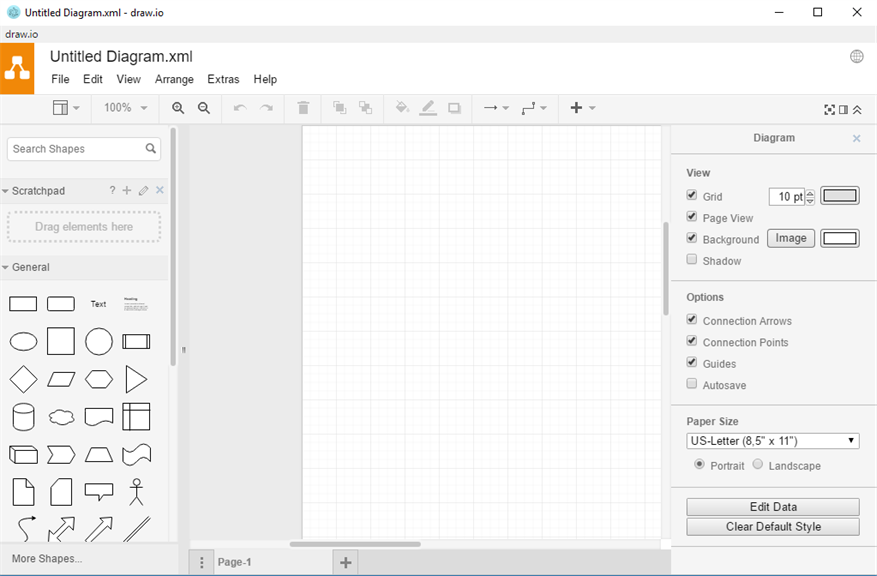
1. User-friendly Interface: draw.io Diagrams software for PC offers a simple and intuitive interface, making it easy for users to create professional diagrams. With a wide range of pre-built shapes and templates available, it enables users to quickly visualize their ideas and concepts without any hassle.
2. Collaborative Features: This software allows multiple users to collaborate in real-time. With its cloud-based storage and seamless integration with popular productivity tools like Google Drive and Dropbox, team members can efficiently work together on diagrams, making it ideal for group projects and remote collaborations.
3. Versatile Functionality: draw.io Diagrams software offers a wide range of features and customization options, allowing users to create diagrams for various purposes, such as flowcharts, org charts, wireframes, and more. It supports importing and exporting files in various formats, providing flexibility and compatibility with other software and platforms.
Cons
1. Limited offline functionality: draw.io Diagrams software for PC relies heavily on an internet connection to provide full functionality, limiting its usefulness in offline scenarios.
2. Complexity for beginners: The software can be overwhelming for novice users due to its extensive range of features and tools, requiring a steeper learning curve compared to simpler diagramming tools.
3. Lack of advanced customization options: While draw.io offers a wide range of features, it lacks more advanced customization options for fine-tuning elements such as shapes, fonts, and diagrams, limiting the level of control users have over their designs.


