
KDE Connect
for Windows- Name KDE Connect
- Category Productivity
- Downloads 86,000,000+
- Developer KDE e.V.
- Available on PC
- OS Windows 10 version 14316.0 or higher
- Architecture x64
- Mouse Integrated Mouse
- Keyboard Not specified
Pros
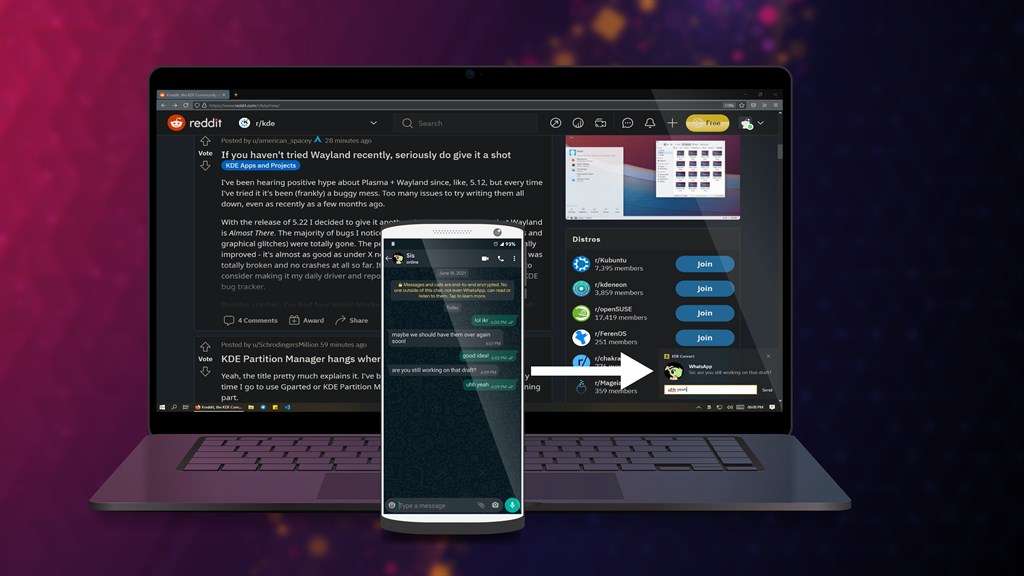
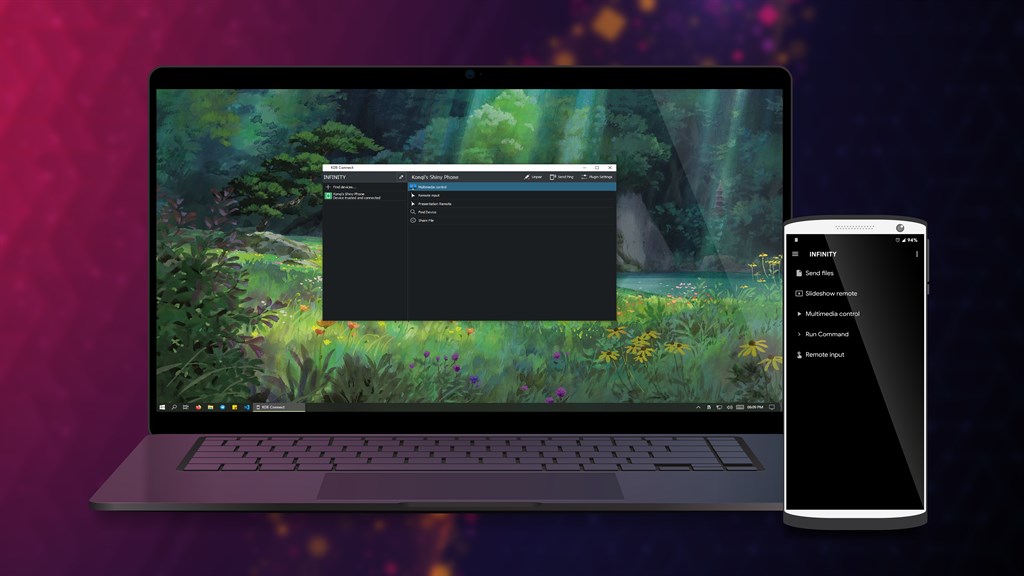
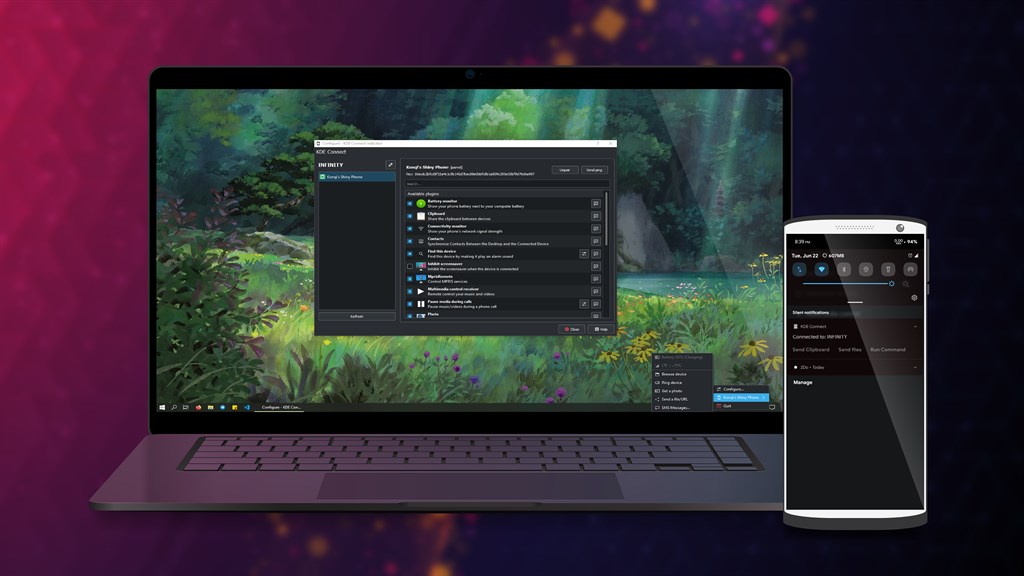
1. Seamless Integration: KDE Connect allows for effortless communication between your PC and mobile device, enabling features like shared clipboards, file sharing, and notifications synchronization, providing a unified experience across devices.
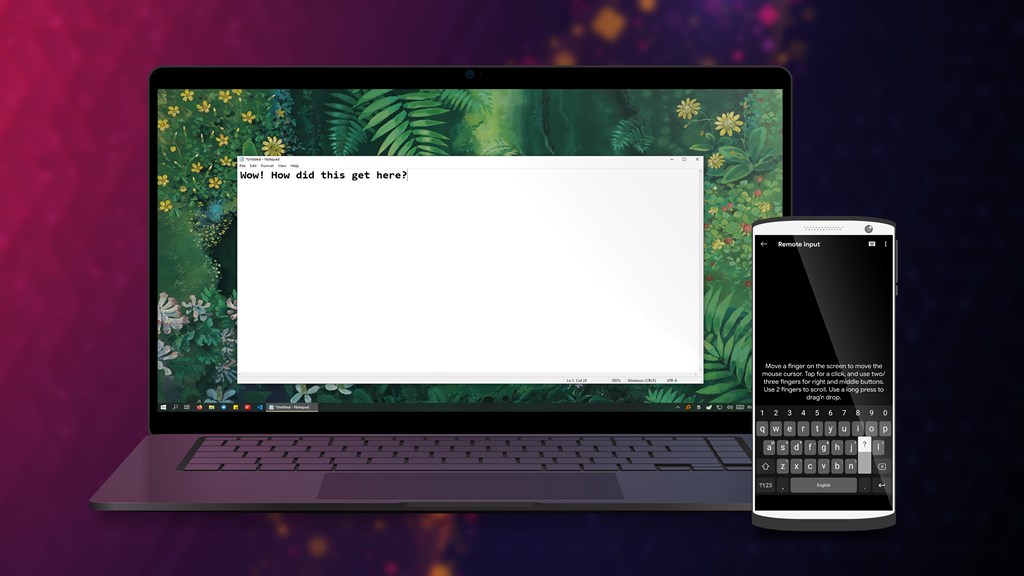
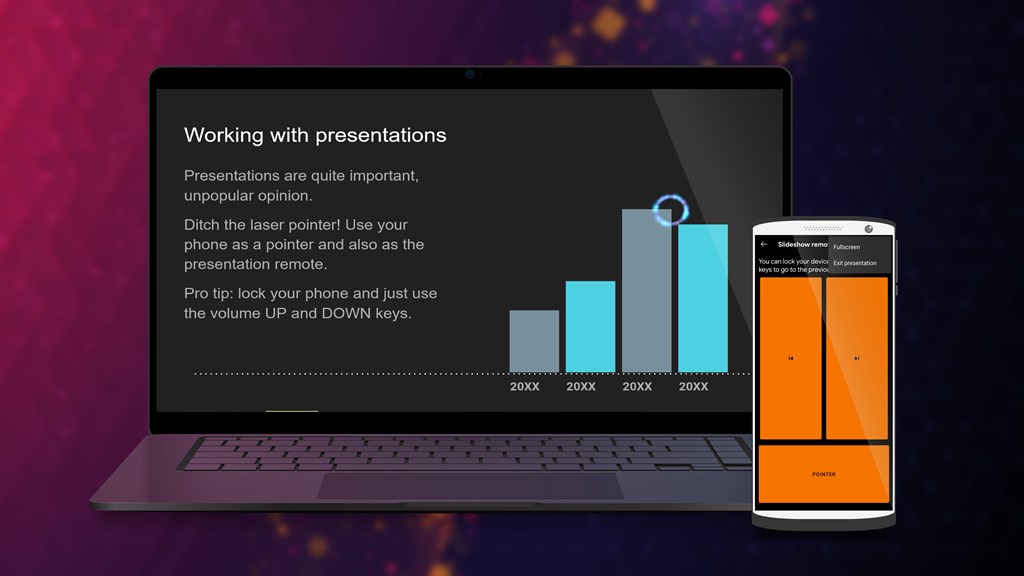
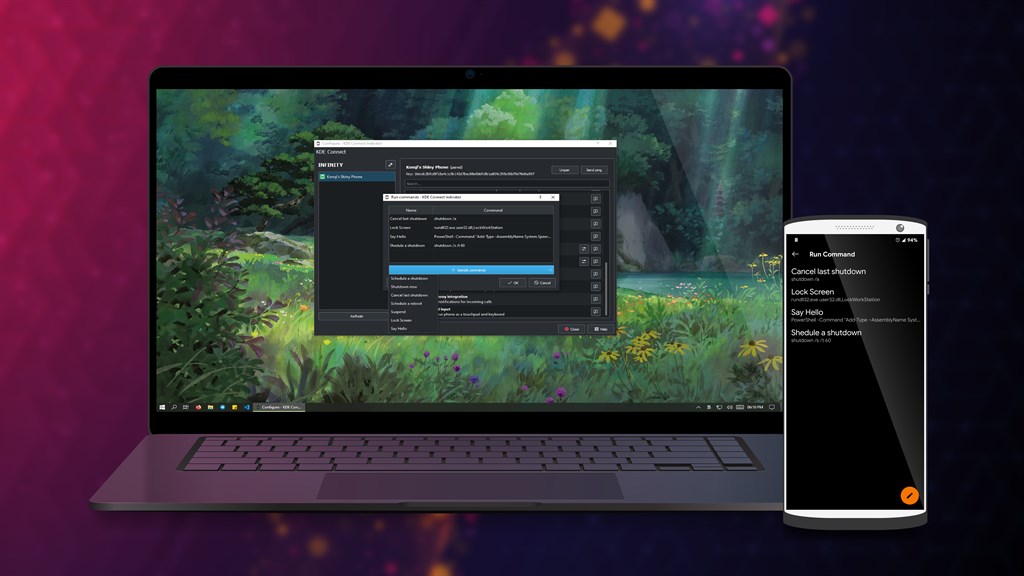
2. Convenience: The software offers remote control capabilities, allowing you to control your PC’s media playback and cursor right from your smartphone, enhancing ease of use and accessibility.
3. Security: KDE Connect establishes a secure connection between devices using encryption, ensuring that all transferred data and shared notifications maintain privacy and are protected against unauthorized access.
Cons
1. Limited Cross-Platform Support: KDE Connect is primarily designed for integration between KDE on Linux and Android devices. Users on other operating systems like Windows or iOS may experience limited functionality or have difficulties in setting up and using the software to its full potential.
2. Potential Security Concerns: KDE Connect offers various features that require access to personal data and device functions. These features might pose security risks if not implemented with robust protection, especially on unsecured networks, making the system vulnerable to potential breaches.
3. Performance Impact: KDE Connect runs continuously in the background to maintain connection and sync features, which can lead to increased resource usage on the PC. This might result in slower performance, particularly on older or less powerful hardware that struggles with additional processes.


