
Microsoft To Do: Lists, Tasks & Reminders
for Windows- Name Microsoft To Do: Lists, Tasks & Reminders
- Category Productivity
- Downloads 94,000,000+
- Developer Microsoft Corporation
- Available on PC, Mobile, Surface Hub
- OS Windows 10 version 17763.0 or higher
- Architecture x86, x86, x64, x64, Arm64, Arm64



Pros
1. Microsoft To Do is a user-friendly software that allows you to easily create and manage lists, tasks, and reminders all in one place on your PC. It helps you stay organized and prioritize your daily activities efficiently.
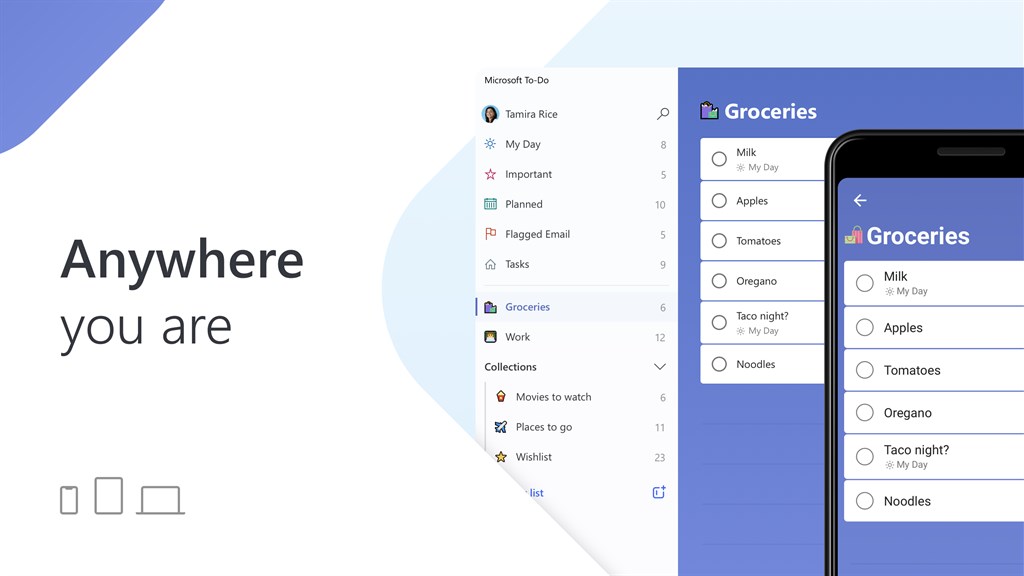
2. With Microsoft To Do, you can synchronize your tasks and lists across devices, ensuring that you have access to your to-do lists wherever you go. It provides seamless integration between your PC, mobile devices, and web browser.
3. The software offers smart suggestions and features, such as suggestions based on your previous tasks and the ability to add due dates, reminders, and subtasks. It helps you streamline your workload and stay on top of your commitments.
Cons
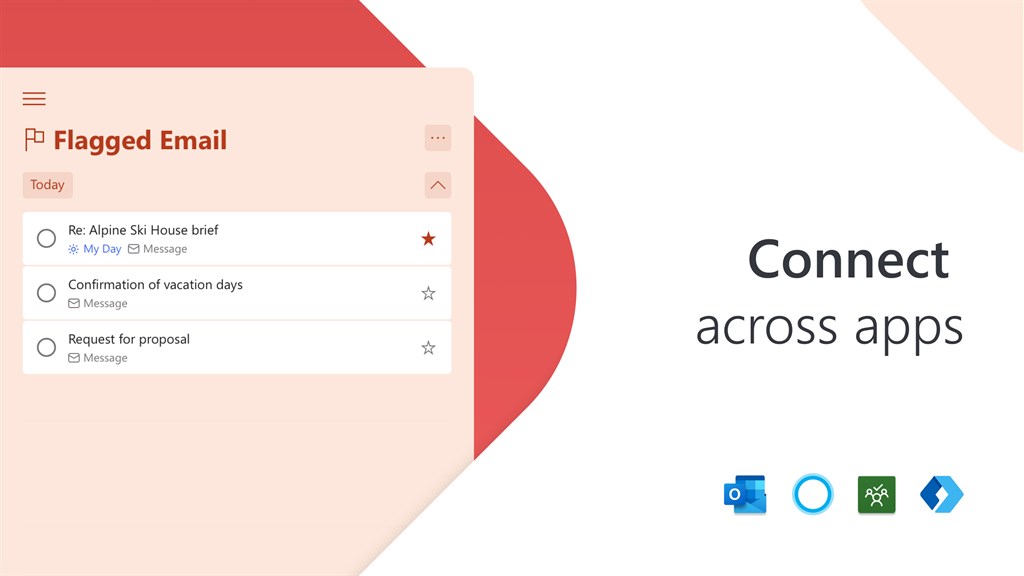
1. Limited Integration: Microsoft To Do may not integrate seamlessly with other software platforms or devices, limiting its usefulness for users who rely on a variety of tools and applications for task management.
2. Lack of Collaboration Features: The software does not offer robust collaboration features, making it less suitable for team-based projects or for users who require real-time collaboration and communication with others.
3. Complexity in Advanced Features: While Microsoft To Do is user-friendly for basic task management, it lacks advanced features such as custom task labels, priority levels, or advanced sorting options, which may limit its effectiveness for users with more complex organizational needs.


