
mSecure - Password Manager and Digital Wallet
for Windows- Name mSecure - Password Manager and Digital Wallet
- Category Productivity
- Downloads 71,000,000+
- Developer mSeven Software
- Available on PC, Mobile, Surface Hub
- OS Windows 10 version 17763.0 or higher
- Notes Windows 10, version 1803, build 17134
Pros
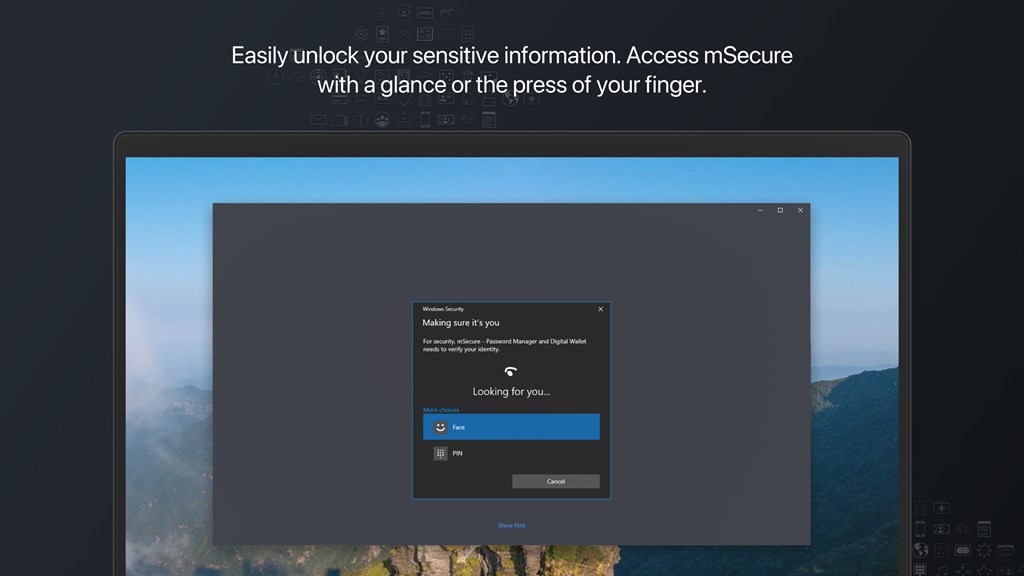
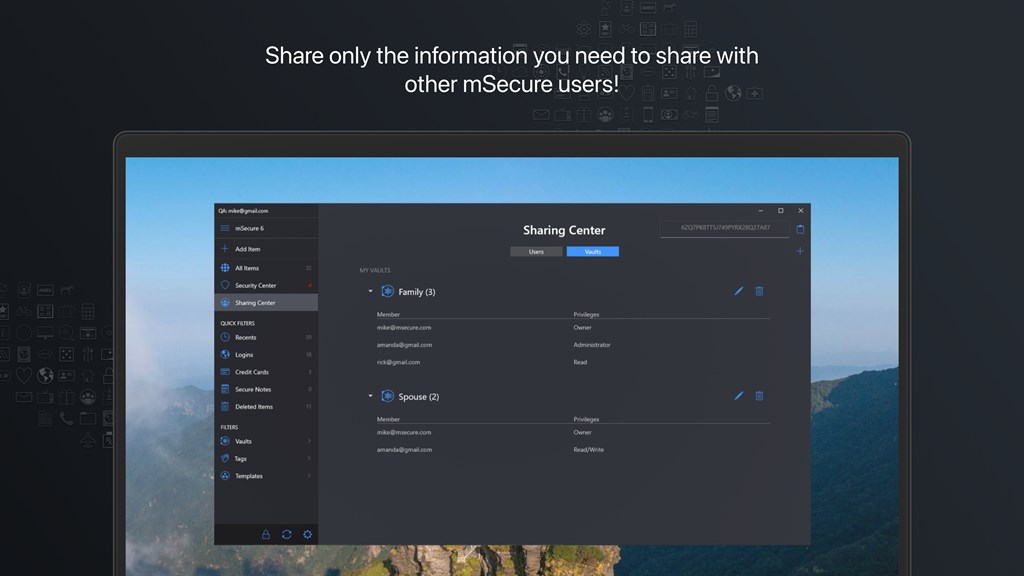
1. Security: mSecure uses military-grade encryption to protect your sensitive data, ensuring that your passwords and personal information are securely stored and inaccessible to unauthorized users.
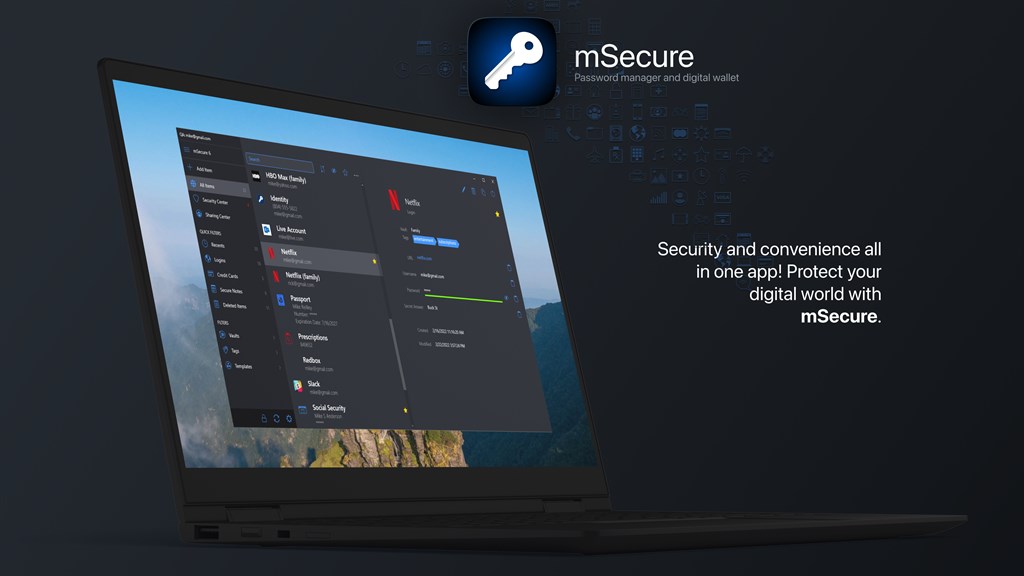
2. Organization: The software offers customizable categories, types, and templates, enabling you to organize your data efficiently and find information quickly when needed.
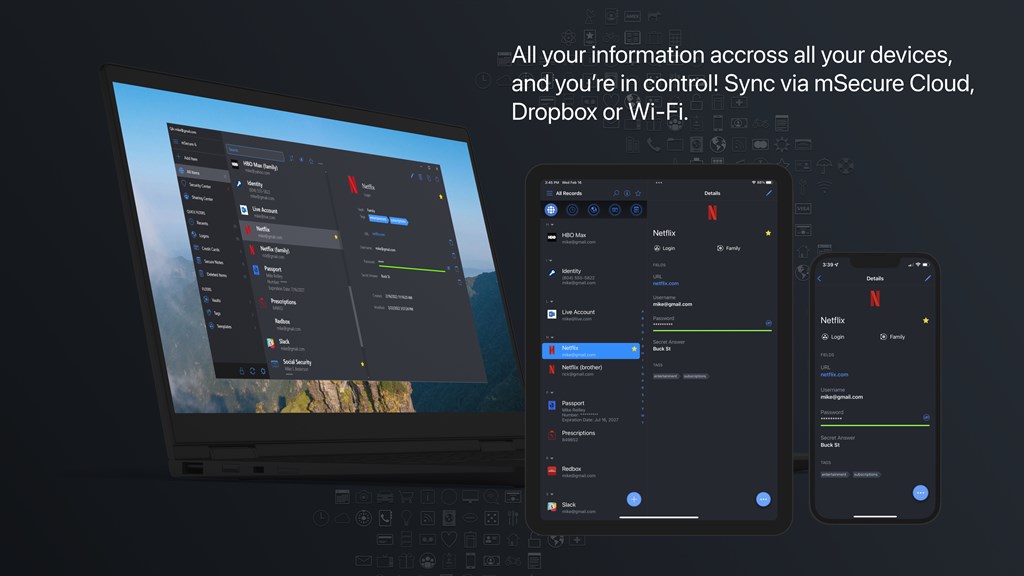
3. Cross-platform Syncing: mSecure supports cross-device synchronization, allowing you to access your passwords and data from any of your devices, providing convenience and continuity in managing your digital credentials.
Cons
1. No native browser extensions: mSecure lacks direct integration with web browsers, requiring users to manually copy usernames and passwords, which can be cumbersome and slow compared to managers with autofill capabilities via browser extensions.
2. Limited free version: The basic version of mSecure is quite restrictive, with premium features locked behind a subscription, making it less attractive for users wanting full functionality without cost.
3. No two-factor authentication: While mSecure encrypts data with industry-standard security, it does not offer two-factor authentication for an added layer of security, which is a significant drawback in today's cybersecurity landscape.


