
NVIDIA Control Panel
for Windows- Name NVIDIA Control Panel
- Category Utilities & tools
- Downloads 25,000,000+
- Developer NVIDIA Corp.
- Available on PC
- OS Windows 10 version 14393.0 or higher
- Architecture x64
- Keyboard Integrated Keyboard
- Mouse Integrated Mouse
- DirectX Version 9
- Memory 1 GB
- Notes Not specified
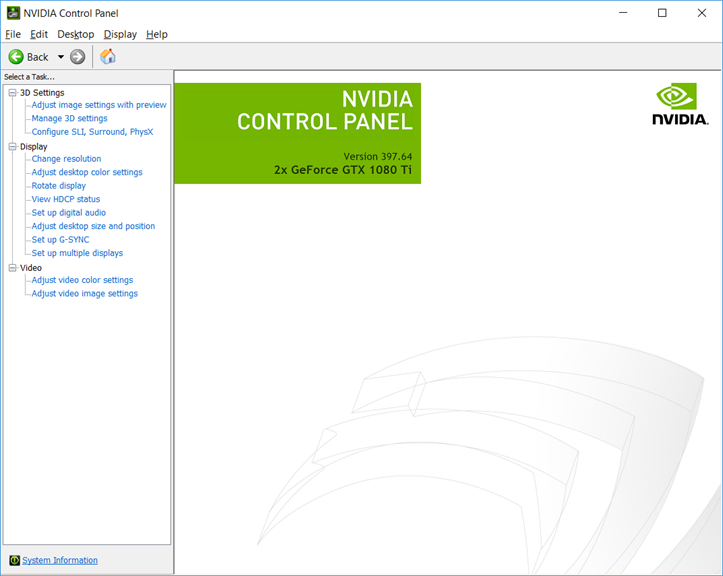
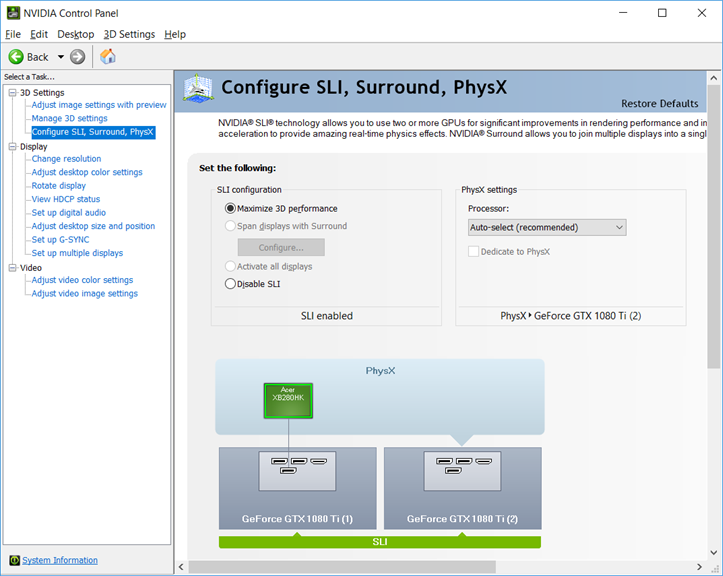
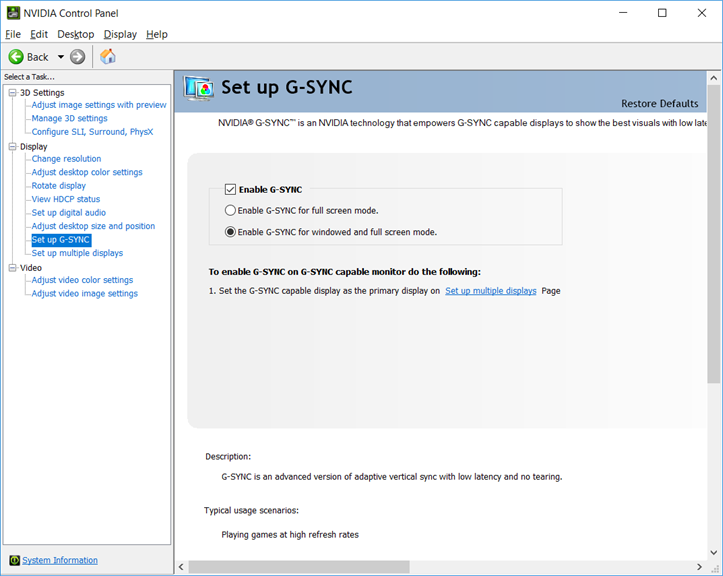
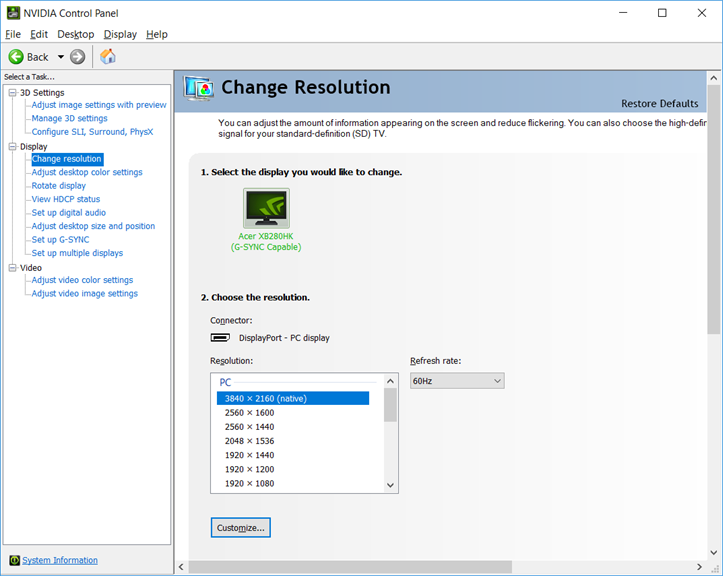
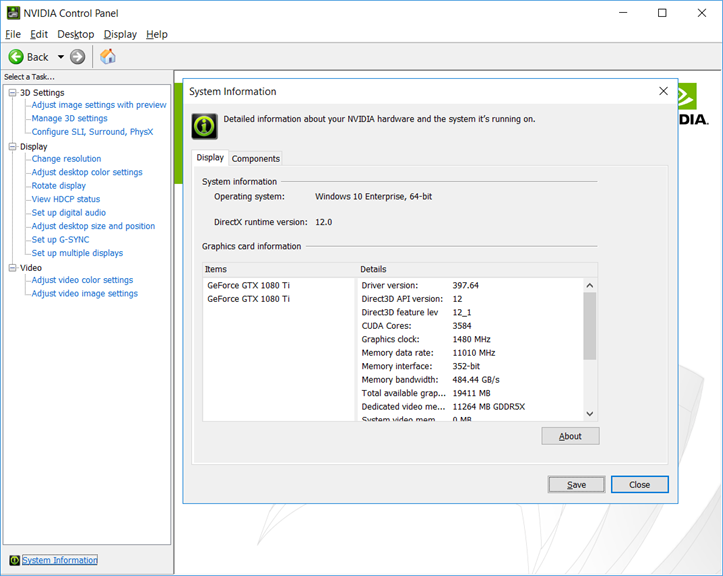
Pros
1. Customization: NVIDIA Control Panel allows users to fine-tune graphics settings, including resolution, refresh rate, and anti-aliasing, to optimize visual performance for specific applications or games.
2. Performance optimization: The software enables users to adjust power management settings and optimize GPU usage, resulting in improved overall system performance and responsiveness.
3. Driver updates: NVIDIA Control Panel provides easy access to the latest graphics driver updates, ensuring users can take advantage of the most up-to-date features and compatibility improvements for their NVIDIA GPUs.
Cons
1. Limited Compatibility: The NVIDIA Control Panel software may not be compatible with all PC configurations, limiting its usability for some users.
2. Complex Interface: The software's interface can be overwhelming and difficult to navigate, leading to confusion and potential errors in adjusting graphic settings.
3. Resource Intensive: Running the NVIDIA Control Panel software can consume significant system resources, potentially impacting overall PC performance and slowing down other tasks.


