
Twinkle Tray: Brightness Slider
for Windows- Name Twinkle Tray: Brightness Slider
- Category Utilities & tools
- Downloads 101,000,000+
- Developer Xander Frangos
- Available on PC
- OS Windows 10 version 14316.0 or higher
- Architecture x64
Pros
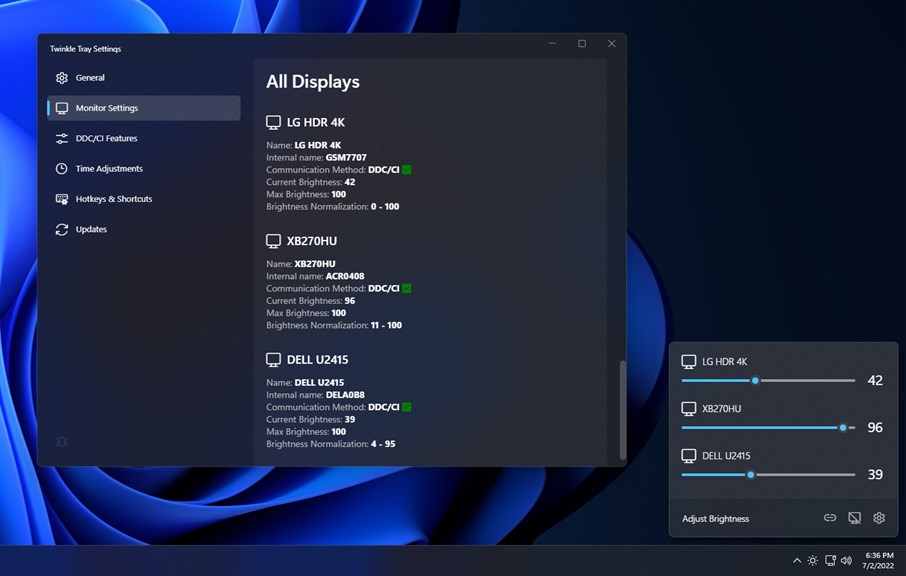
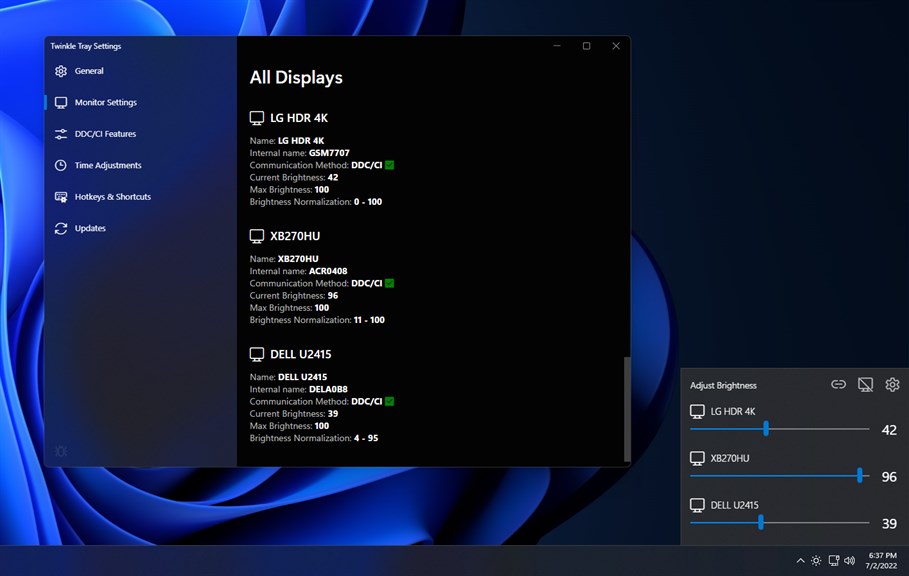
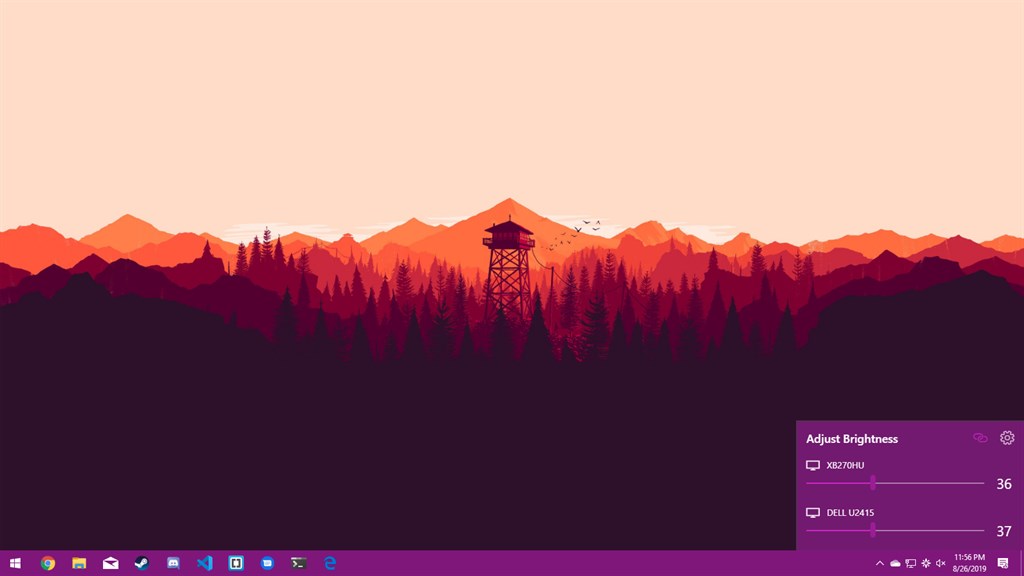
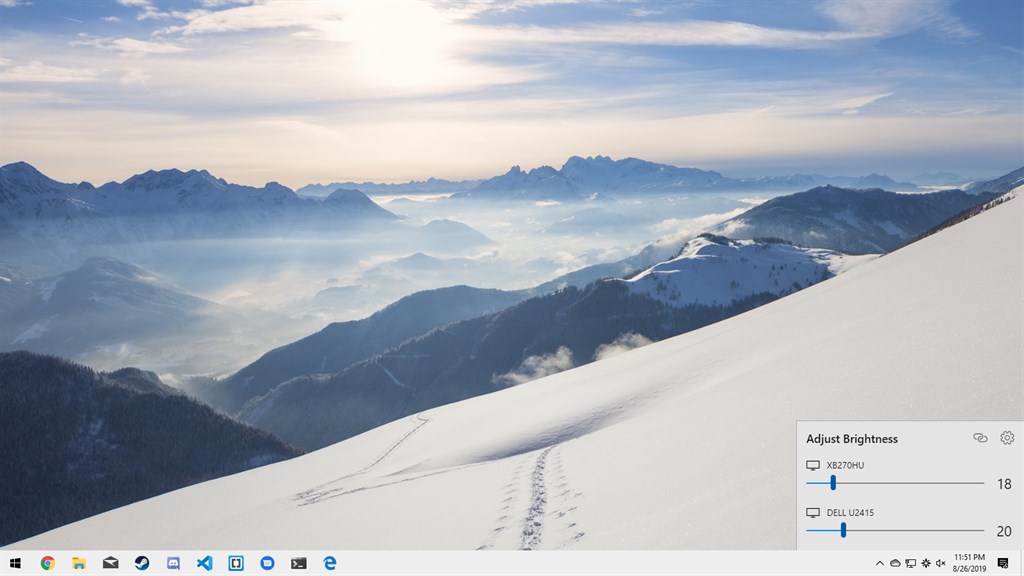
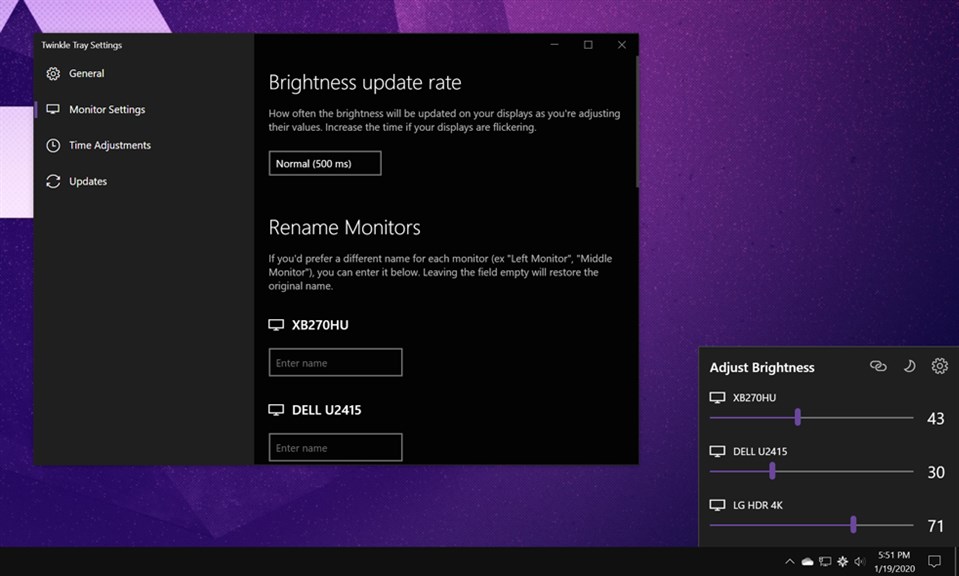
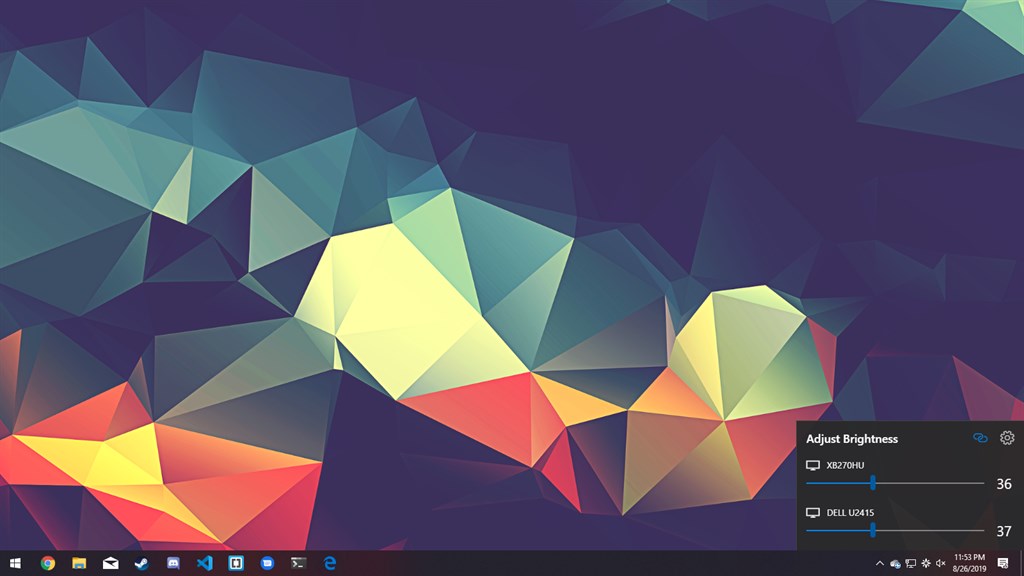
1. Easy Control: Twinkle Tray allows you to adjust the brightness of multiple monitors directly from the system tray, providing a convenient and quick way to fine-tune your display settings without navigating complex menus.
2. Automatic Adjustments: The software can automatically change brightness levels based on the time of day, reducing eye strain and ensuring optimal visibility across different lighting environments.
3. Individual Monitor Settings: It offers individual control for each connected monitor, which is especially useful for multi-monitor setups where displays may have different brightness requirements due to disparate ambient light conditions or panel technologies.
Cons
1. Limited Compatibility: Twinkle Tray primarily works with external monitors that support DDC/CI, so older or incompatible displays won't be able to use the brightness adjustment features.
2. Possible Software Conflicts: Running alongside other display management software may lead to conflicts, potentially causing system instability or functionality issues.
3. Resource Usage: Although minimal, Twinkle Tray runs in the background, consuming system resources, which might slightly impact the performance on lower-end systems.


