
WinDbg
for Windows- Name WinDbg
- Category Developer tools
- Downloads 36,000,000+
- Developer Microsoft Corporation
- Available on PC
- OS Windows 10 version 17763.0 or higher
- Architecture x86, x64, Arm64
- Keyboard Integrated Keyboard
- Mouse Integrated Mouse
Pros
1. Post-Mortem Debugging: WinDbg allows for analysis of memory dumps, providing insights into the cause of crashes or errors in PC software, enabling developers to identify and fix issues efficiently.
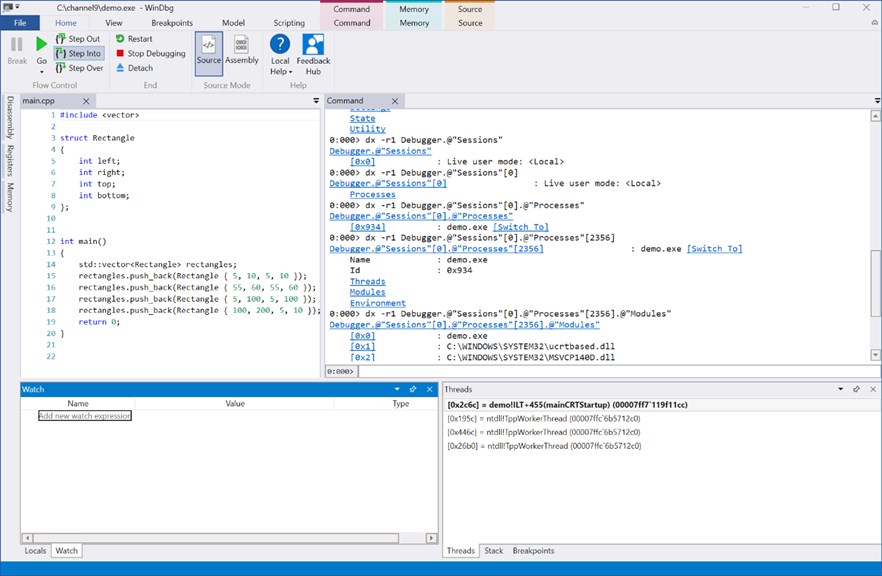
2. Real-Time Debugging: With WinDbg, developers can perform real-time debugging, enabling them to track code execution, monitor variables, and analyze memory usage, facilitating efficient troubleshooting and optimization during the software development process.
3. Kernel-Mode Debugging: WinDbg supports kernel-mode debugging, allowing developers to debug device drivers, system processes, and the Windows kernel itself. This feature helps identify and resolve complex issues that occur at the core operating system level.
Cons
1. Steep Learning Curve: WinDbg has a complex and steep learning curve, requiring users to possess advanced debugging and programming skills to effectively utilize the software.
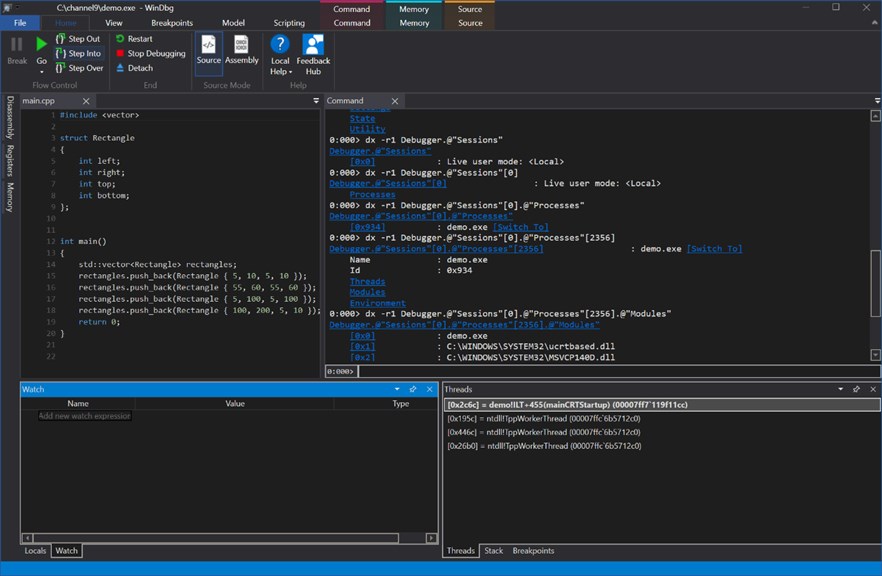
2. Lack of User-Friendliness: The software has a relatively outdated, text-based interface that can be challenging for non-experts to navigate and comprehend, making it less user-friendly compared to other debugging tools.
3. Limited Compatibility: WinDbg is primarily designed for Windows platforms, limiting its compatibility with other operating systems and making it less versatile for multi-platform software development and debugging.


