
Windows HDR Calibration
for Windows- Name Windows HDR Calibration
- Category Utilities & tools
- Downloads 46,000,000+
- Developer Microsoft Corporation
- Available on PC
- OS Windows 11 version 22000.0 or higher
- Architecture x86, x64
- Mouse Integrated Mouse
- Graphics Processor HDR-compatible GPU and Display
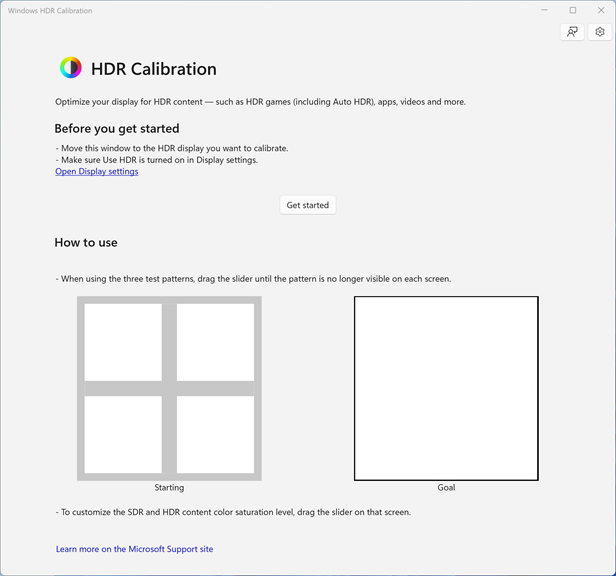
Pros
1. Precision: The Windows HDR Calibration software allows users to accurately calibrate and fine-tune their HDR displays, ensuring optimal brightness, contrast, and color accuracy for an immersive viewing experience.
2. User-friendly: With a user-friendly interface, the software simplifies the calibration process, making it accessible to users of all levels of technical expertise.
3. Customization: The software offers extensive customization options, allowing users to adjust HDR settings to suit their specific preferences or requirements, ensuring a personalized visual experience.
Cons
1. Limited compatibility: The Windows HDR Calibration software is only available for PCs running Windows operating systems, excluding users on other platforms such as Mac or Linux.
2. Lack of advanced customization options: The software provides limited settings for adjusting HDR display settings, which may not be sufficient for users who require precise calibration and prefer more advanced customization options.
3. On-screen calibration limitations: The software does not support on-screen calibration, meaning users may need to rely on external calibration tools or devices to achieve accurate HDR calibration results.


